New security features for corporate mail
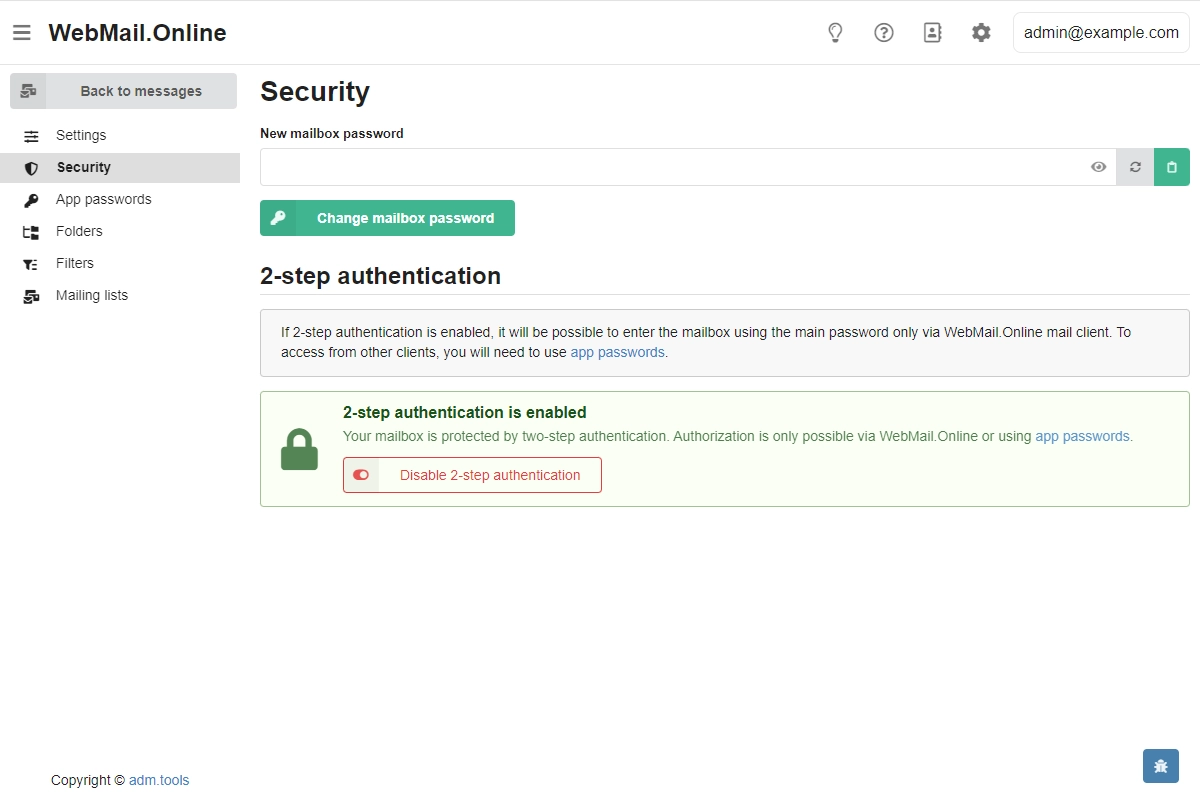
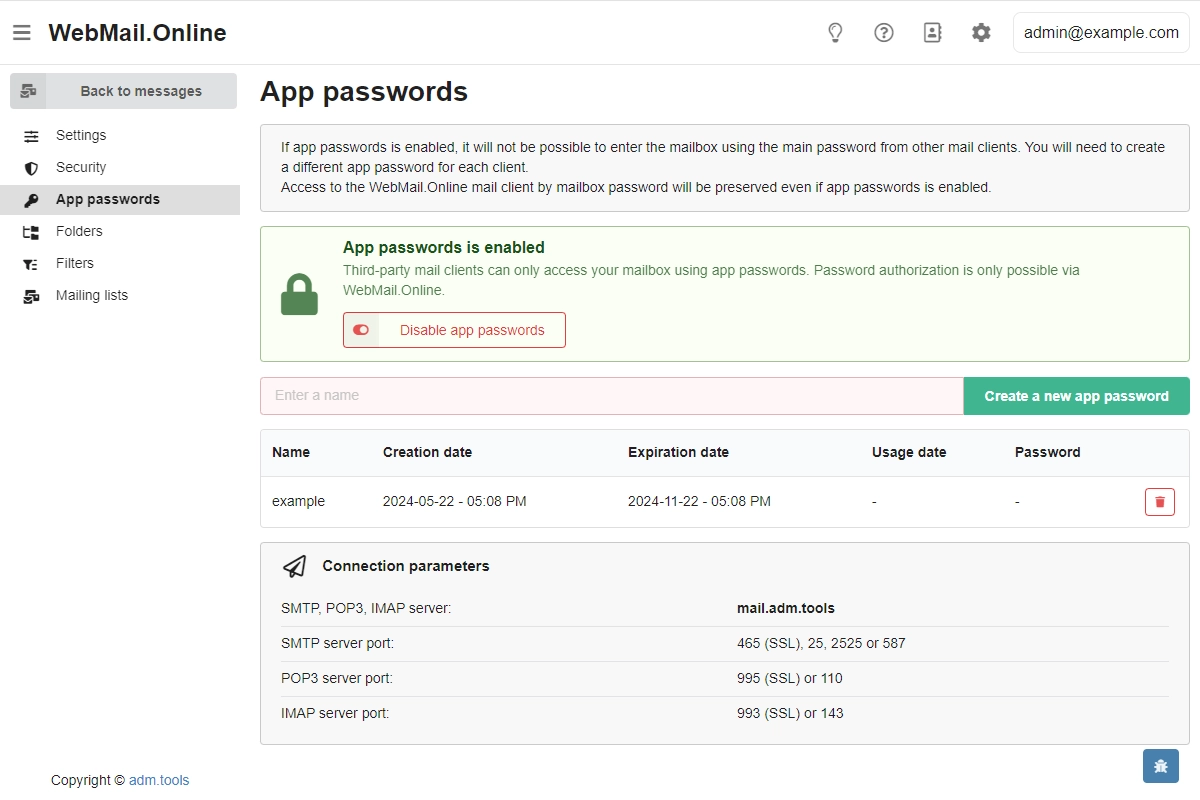
We have extended the security management capabilities for corporate mail and implemented two new features.
2-step authentication. Allows you to protect your mailbox login via WebMail.Online — when logging in, in addition to the mailbox address and password, you will need to enter a one-time code generated by the authenticator app. When this feature is enabled, the ability to log in with a primary password is retained only for WebMail.Online, and for WebMail classic and other email clients and scripts, connection will be possible only using app passwords.
App passwords. Allows you to manage access to your mailbox in a more flexible way — instead of the primary password, use separate passwords for each mail client or script, give passwords their own names, see the date of their last use and delete them without affecting the rest. Each app password is valid for 6 months.
The new features are managed through the WebMail.Online interface. Enabling any of them disables access to the mailbox without a password from the control panel. At the same time, the mail domain administrator retains the ability to set a new password or reset 2-step authentication at any time.
For more information, please see our wiki: 2-step authentication, app passwords.