Manage cookies that are used for advertising, such as ad personalization, remarketing, and ad effectiveness analysis.
4.3.7.4. View email headers in Gmail
To view the email headers, open the email in Gmail, click on the three dots button, and select "Show original":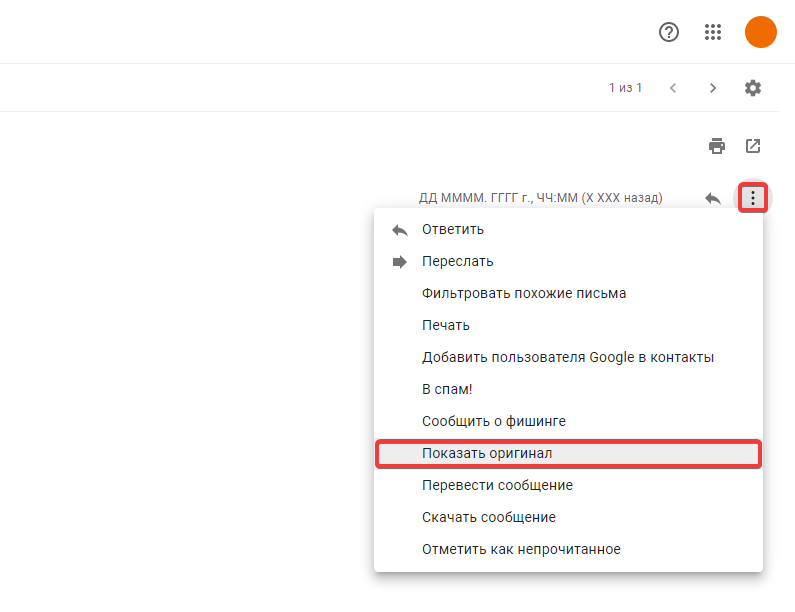
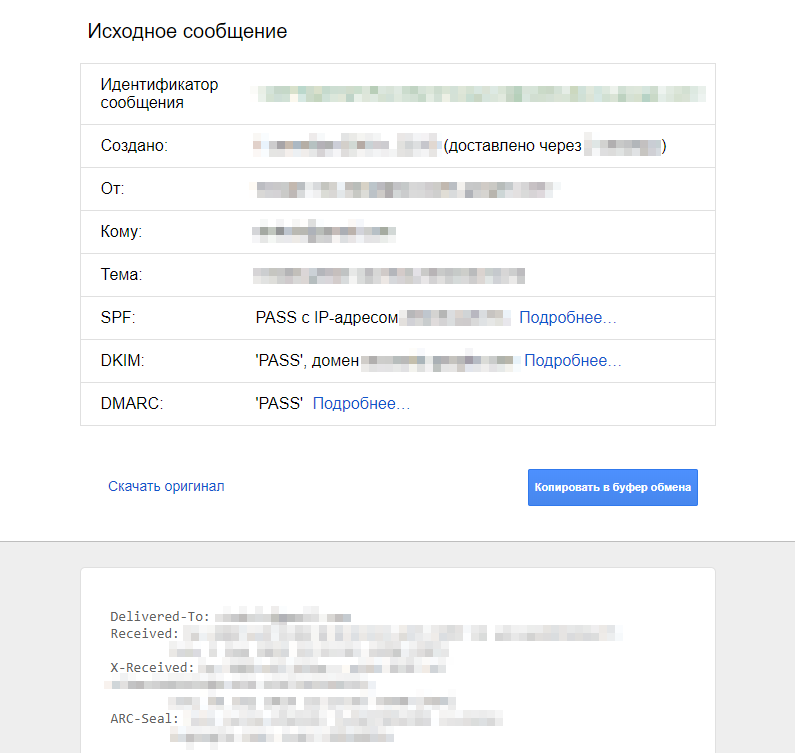
After that, a tab will open where you can view summary information and all headers, download the message in EML format, or copy it to clipboard: