Manage cookies that are used for advertising, such as ad personalization, remarketing, and ad effectiveness analysis.
Hosting Plans for Joomla CMS
NVMe disk space
Apache, OpenLiteSpeed
MySQL 8.4 / 5.7
*
Sites
Memory limit (RAM)
Server location
30-day moneyback
Quality
Ready-to-use solution for web studios and large projects
30 GB
1536 MB


What are the benefits of our Joomla hosting?
Automatic install
Install Joomla and other popular CMS platforms automatically in just a few clicks.
DDoS protection
Effective protection is when the site continues to work during the attack.
Site builder
A completely free WordPress based website builder. Build and customize your website without programming knowledge.
Virus Protection
Find viruses on disk and in account memory, preventing them from spamming and spreading further.
High-speed network connection
All servers have a high-speed network connection at the speed of 10 Gbit/s.
Backup
Automatic backups of all sites, as well as the ability to create manual backups.
Modern equipment
All hosting servers are located on modern servers with NVMe disks and AMD EPYC processors.
SSH and VNC console
For convenience, a WebSSH console is available that allows you to connect to the server via SSH through your browser.
Joomla hosting
Sites on the Joomla management system are guaranteed to be able to work on our hosting. Site owners based on CMS Joomla are provided with a number of tools that can quickly and easily find errors in the Joomla configuration. Especially for CMS Joomla, a number of tests were introduced in the technical verification of the site, which will allow you to fix errors in a few clicks. We have automated these checks in order to make Joomla hosting as simple and pleasant as possible. The most popular settings that are checked by the technical site check:
- The presence of BOM characters in the configuration file.
- The correctness of specifying the database connection settings.
- The presence of slow queries to the database.
- The correct configuration of mail sending in Joomla.
- Temp directory settings.
- Log directory settings.
- Session handler settings.
- Setting compression with gzip.
- Checking VirtueMart settings.
- Checking the configuration of the JCE module.
- and a number of other settings.
Some Joomla hosting settings are made automatically, and for some erroneous parameters, instructions for correcting are given. We are constantly working on increasing the number of parameters that are automatically checked.
Everything you need to know
Our website features a knowledge base to help you manage your site.
The documentation on our wiki describes all the features of the hosting service and this CMS.
Our technical support team is available to assist you 24 hours a day.
Joomla CMS Wiki DocumentationHow do I choose a hosting provider for Joomla?
When choosing a hosting provider, it’s important to consider speed, the type of storage (NVMe), the availability of backups, and customer support. For Joomla websites, it’s also important to ensure the server is optimized for the CMS.
Is this hosting suitable for Joomla?
Yes, the hosting is optimized for Joomla and ensures stable website performance and fast loading speeds.
Can Joomla be installed automatically?
Yes, you can install Joomla through the control panel and get your website up and running quickly.
Is this hosting suitable for online stores and websites?
Yes, this hosting is suitable for websites of any complexity, including online stores and large Joomla-based portals.
Can I transfer a website from another hosting provider?
Yes, you can migrate the site yourself or contact support. The migration is performed without any data loss.
Is there a trial period?
Yes, you can test the hosting service before paying to evaluate its speed, the ease of use of the control panel, and how the website performs.
Are there any backups?
Yes, regular backups are performed, which allows us to restore the website if necessary.
Do I need to configure the server manually?
No, the server is already configured to work with Joomla and is ready to use immediately after installation.
Hosting control panel
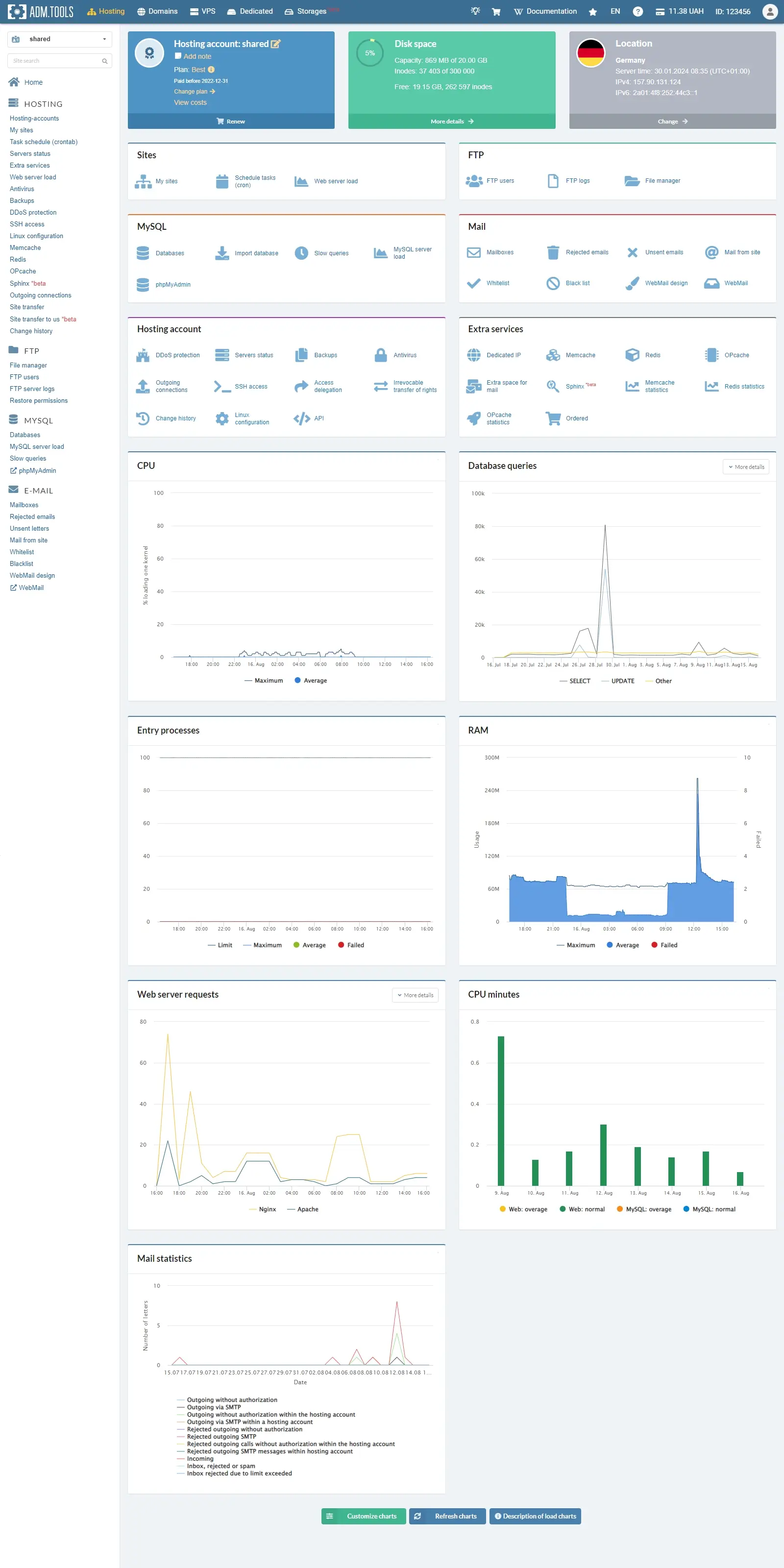
Hosting
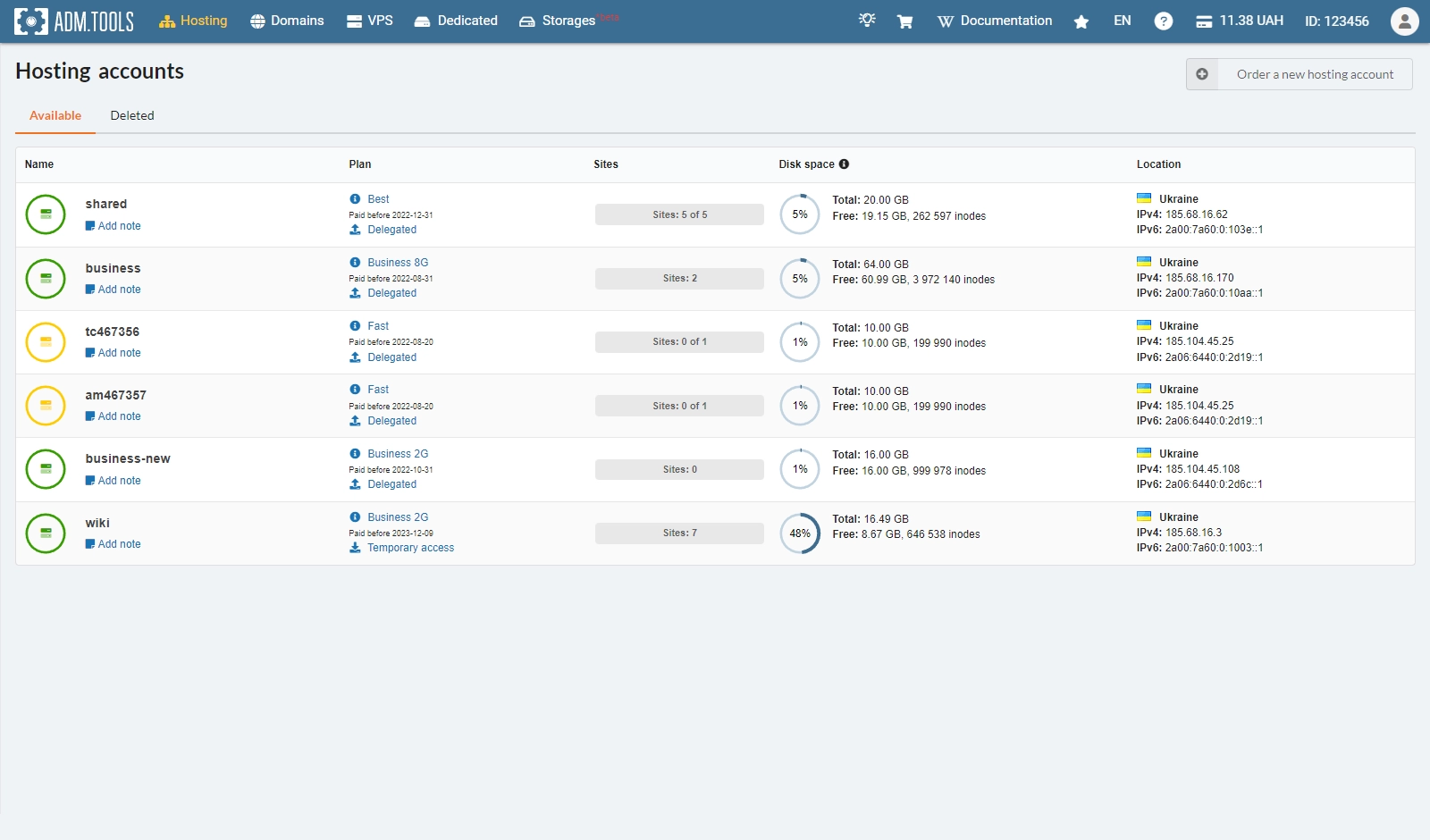
Hosting accounts
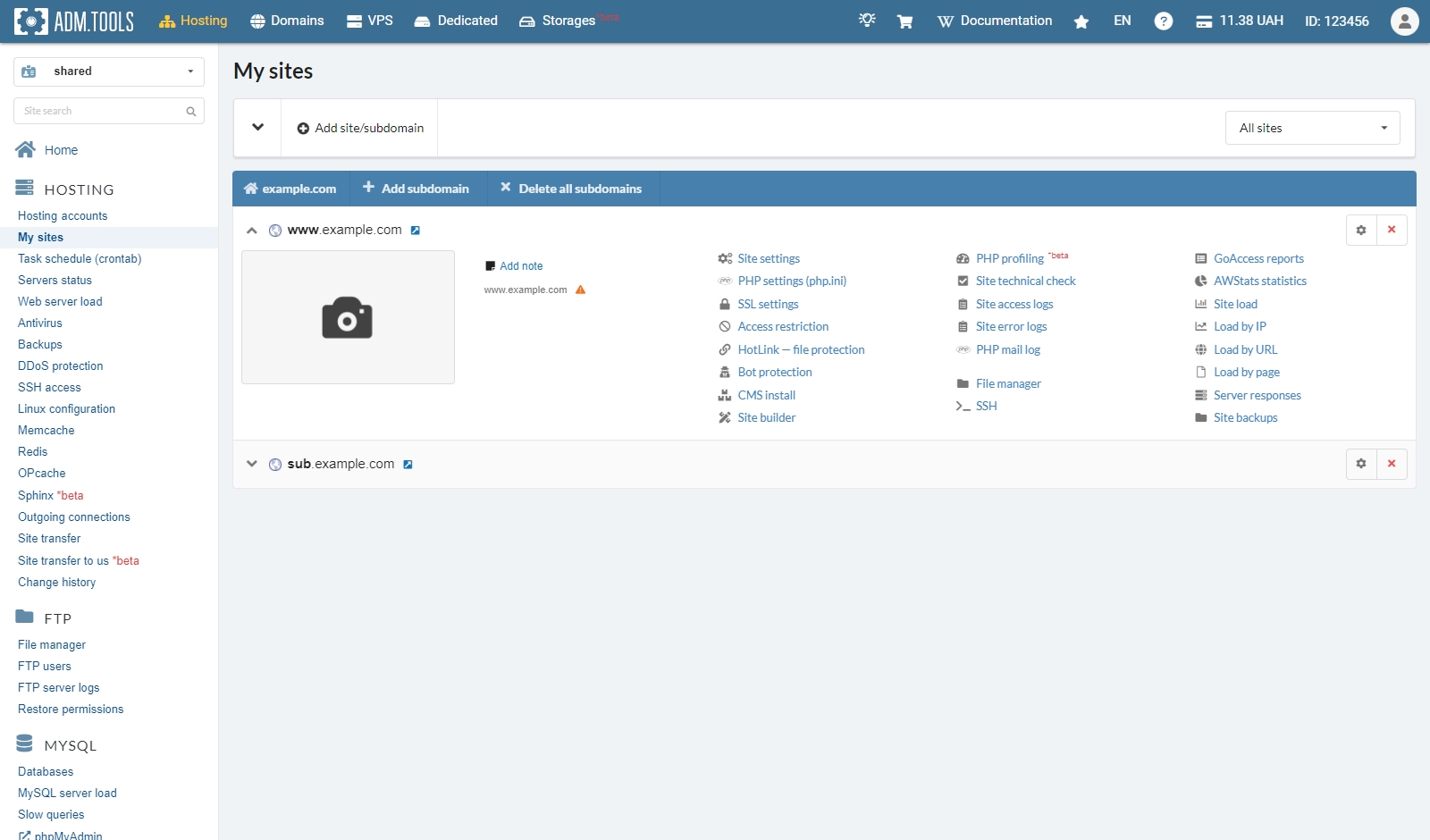
Sites
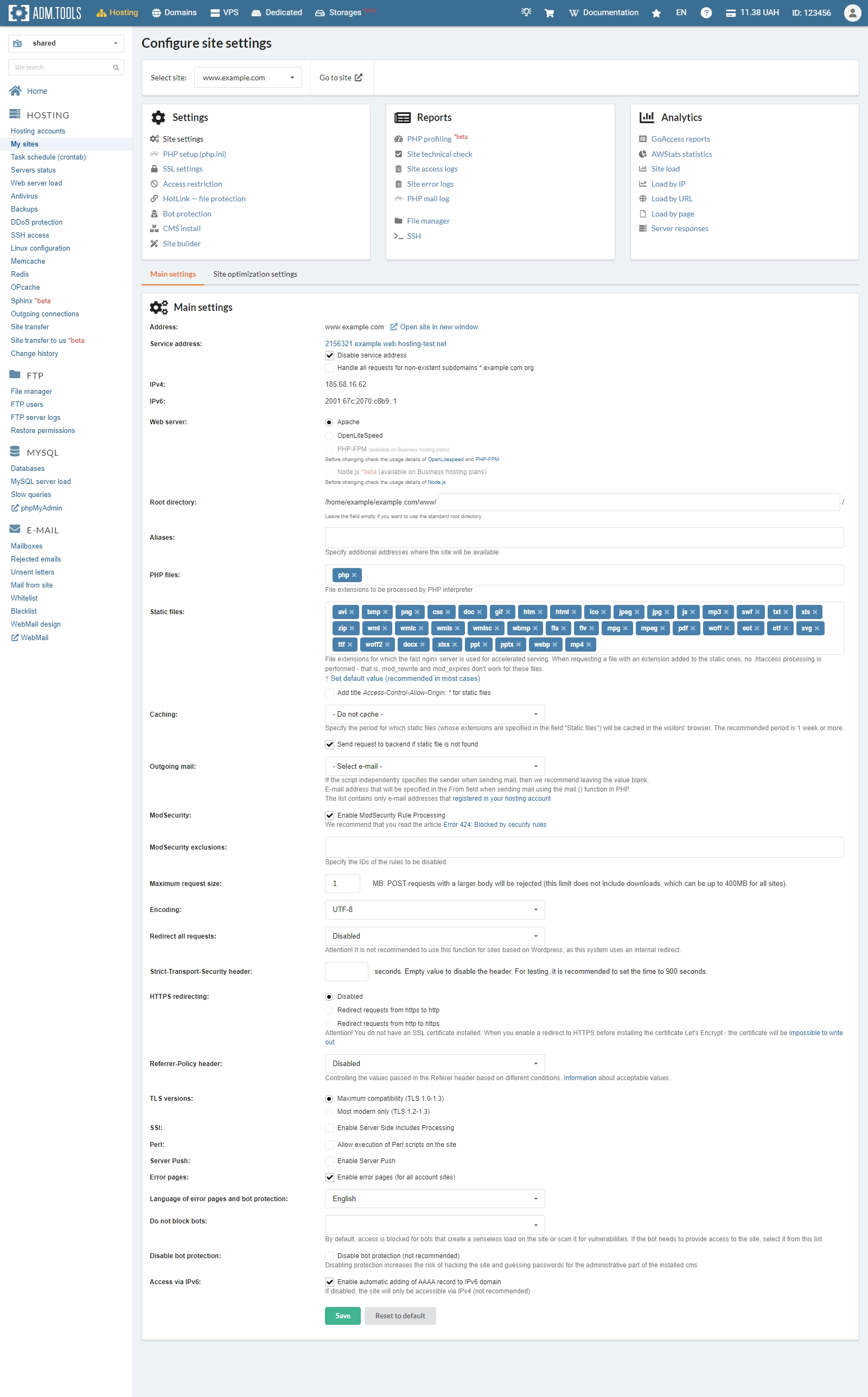
Site settings
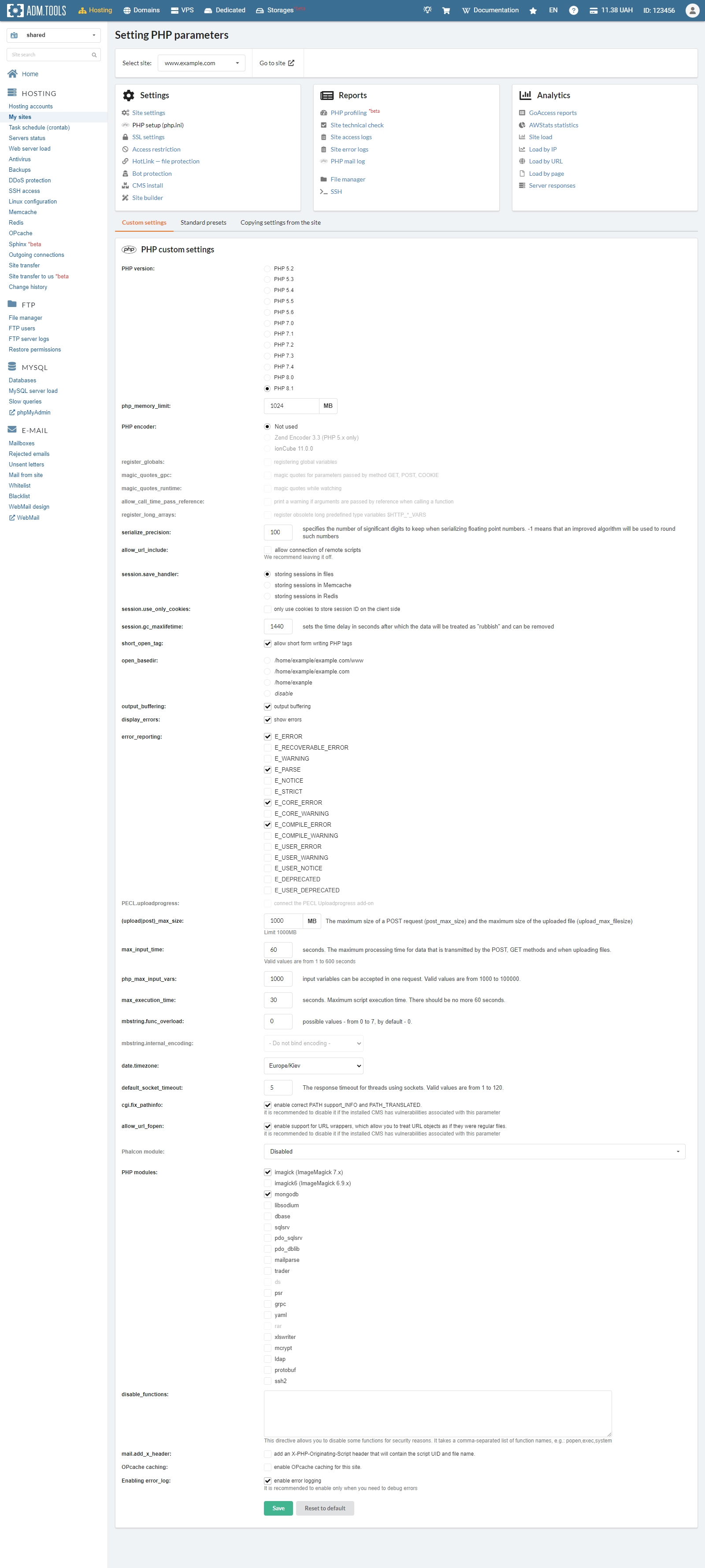
PHP setup
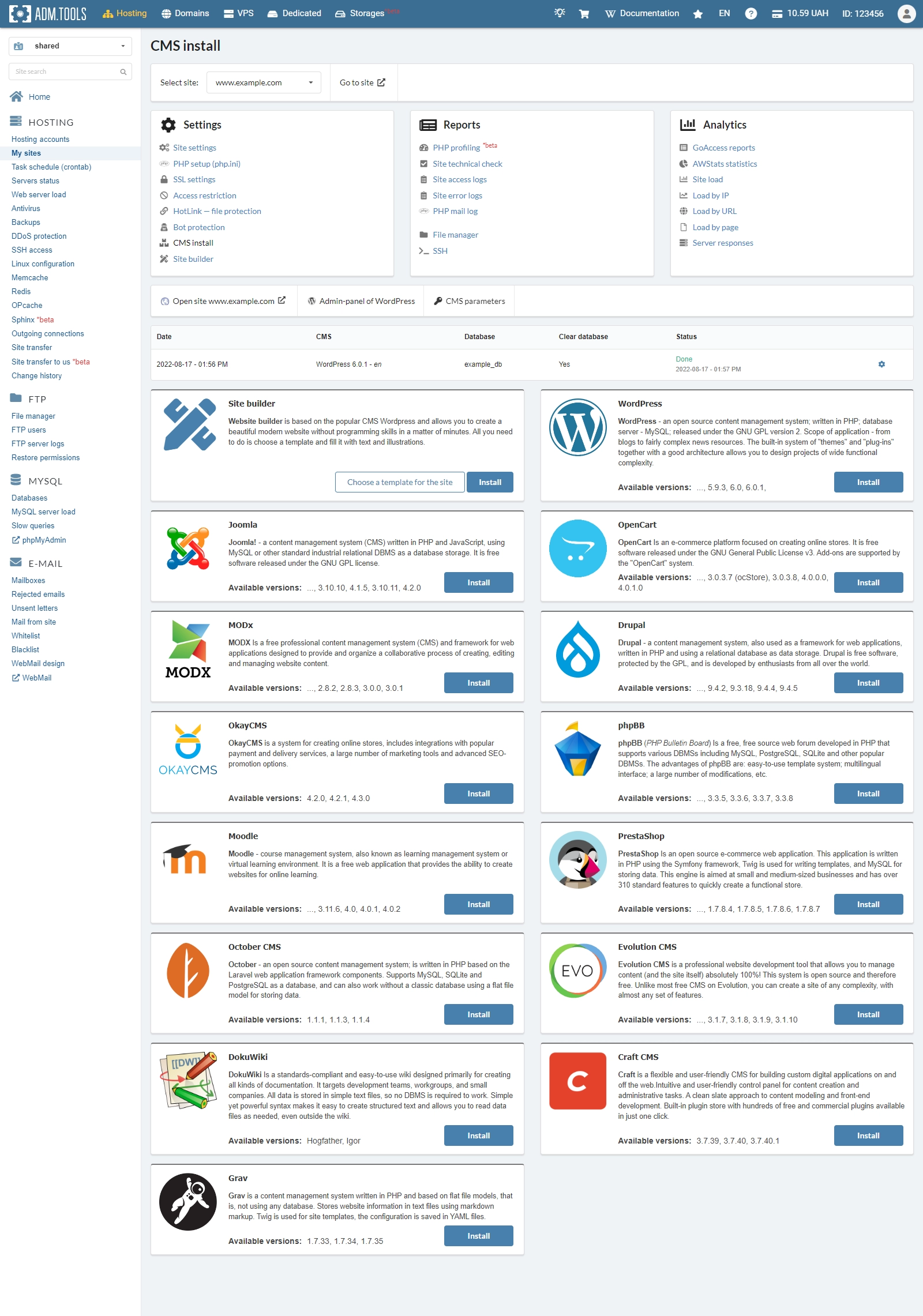
CMS install
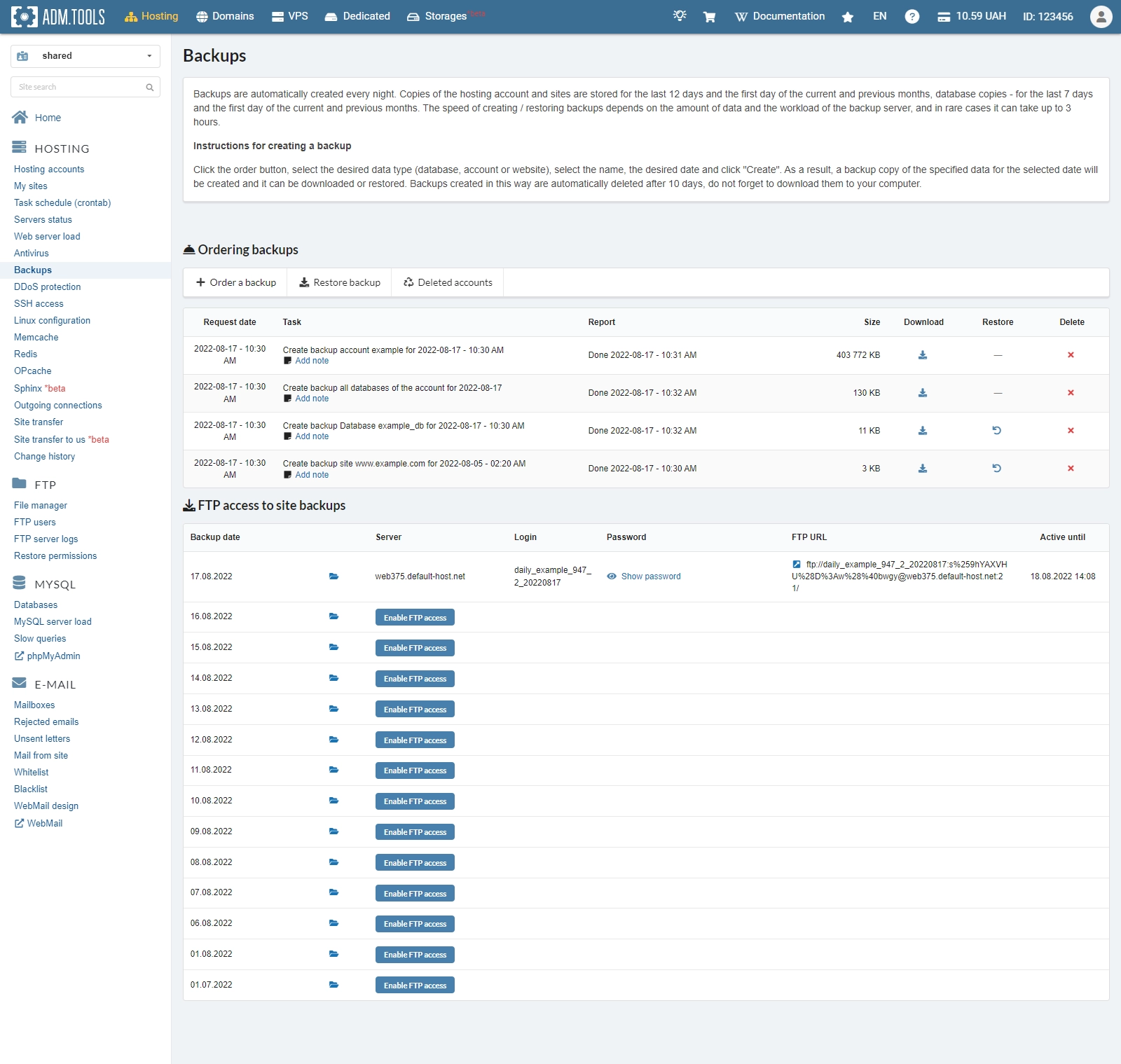
Backup
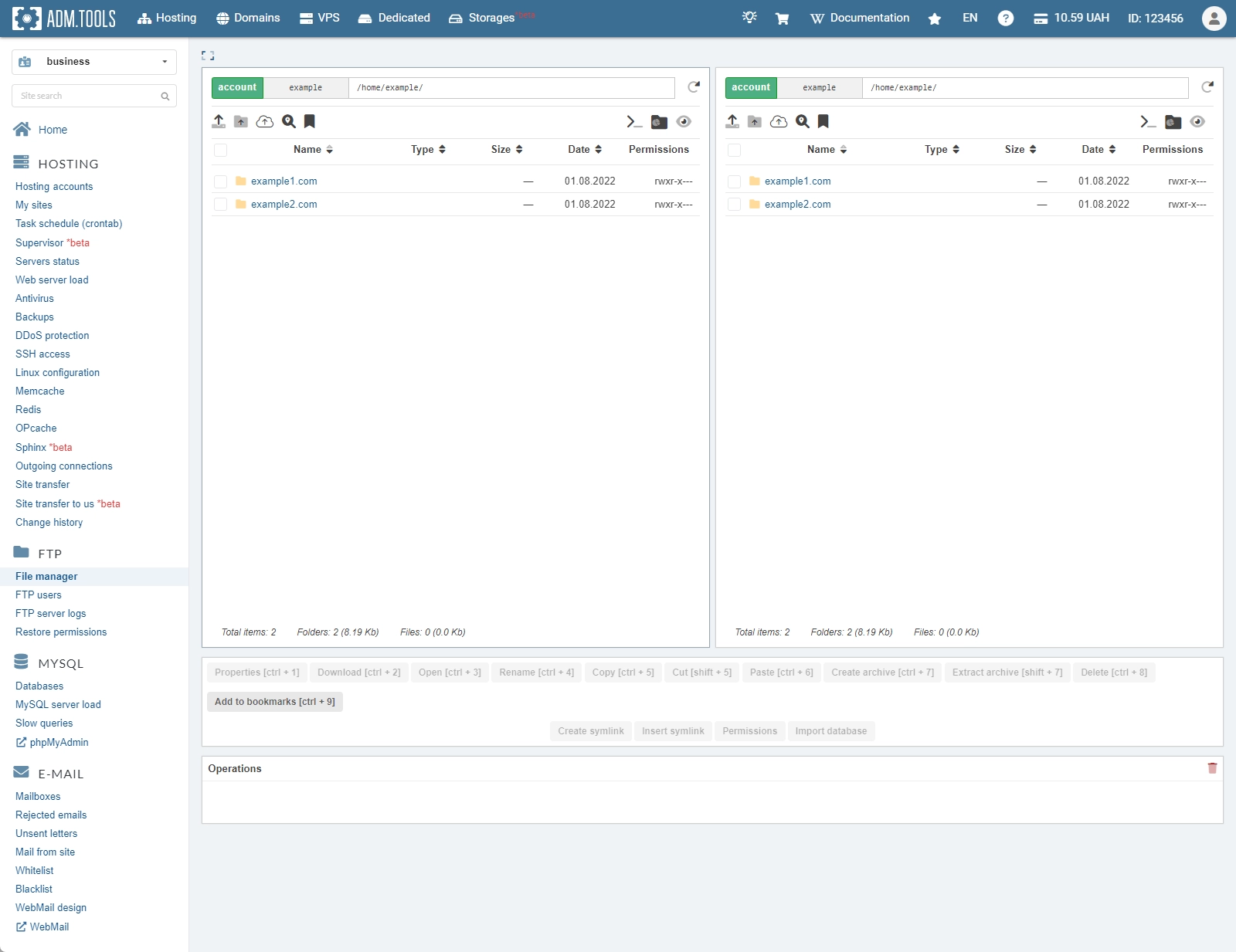
File manager
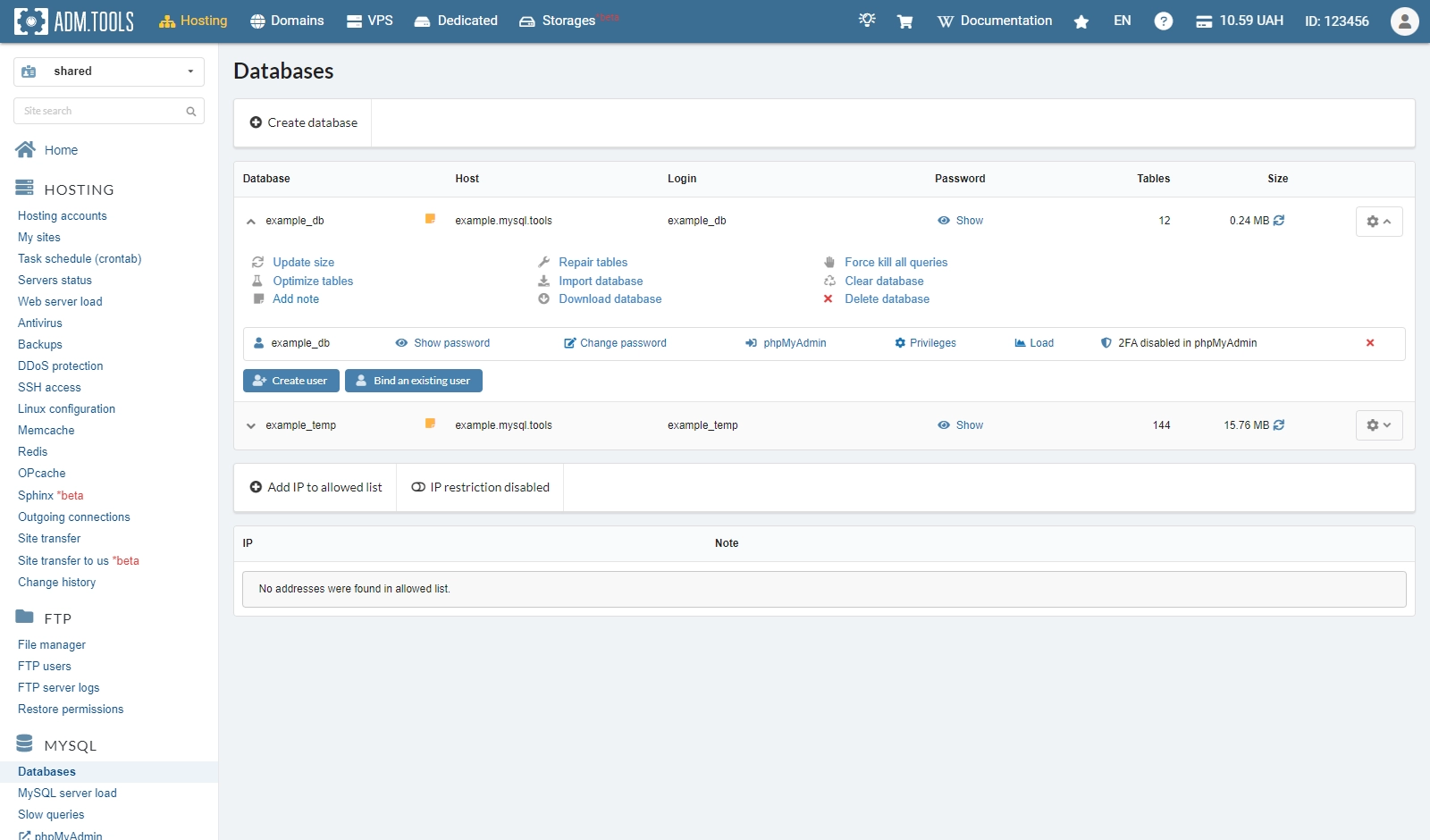
MySQL
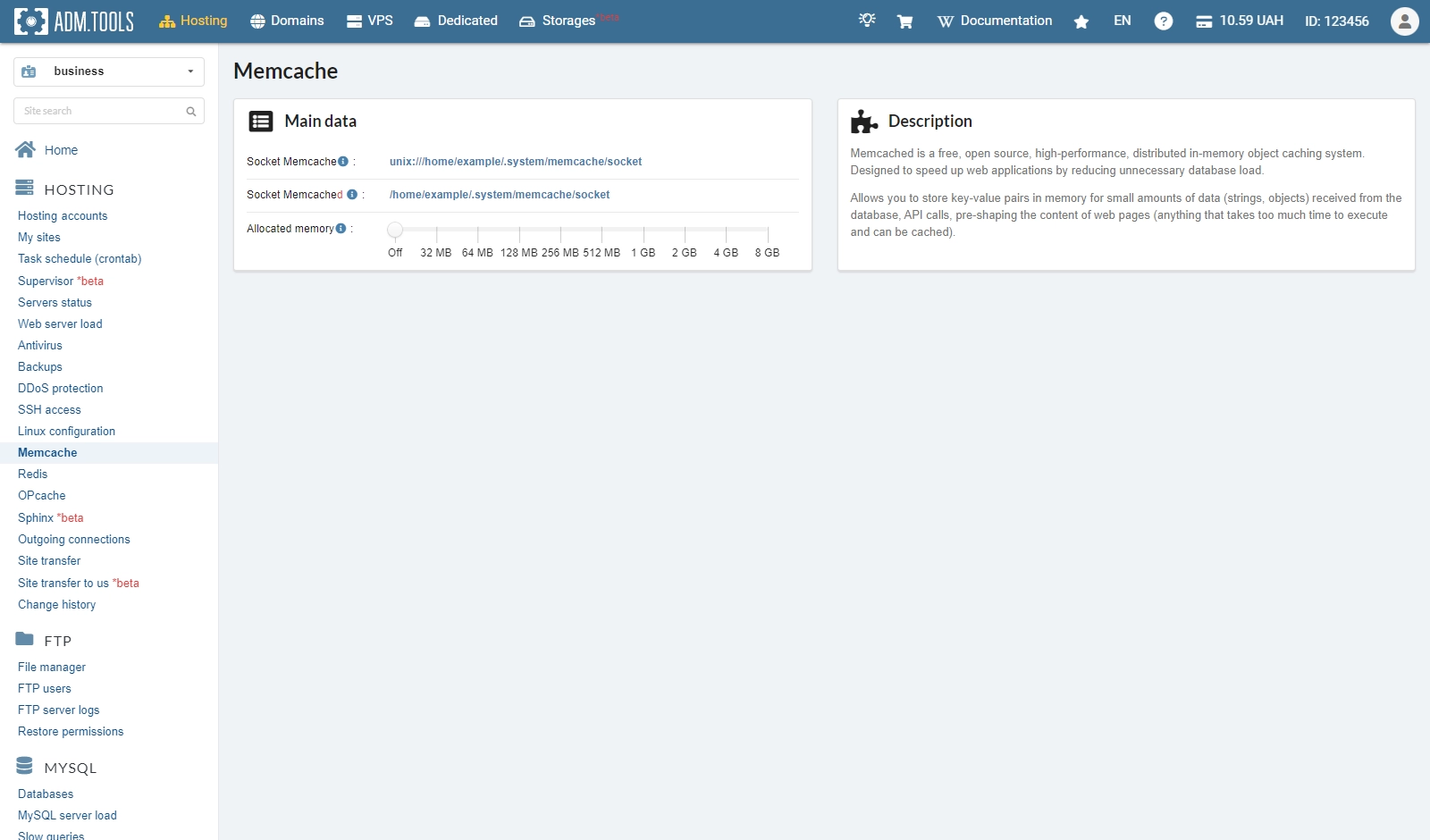
Memcache
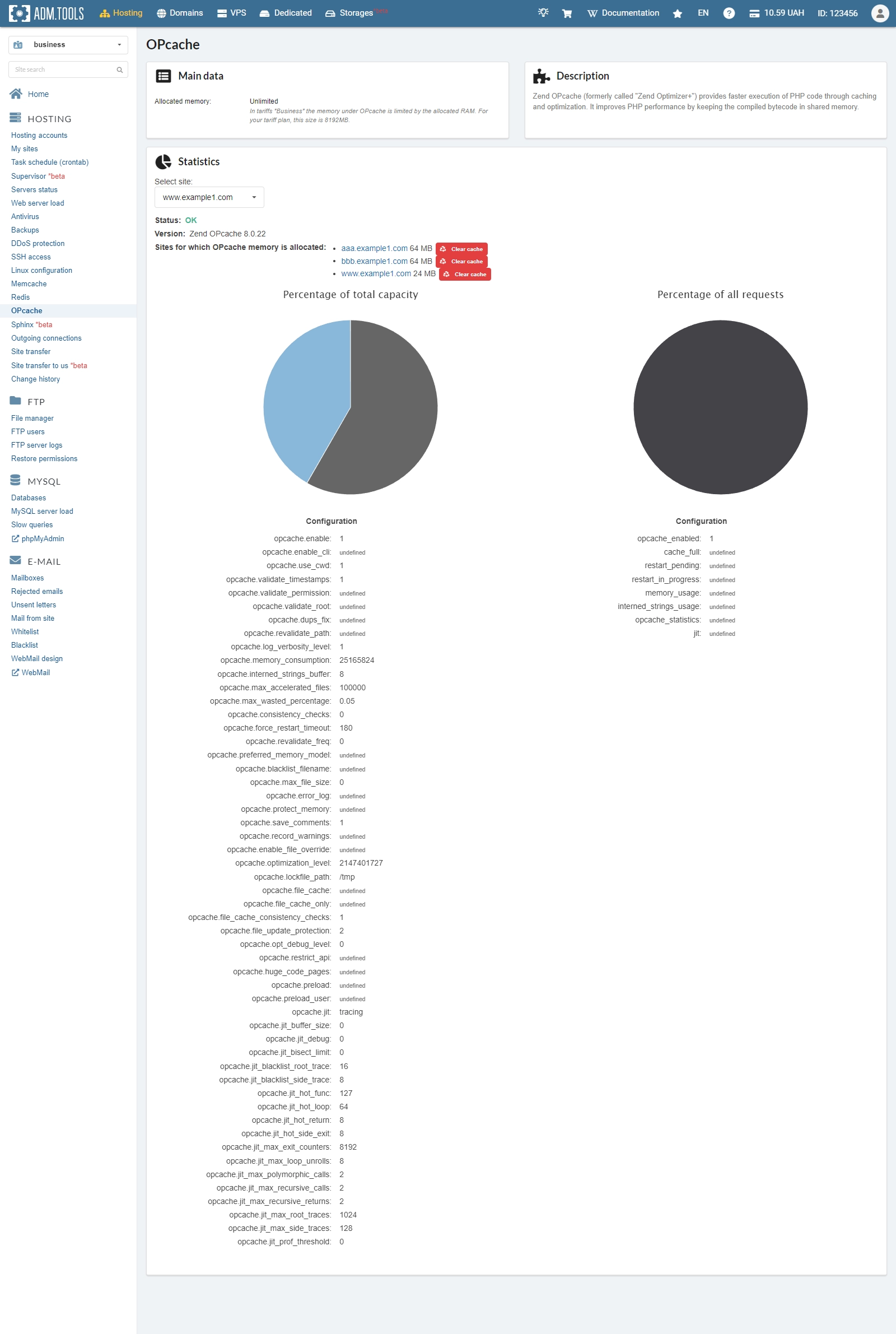
OPcache
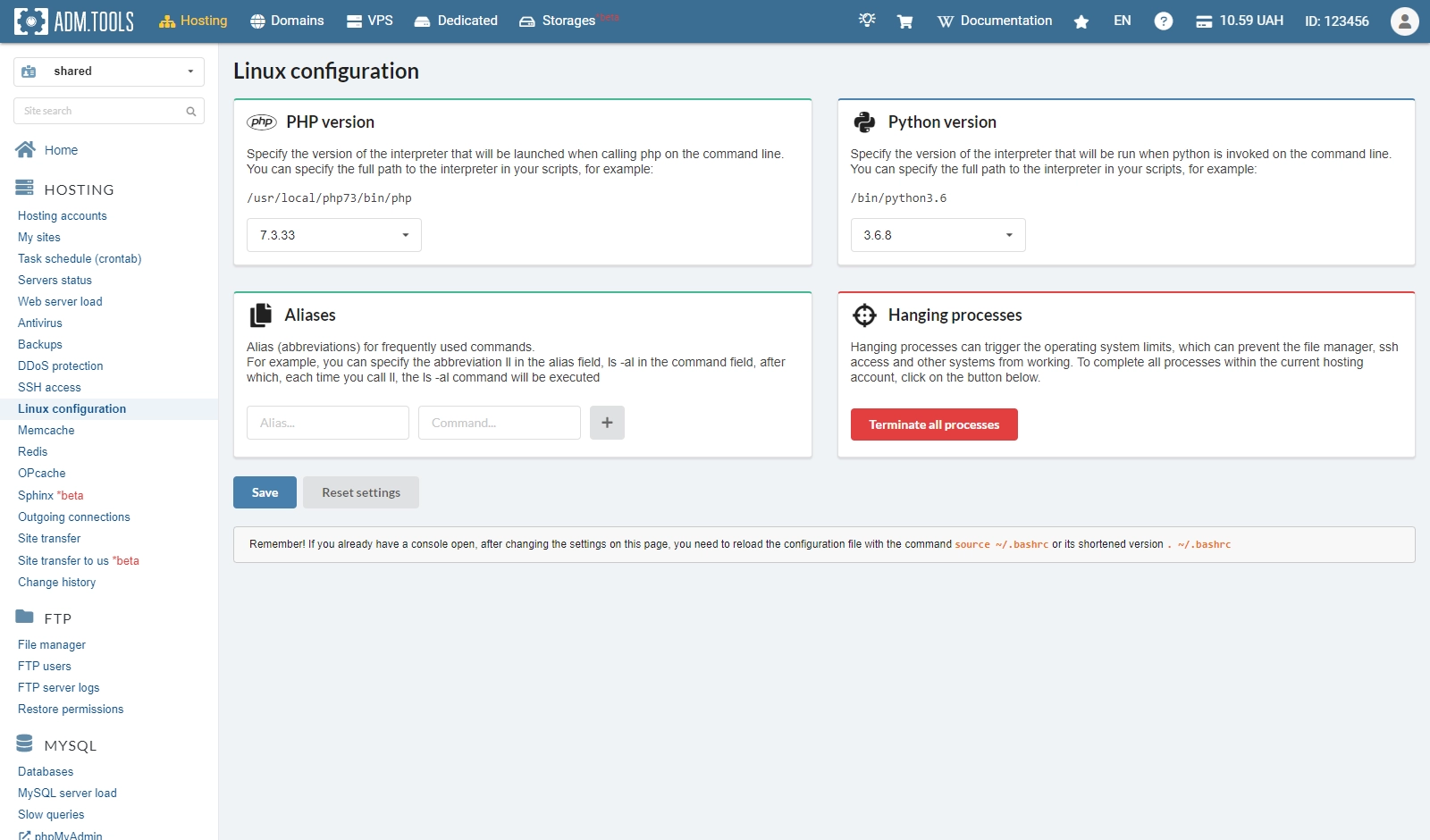
Linux configuration
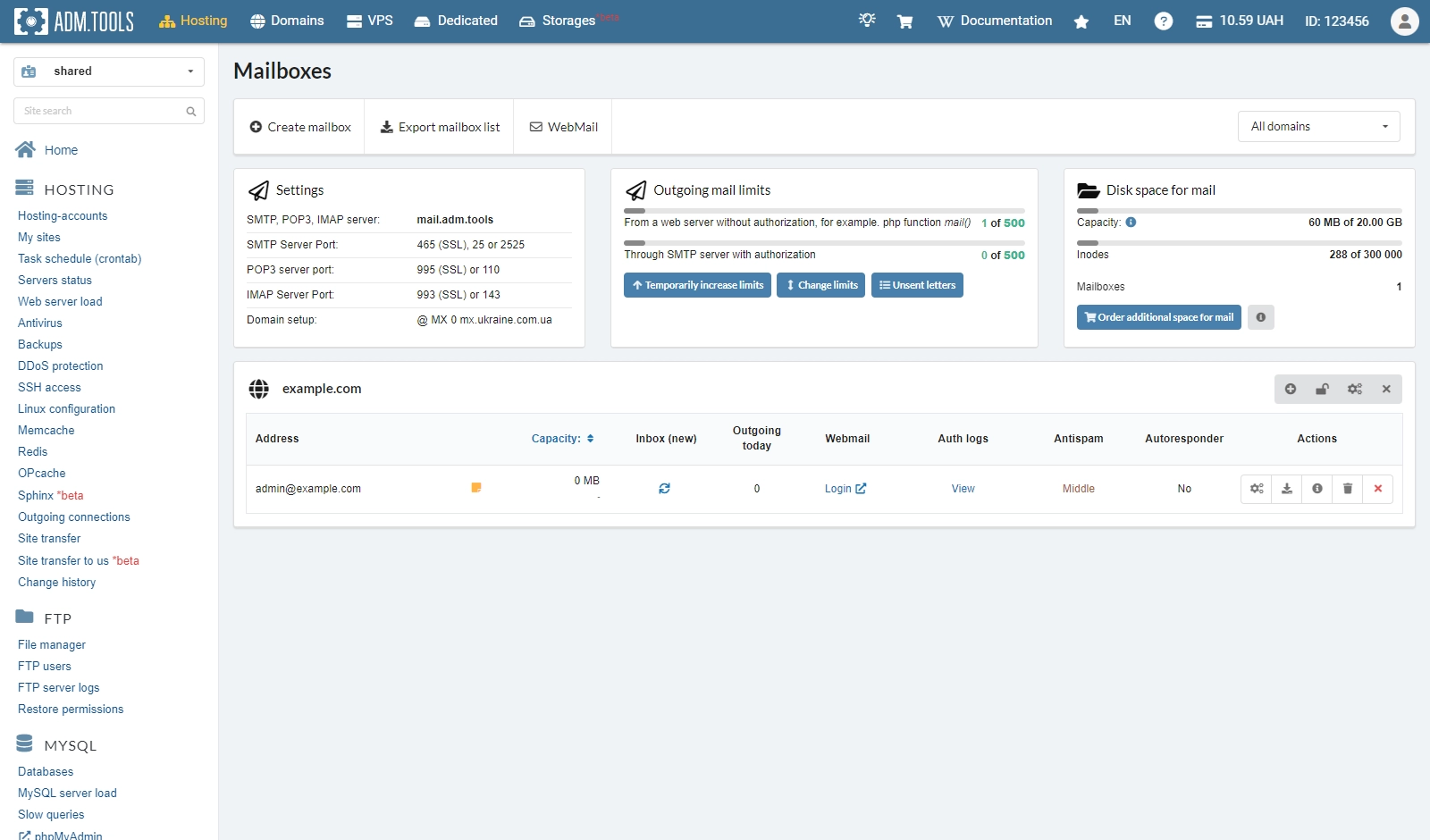
Mailboxes
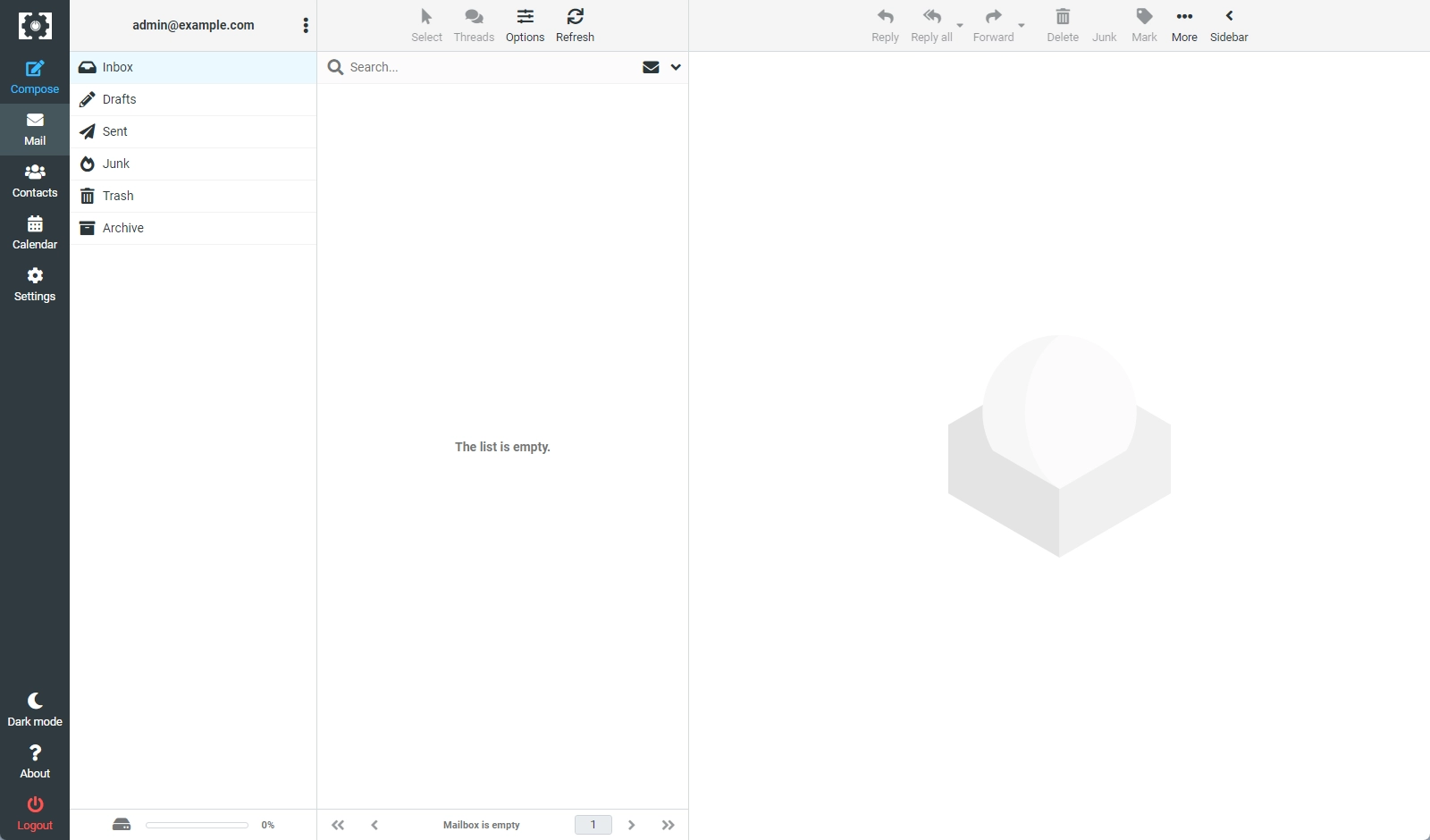
Webmail
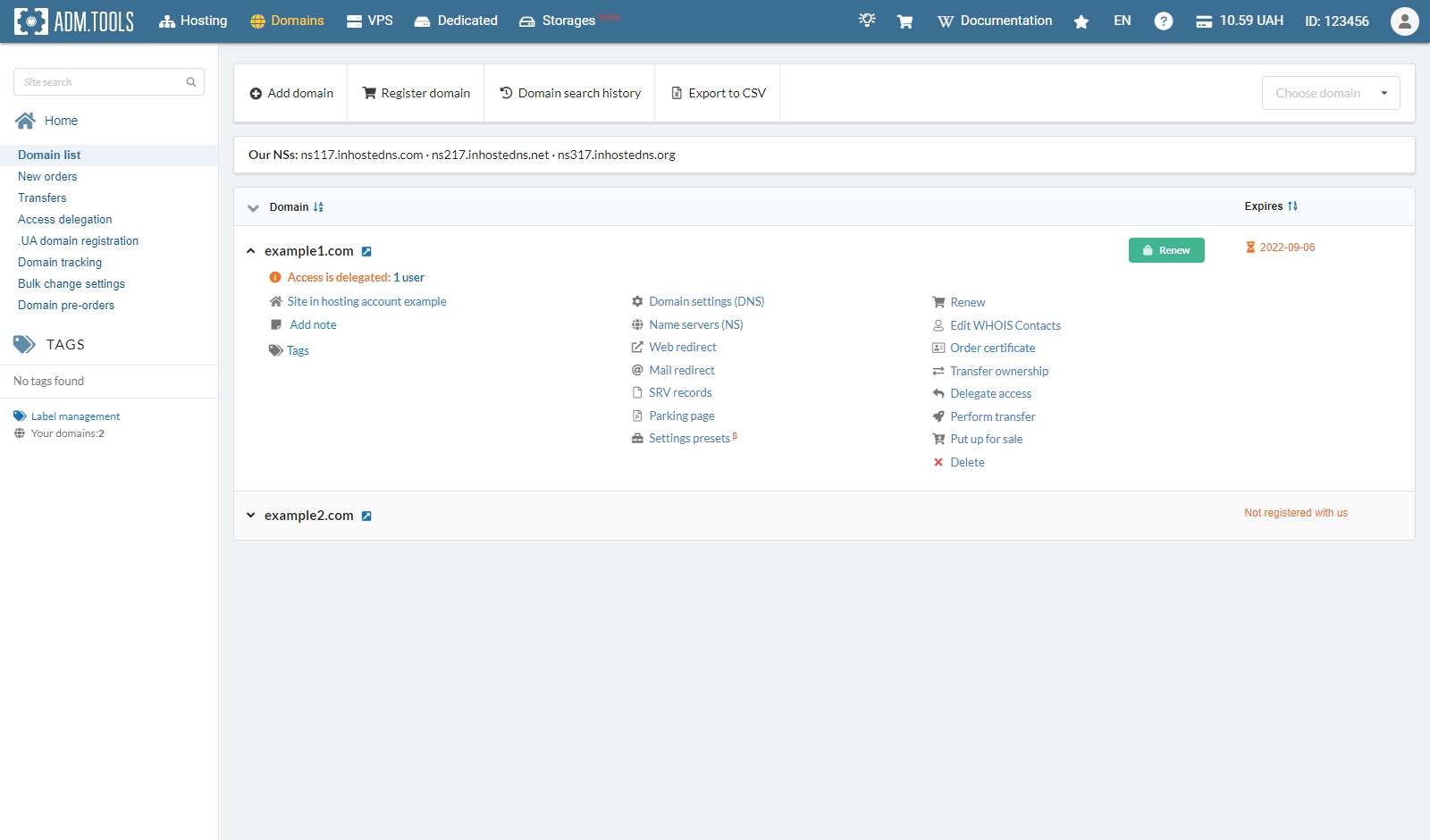
Domains
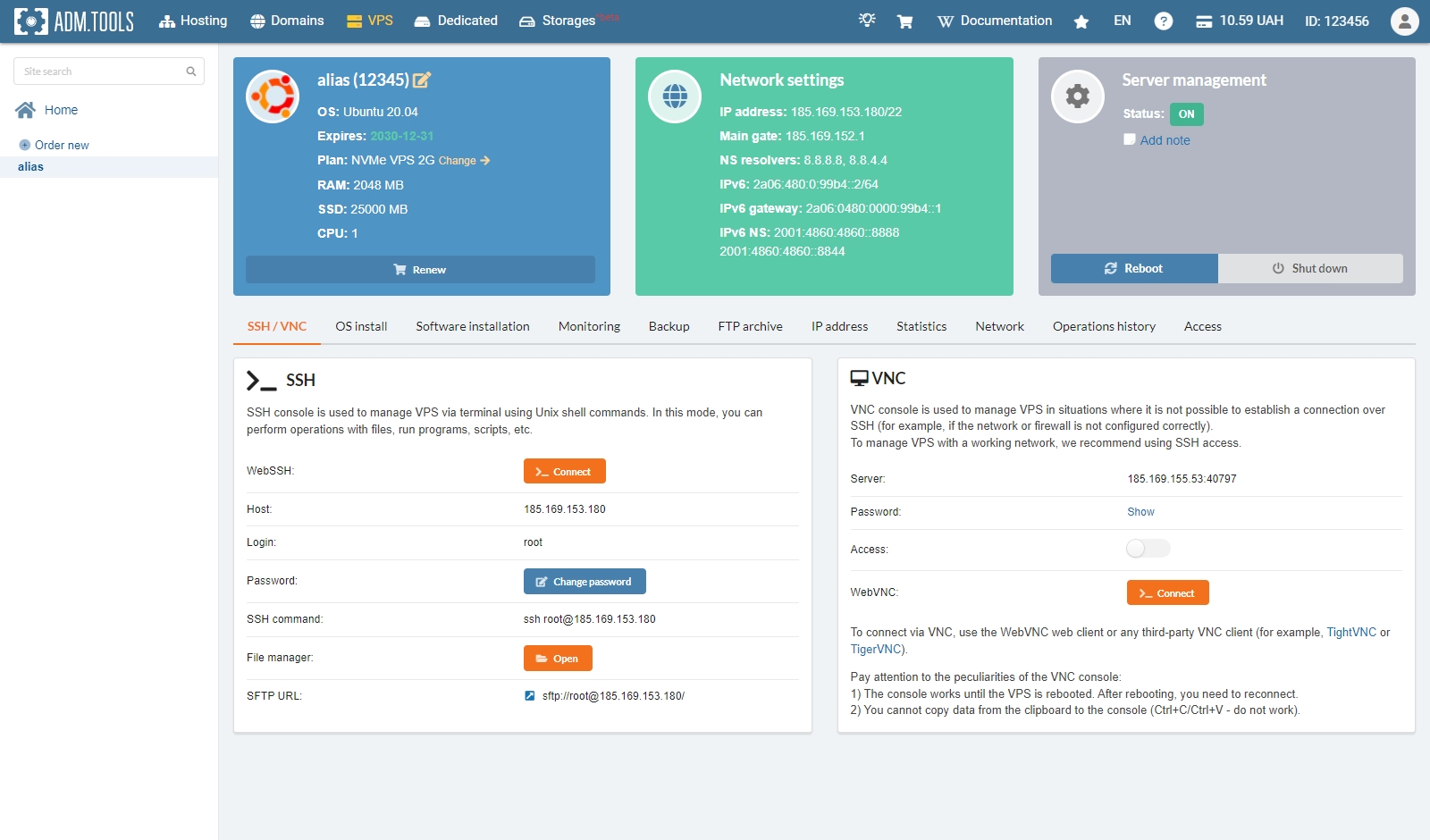
VPS
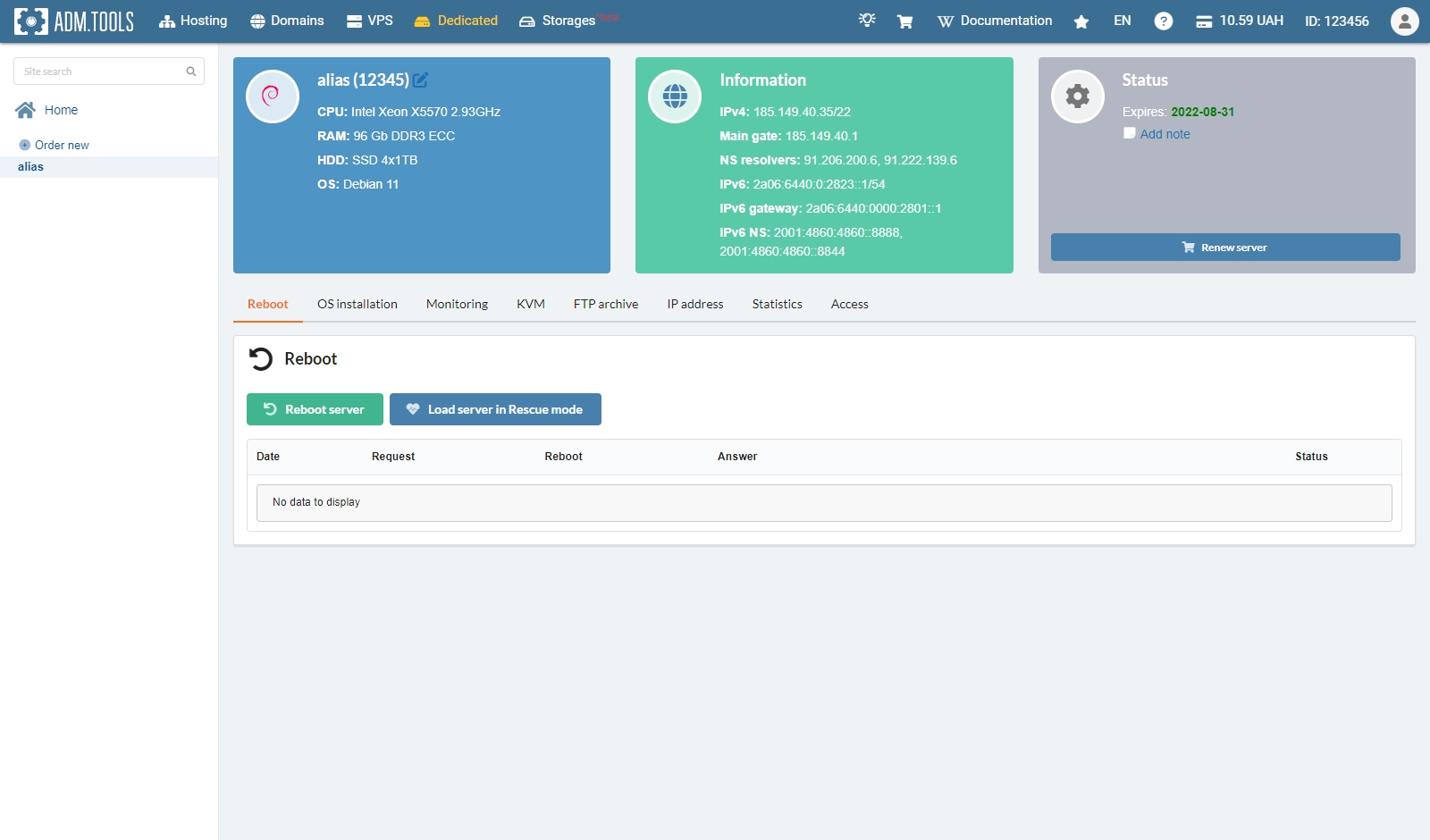
Dedicated
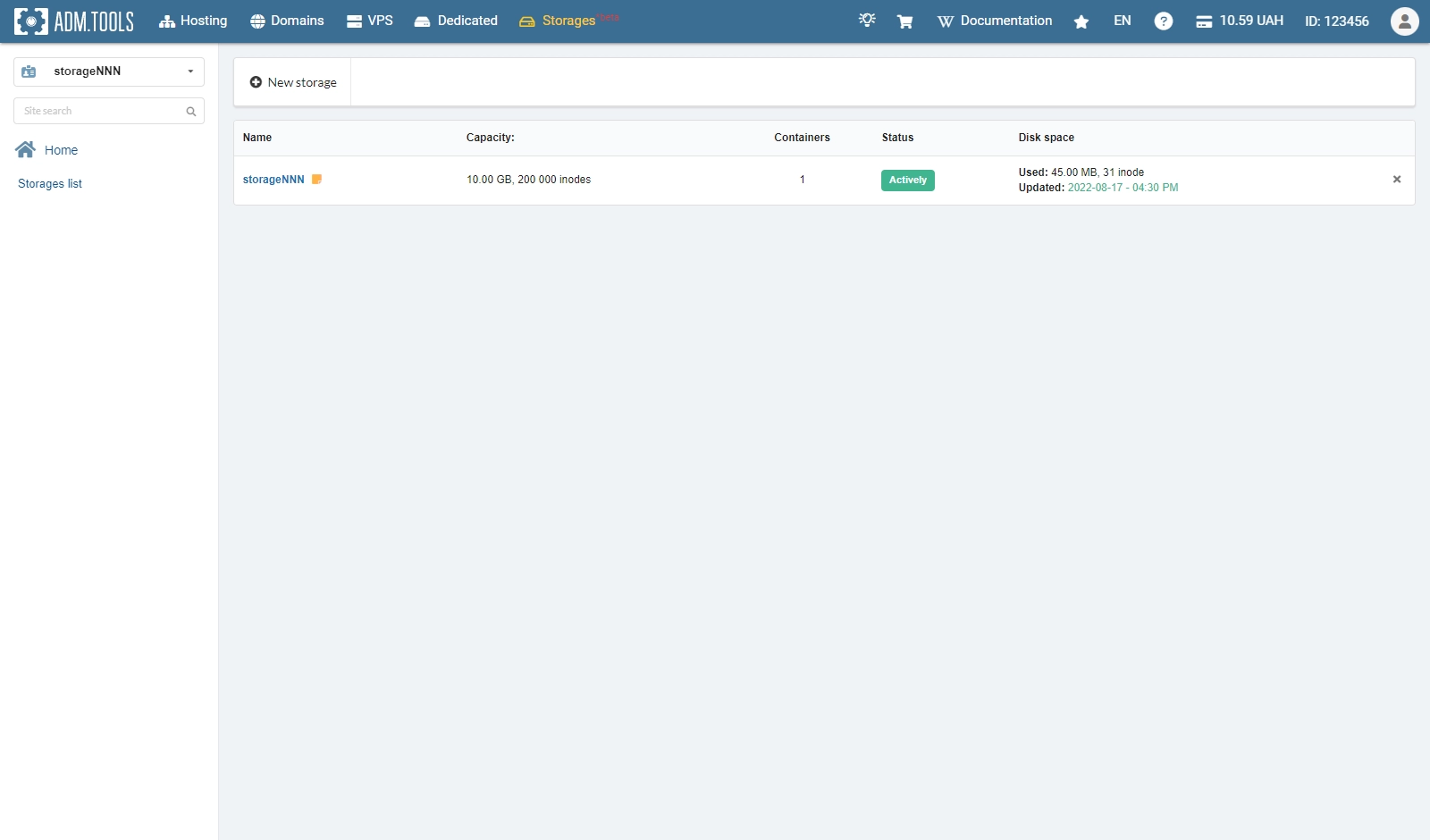
Storage
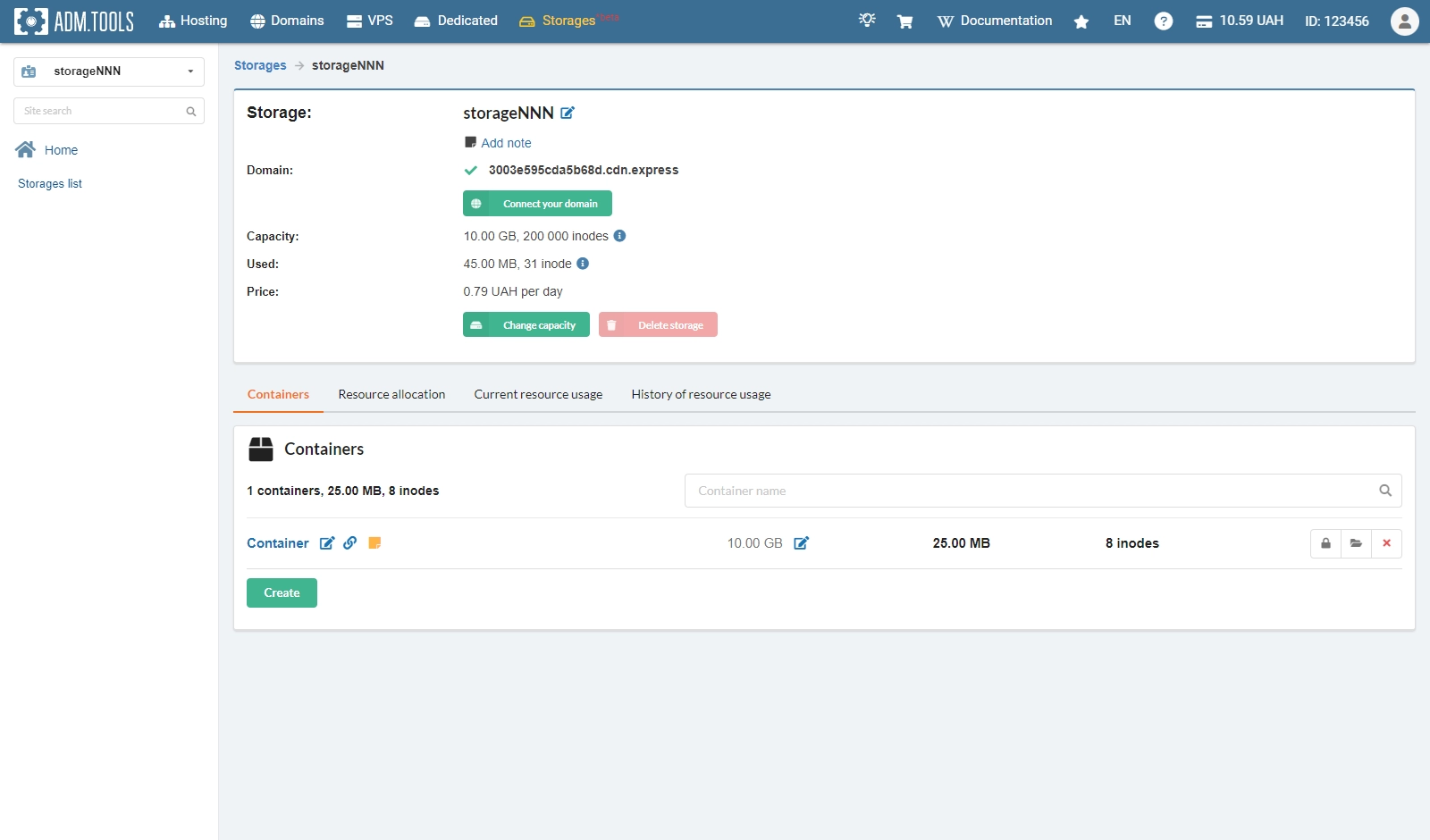
Storage containers