Manage cookies that are used for advertising, such as ad personalization, remarketing, and ad effectiveness analysis.
Hosting Plans for WordPress CMS
NVMe disk space
Apache, OpenLiteSpeed
MySQL 8.4 / 5.7
*
Sites
Memory limit (RAM)
Server location
30-day moneyback
Quality
Ready-to-use solution for web studios and large projects
30 GB
1536 MB


What are the benefits of our WordPress hosting?
Automatic install
Install WordPress and other popular CMS platforms automatically in just a few clicks.
DDoS protection
Effective protection is when the site continues to work during the attack.
Site builder
A completely free WordPress based website builder. Build and customize your website without programming knowledge.
Virus Protection
Find viruses on disk and in account memory, preventing them from spamming and spreading further.
High-speed network connection
All servers have a high-speed network connection at the speed of 10 Gbit/s.
Backup
Automatic backups of all sites, as well as the ability to create manual backups.
Modern equipment
All hosting servers are located on modern servers with NVMe disks and AMD EPYC processors.
SSH and VNC console
For convenience, a WebSSH console is available that allows you to connect to the server via SSH through your browser.
Hosting for WordPress
Hosting Ukraine is the leader in the number of hosted sites on CMS WordPress. The hosting infrastructure is fully suitable for hosting WordPress sites. A number of functions in the control panel hosting simplify the creation of new sites and placement of existing sites based on Wordpress. Any hosting plan is suitable for Wordpress. For convenience, we recommend starting with the cheapest tariff as it will be enough for most Wordpress projects. When your project grows and you need more space on the server, then at any time you can change the tariff to a larger one. Changing the hosting plan for Wordpress does not require you to make any changes to the code, change passwords or make any other actions with the site settings. In addition, you will not have to pay extra for the change of tariff, billing will simply recalculate the expiration date of services, because we do everything to make it easy and convenient to host sites with us;
After you host your website written on WordPress in our control panel, you will be able to perform a technical check. Technical check is an automatic testing of the site, which we have developed based on requests from Wordpress site owners to our technical support team. Technical check will check dozens of indicators and settings of the site and domain. Will check the correctness of the parameters of the WordPress configuration file, database connection, theme and module settings. Will check the correctness of the php parameter settings_memory_a limit that will avoid a mistake
Everything you need to know
Our website features a knowledge base to help you manage your site.
The documentation on our wiki describes all the features of the hosting service and this CMS.
Our technical support team is available to assist you 24 hours a day.
WordPress CMS Wiki DocumentationHow do I choose a WordPress hosting provider?
When choosing a hosting provider, it’s important to consider speed, the type of storage (NVMe), the availability of backups, and customer support. For WordPress sites, server optimization for the CMS is also important.
Which hosting service is best for WordPress?
It’s best to choose a hosting provider that offers high performance, supports modern technologies, and is optimized for WordPress. This will ensure fast loading times and stable website performance.
Is this hosting suitable for WordPress?
Yes, the hosting is fully optimized for WordPress sites. It supports one-click CMS installation, high performance, and stable operation even under heavy load.
Is there a trial period?
Yes, you can test the hosting service before paying to evaluate its speed, the ease of use of the control panel, and how the website performs.
Can I transfer a website from another hosting provider?
Yes, you can migrate your website on your own or contact support. We can help you migrate your WordPress site without any downtime or data loss.
Is this hosting suitable for online stores (WooCommerce)?
Yes, this hosting is compatible with WooCommerce and other WordPress plugins. It ensures that online stores run smoothly and pages load quickly.
Are there any backups?
Yes, regular backups are performed, which allows the site to be restored in the event of an error or failure.
Do I need to configure the server manually?
No, the server is already set up to run WordPress. You don’t need to worry about any technical setup—you can start working on your site right away.
Hosting control panel
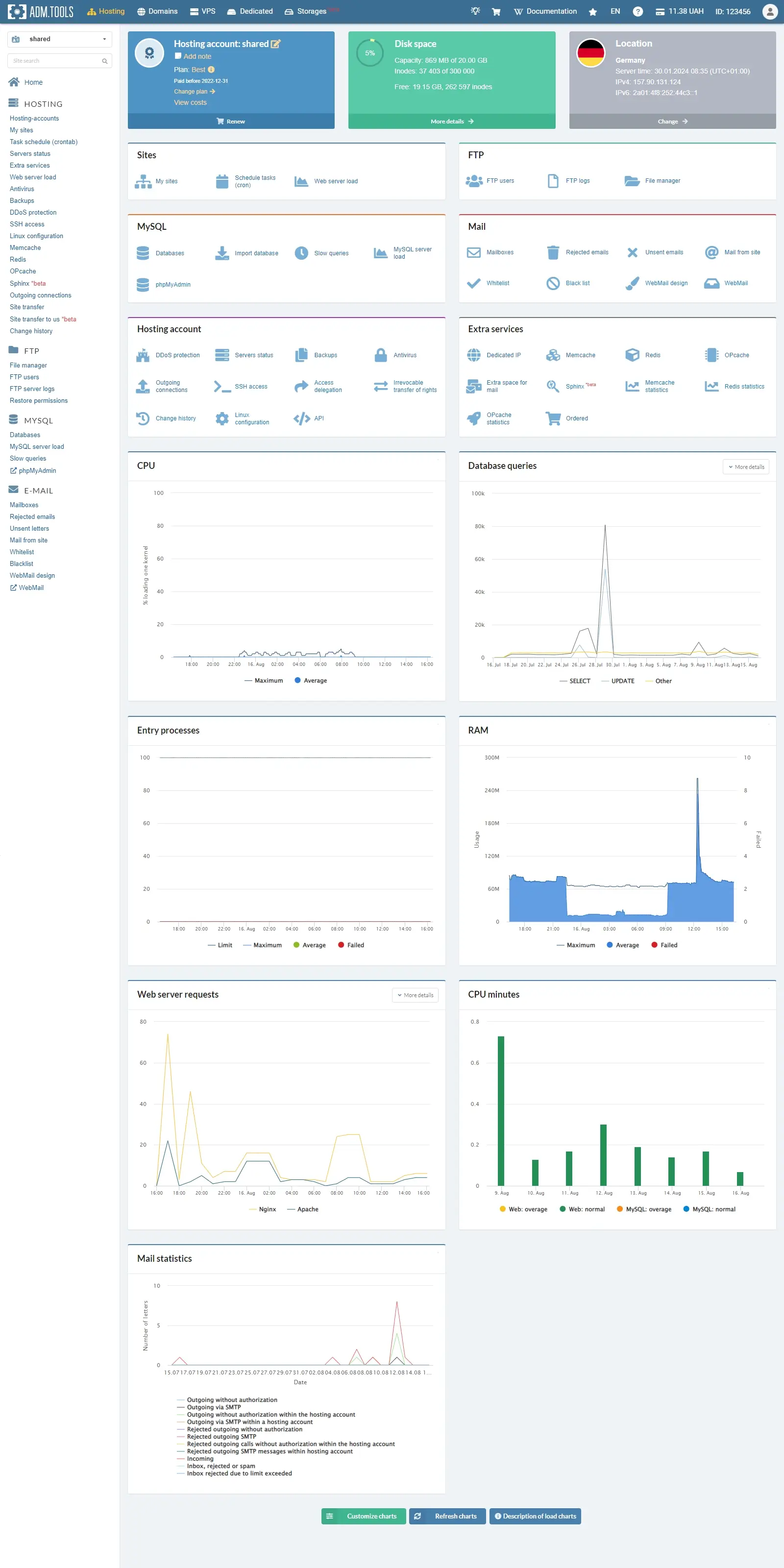
Hosting
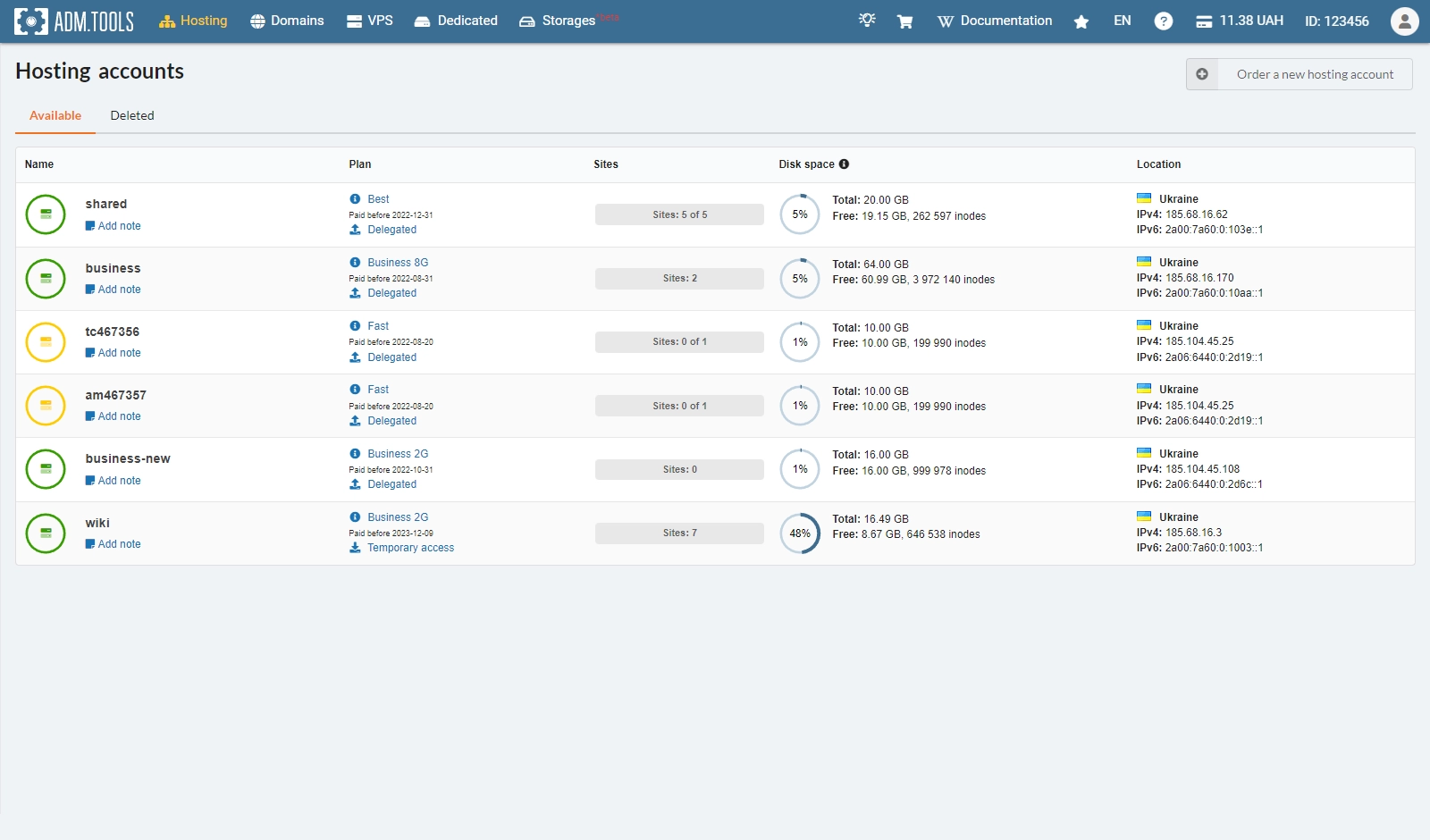
Hosting accounts
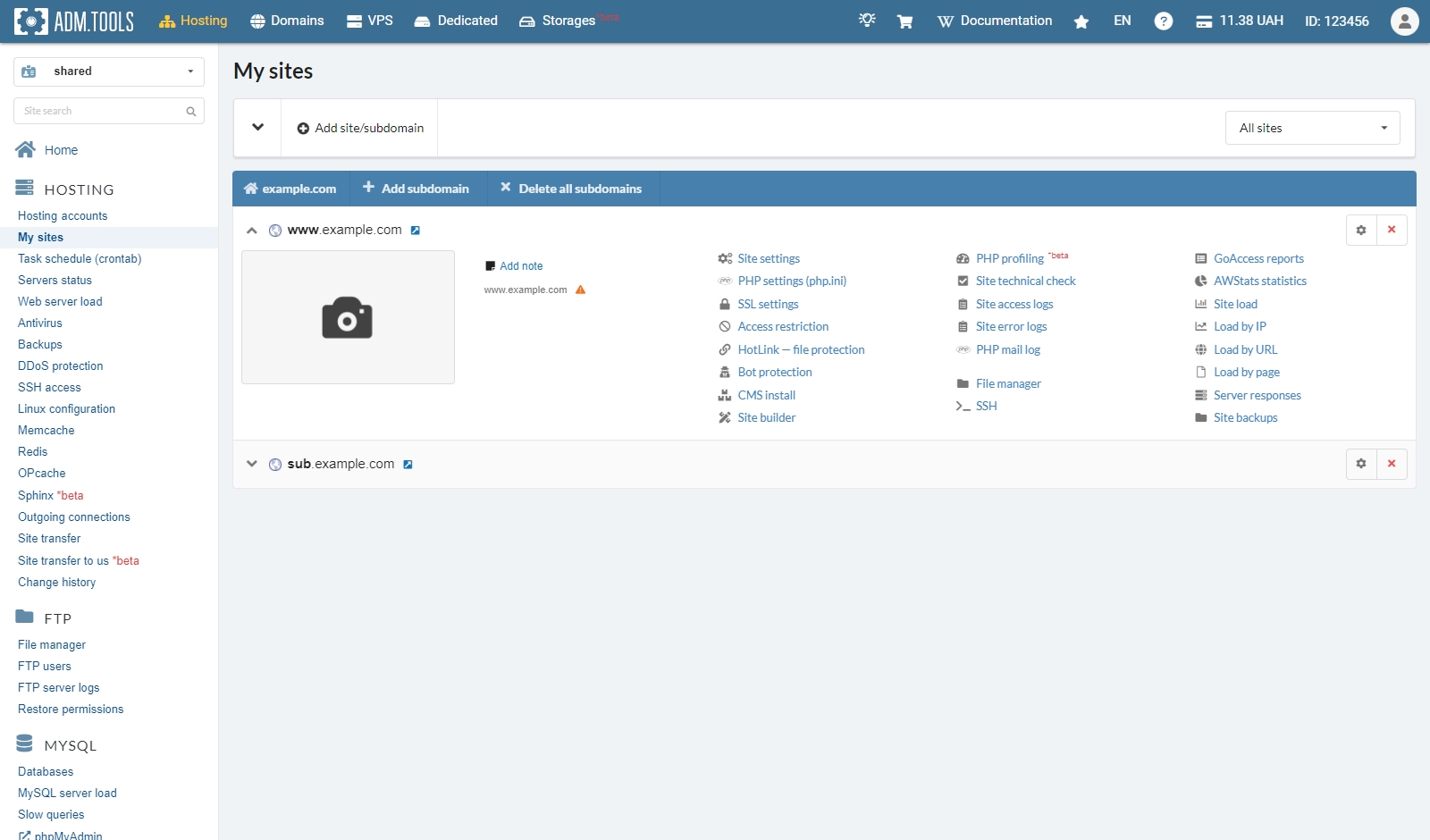
Sites
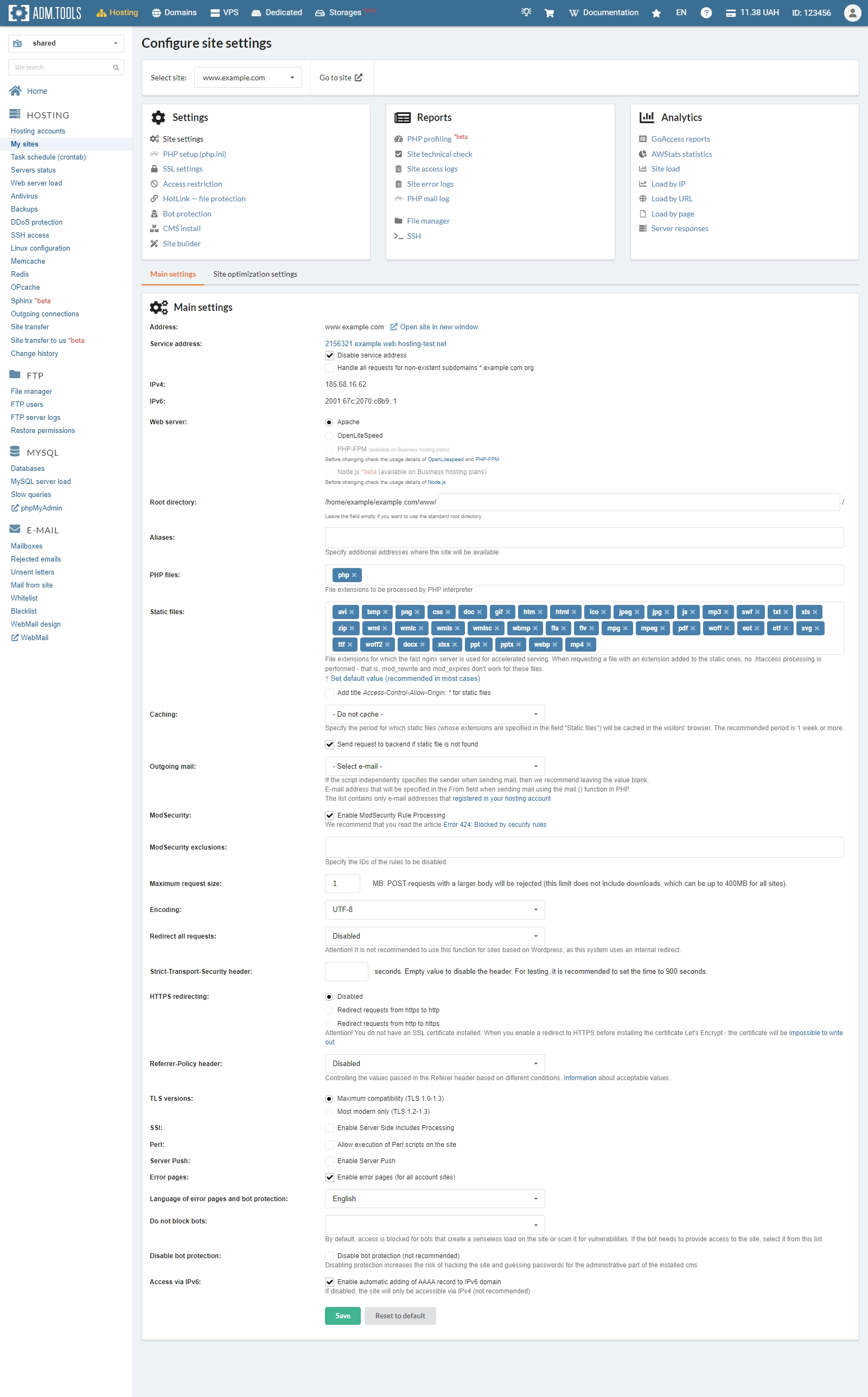
Site settings
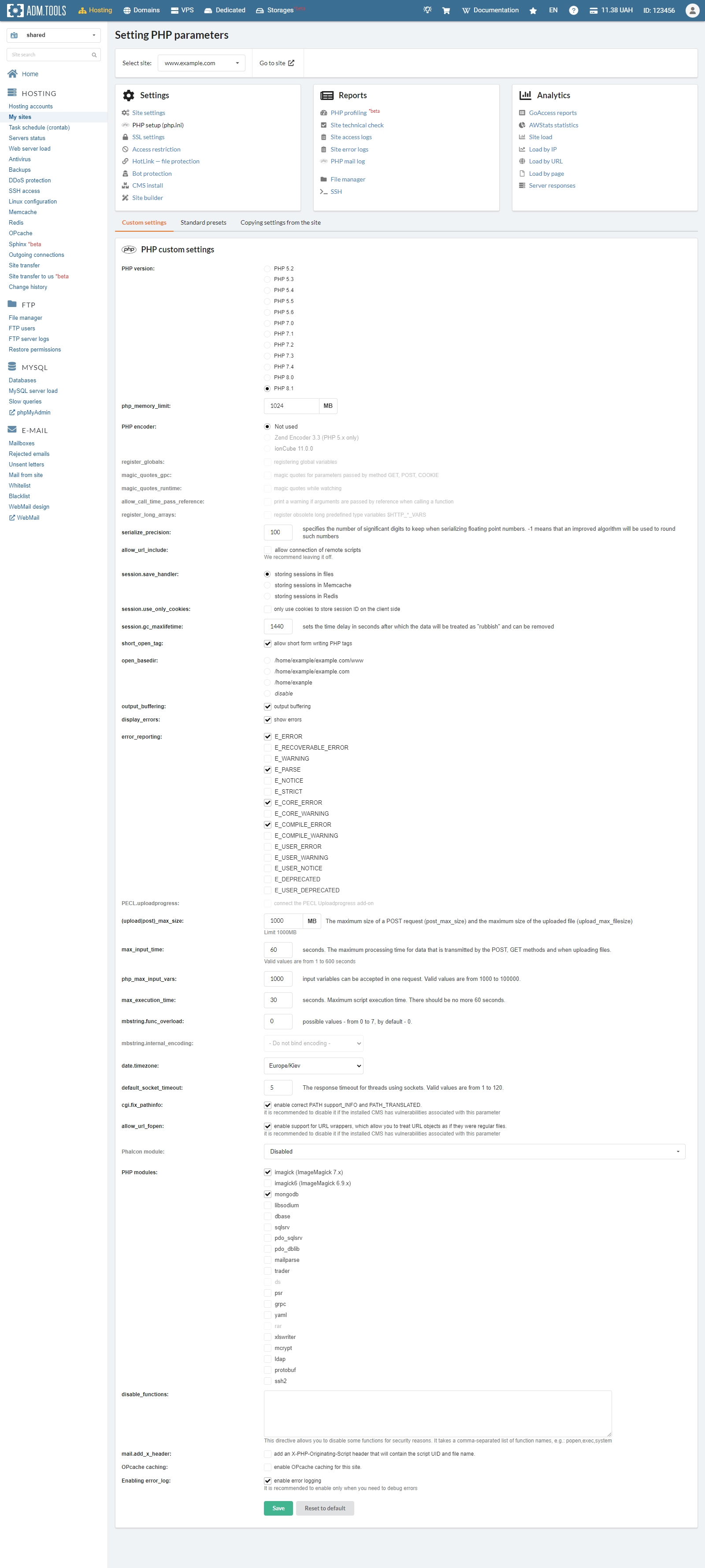
PHP setup
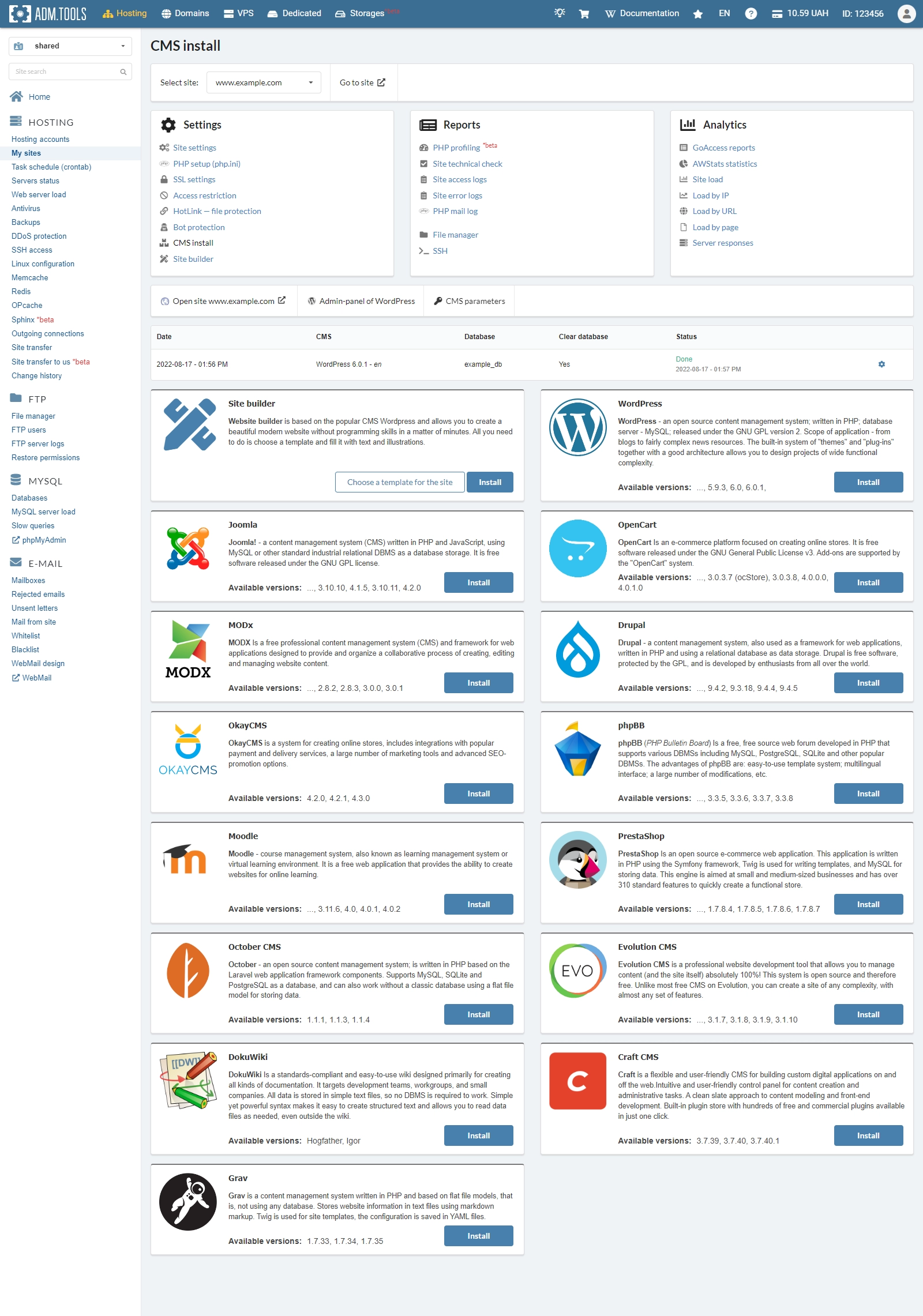
CMS install
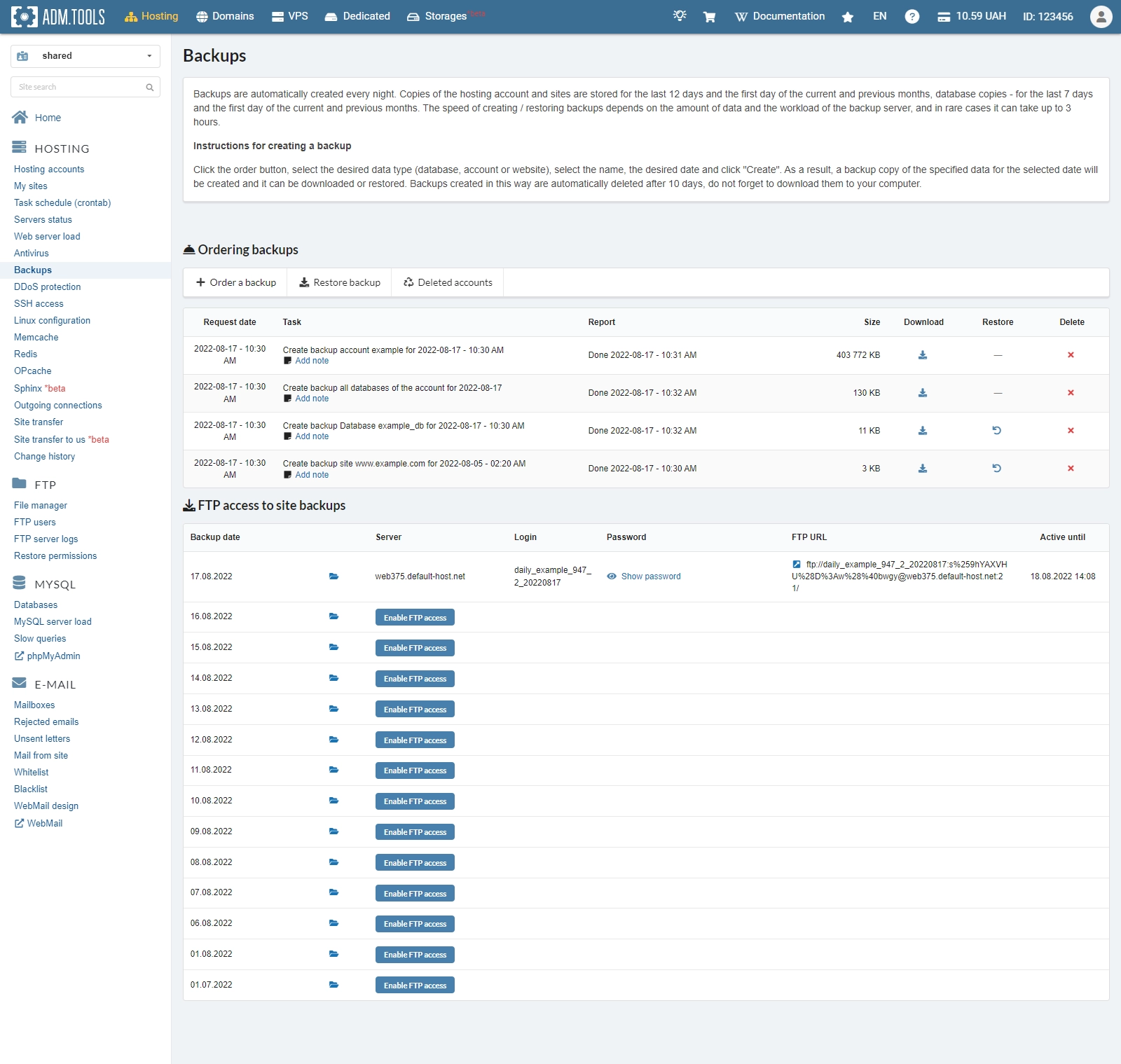
Backup
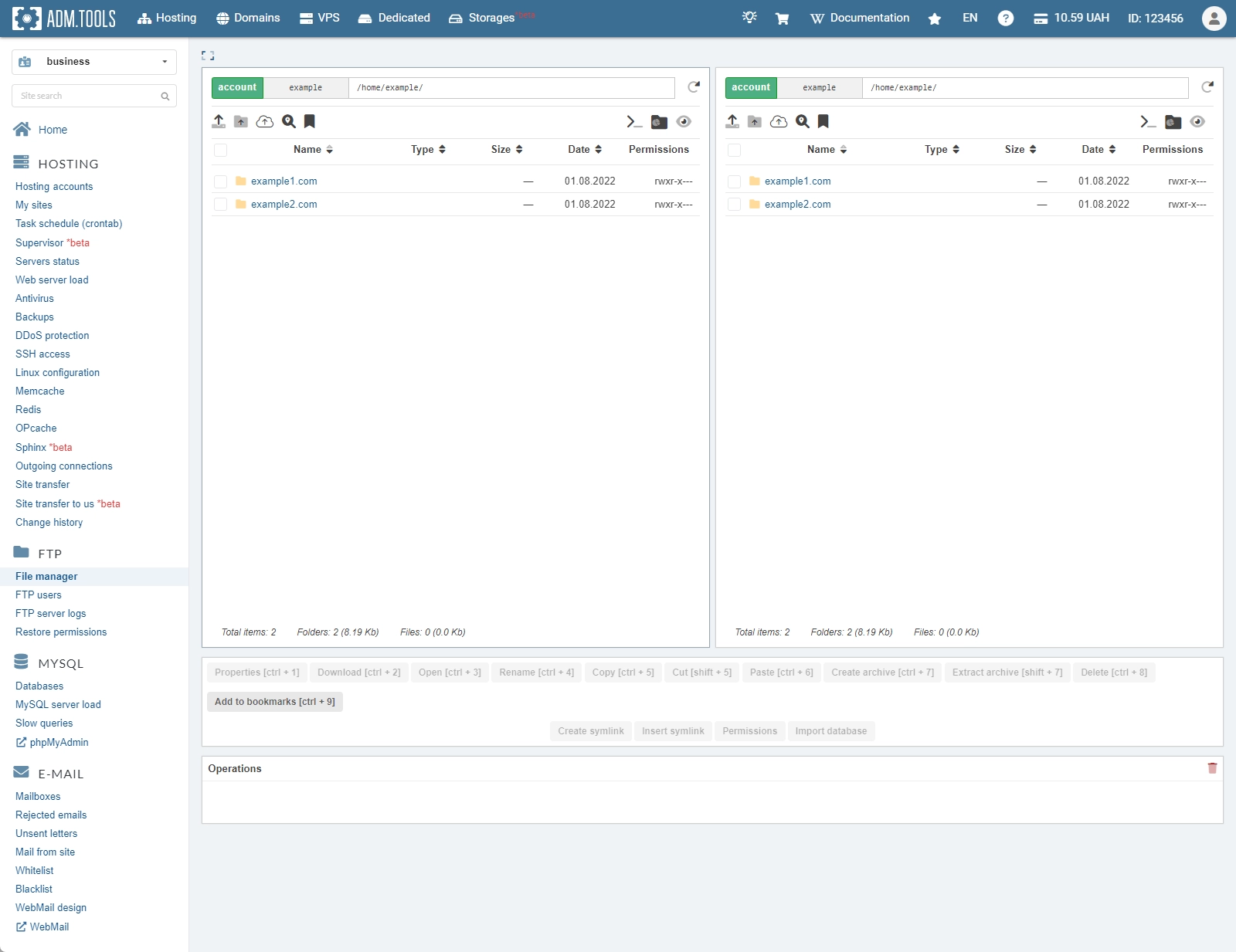
File manager
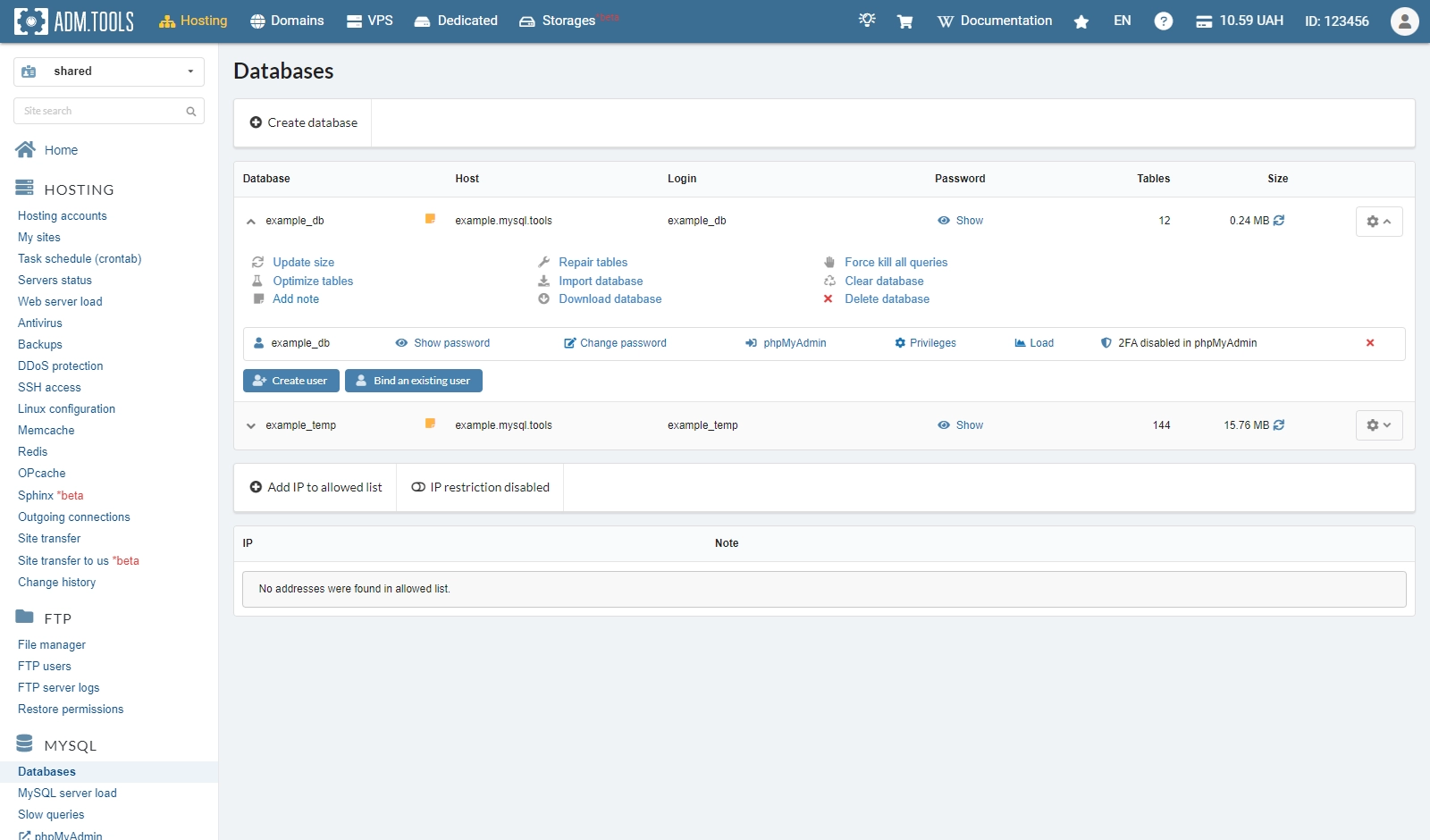
MySQL
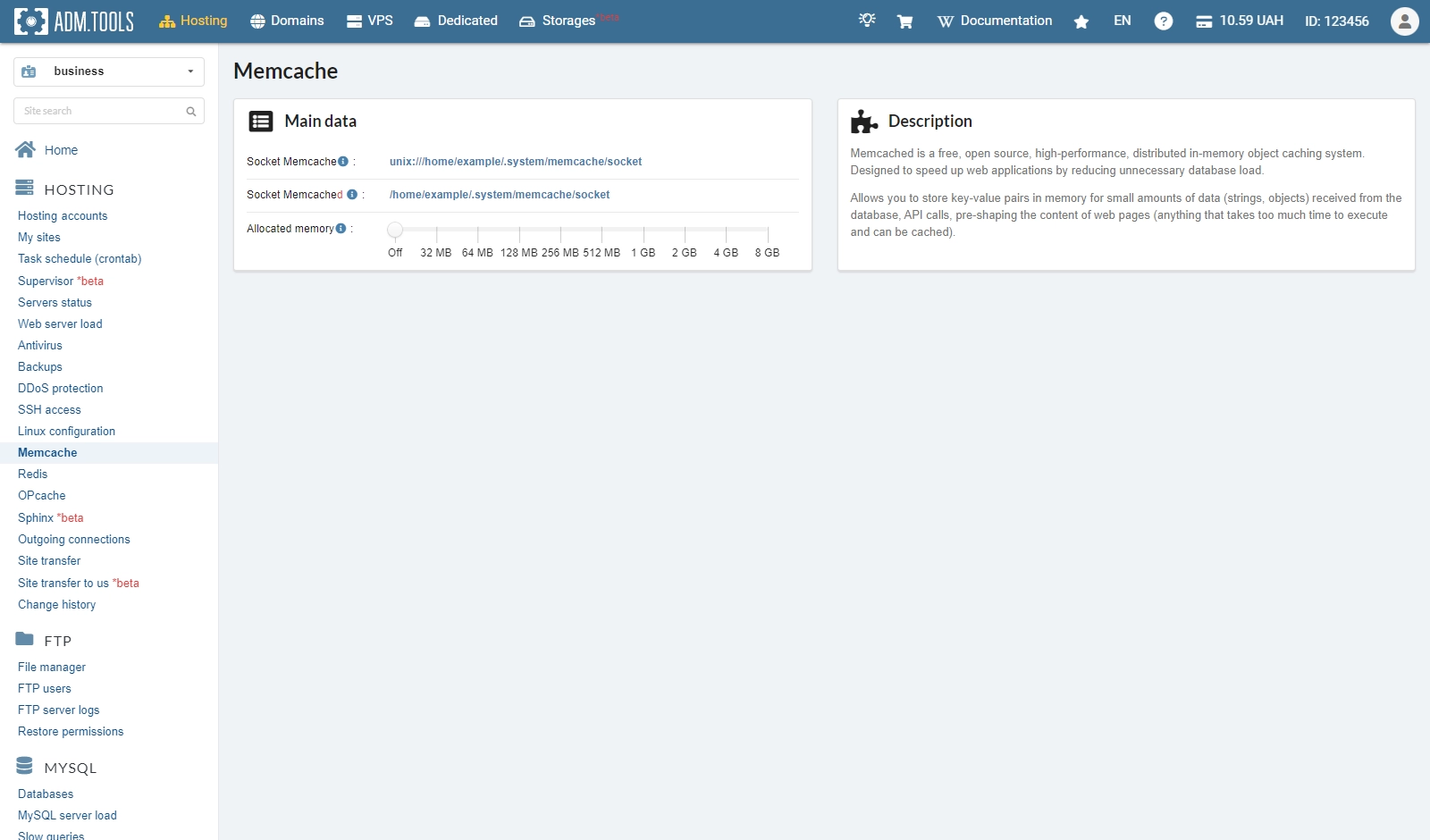
Memcache
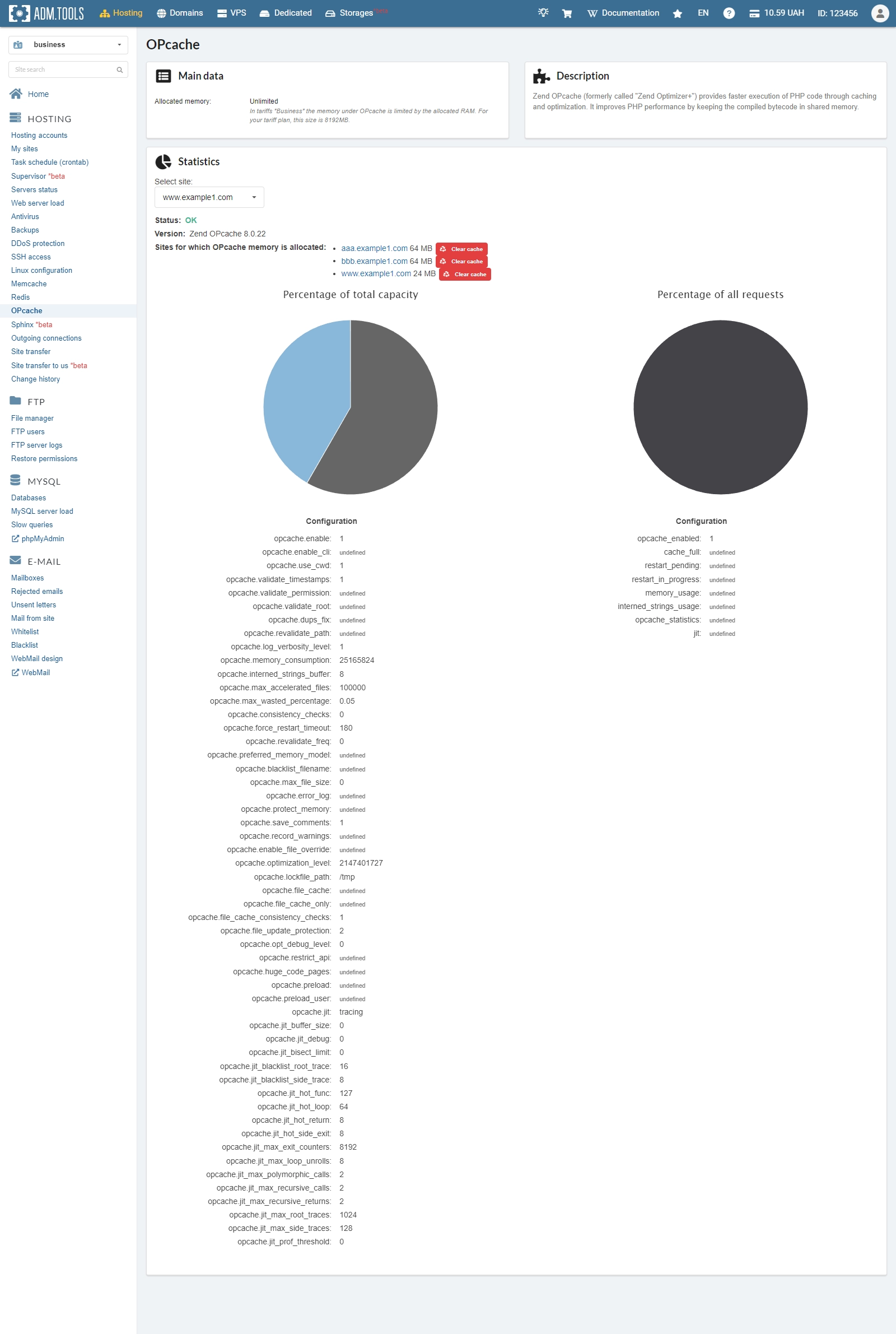
OPcache
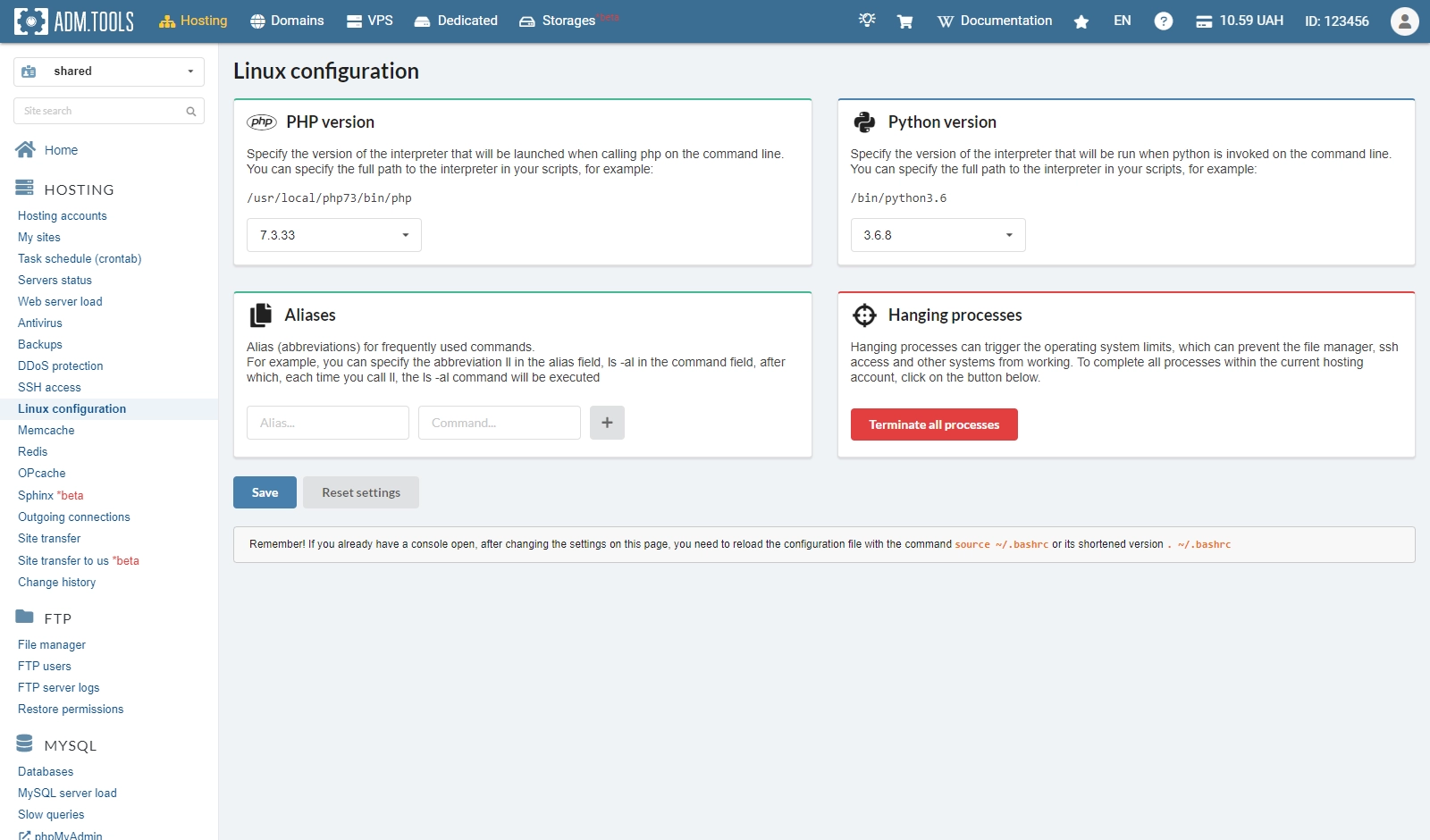
Linux configuration
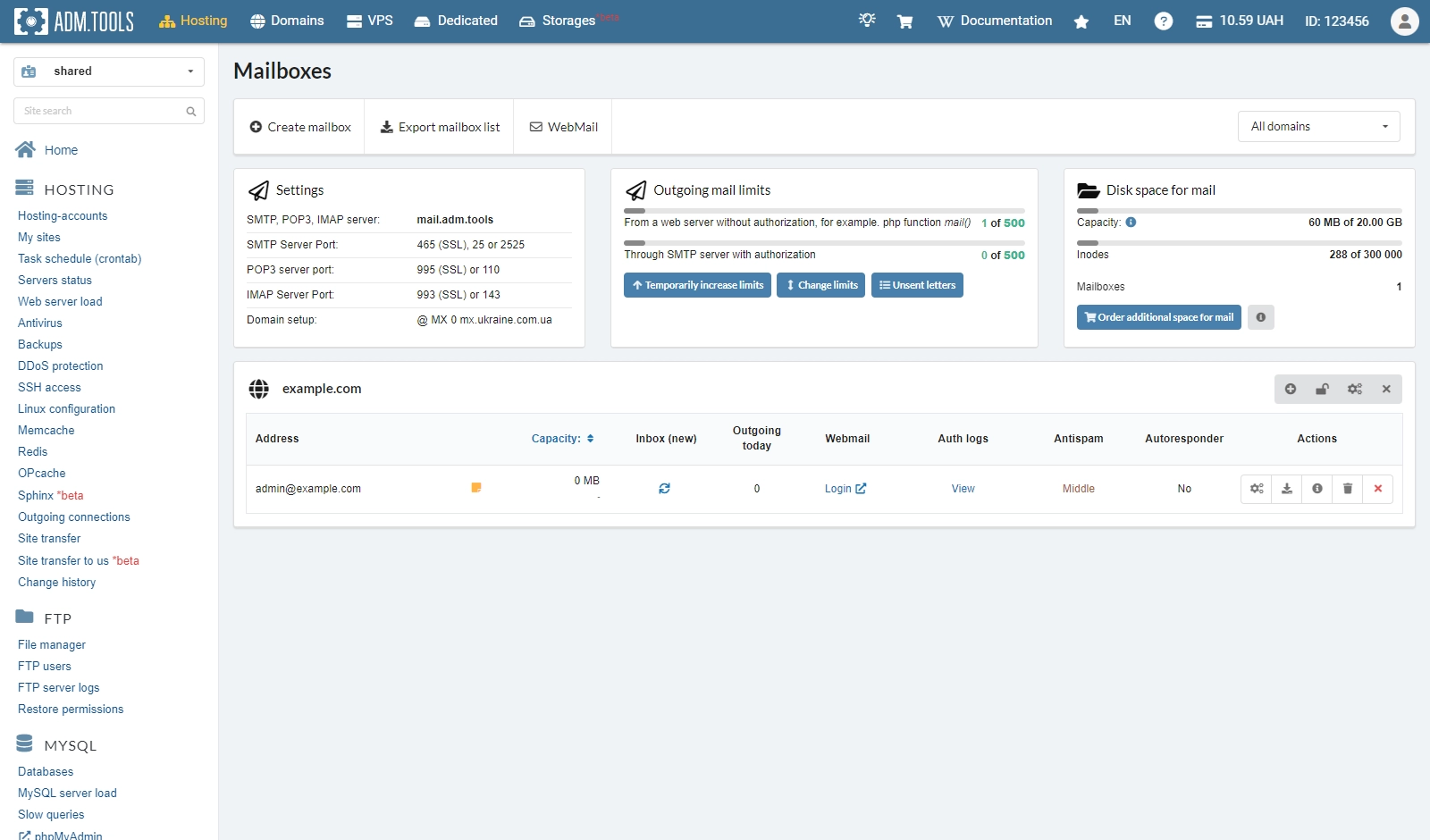
Mailboxes
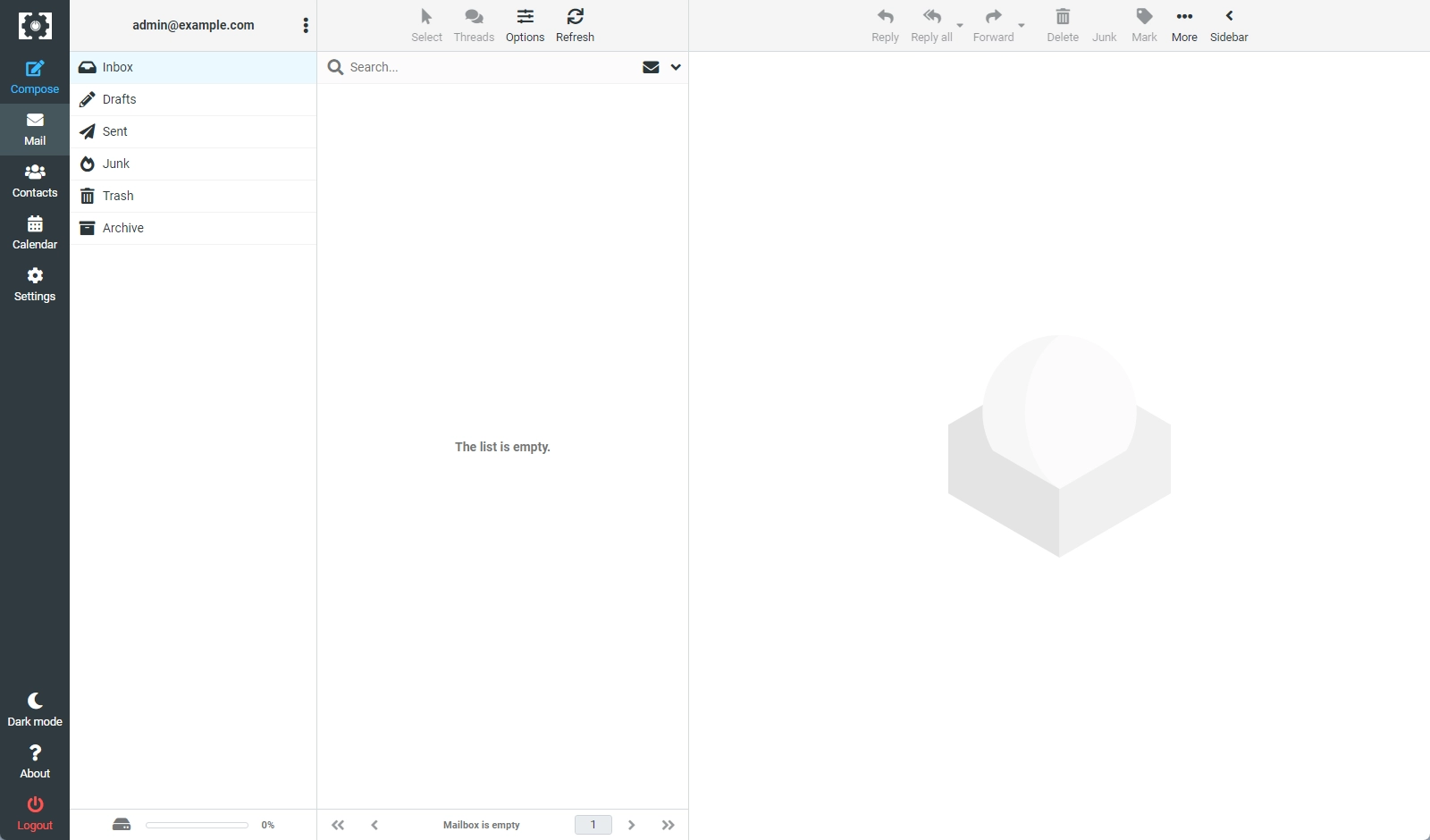
Webmail
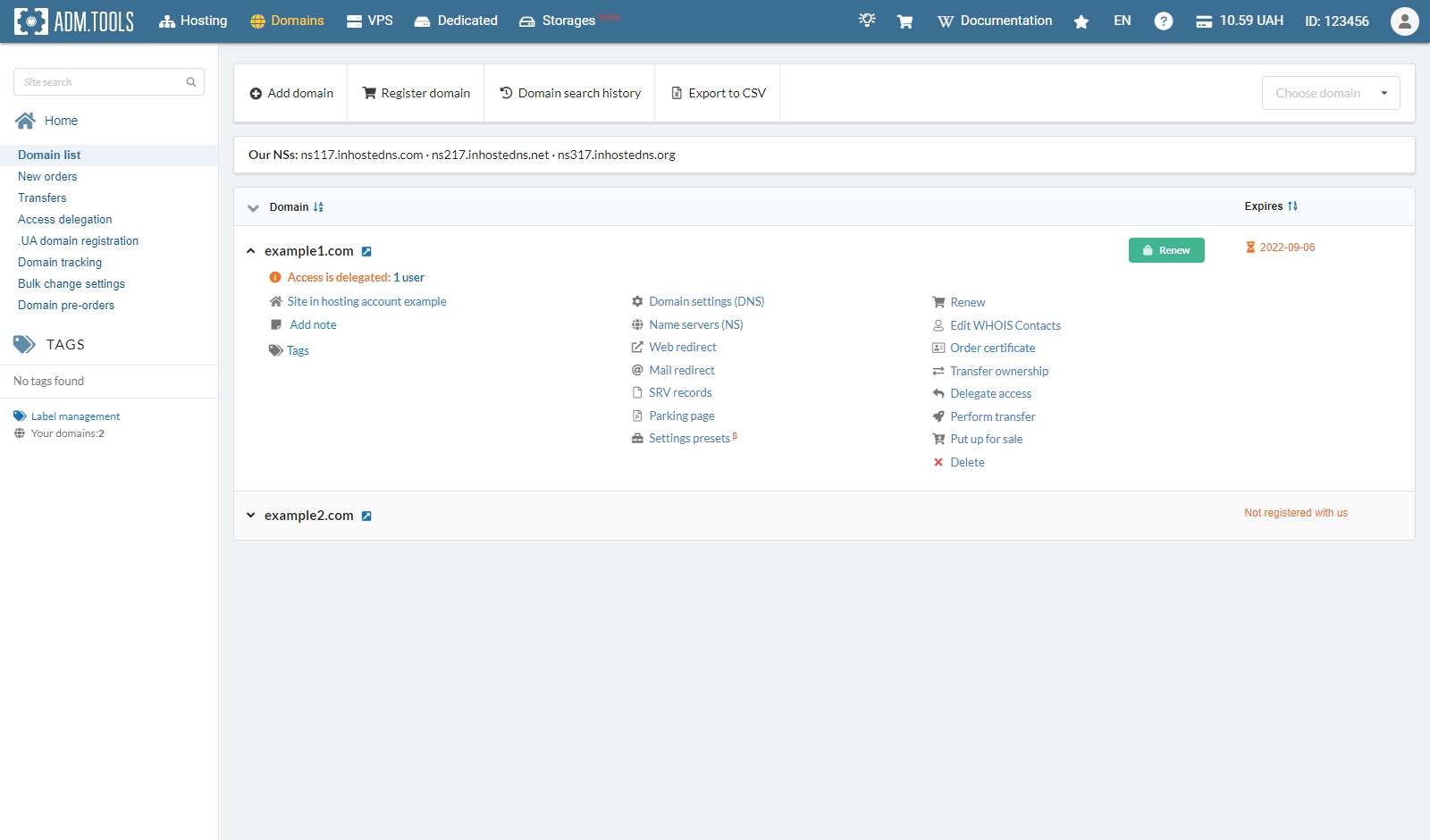
Domains
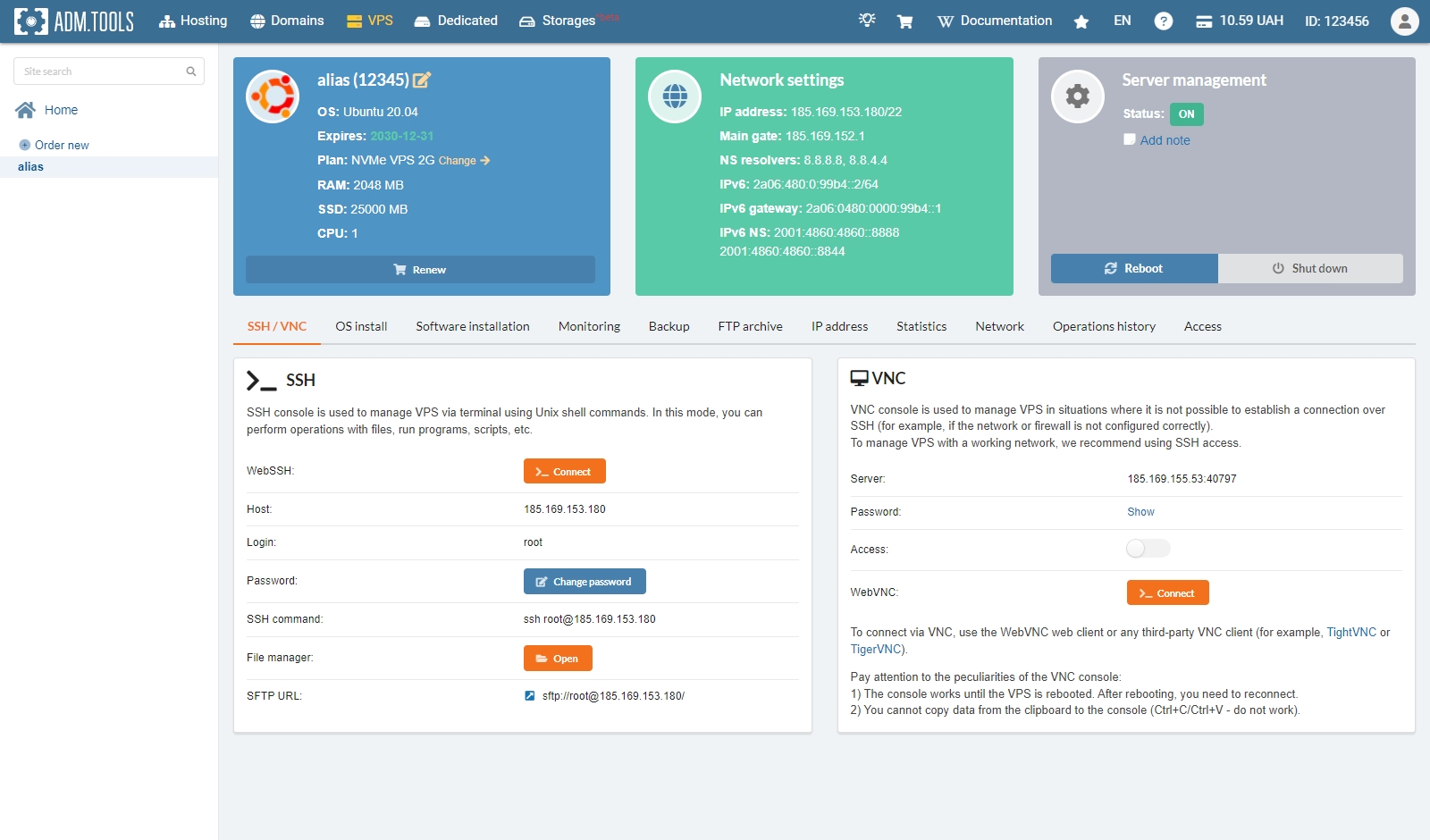
VPS
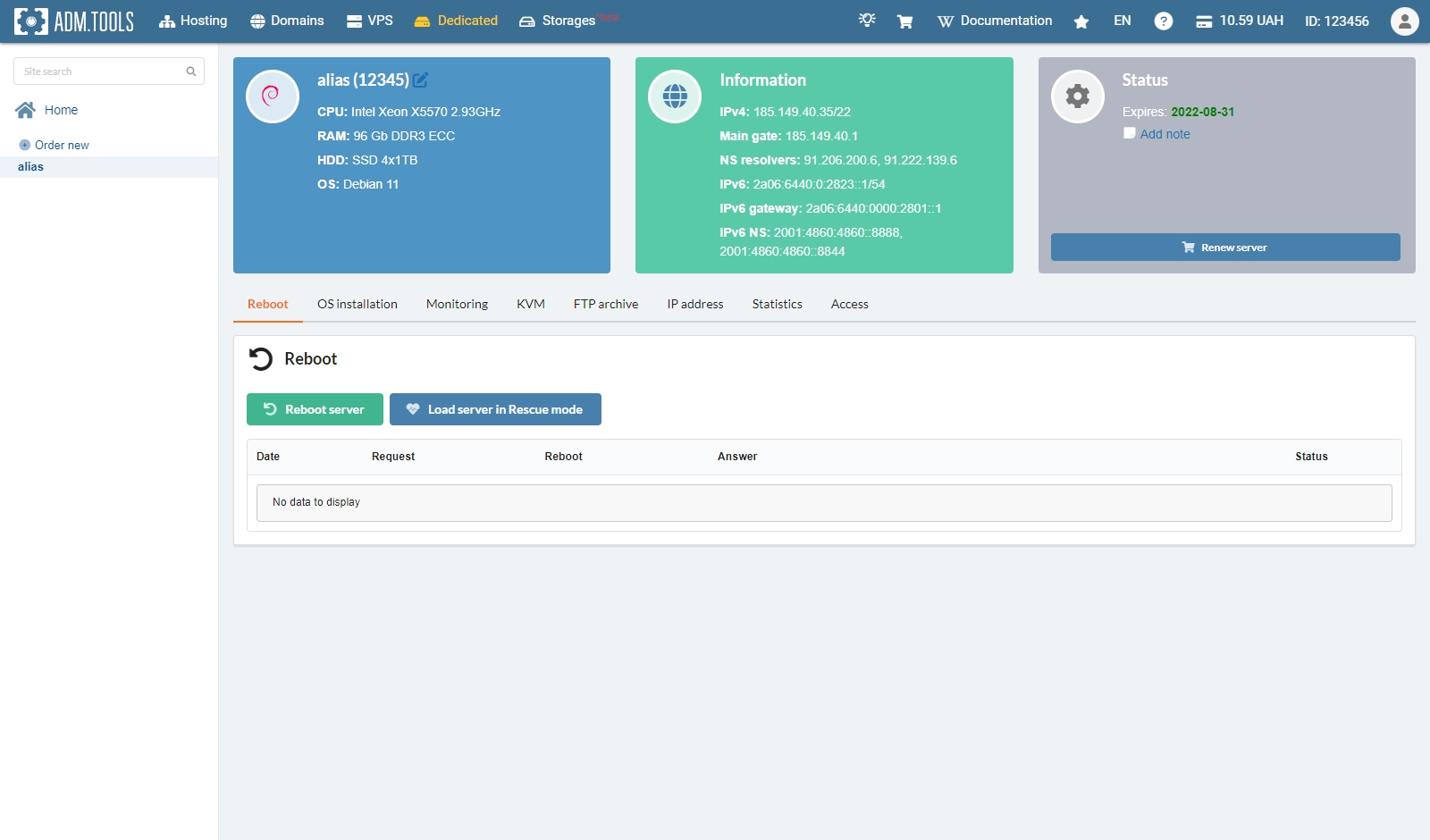
Dedicated
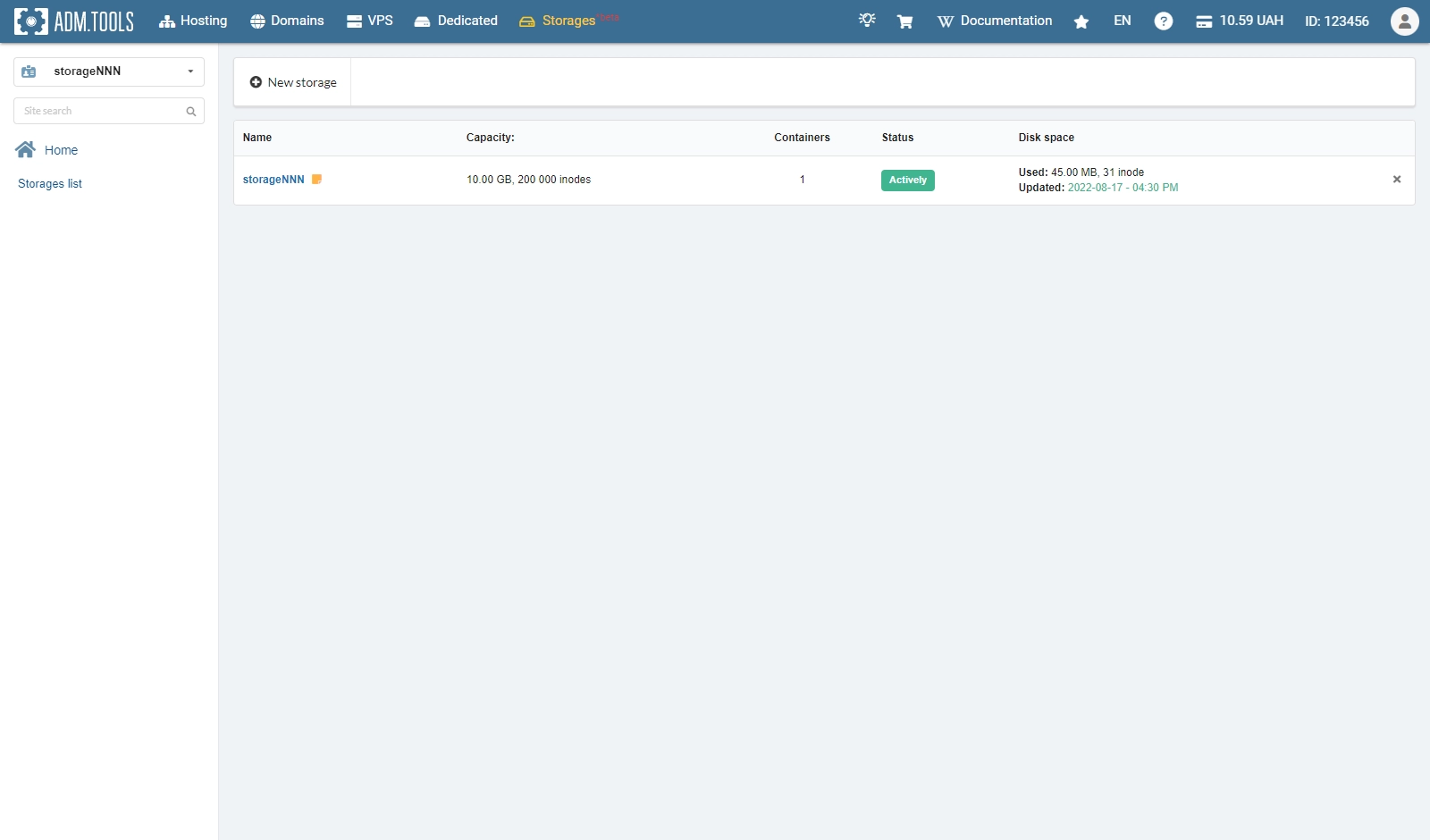
Storage
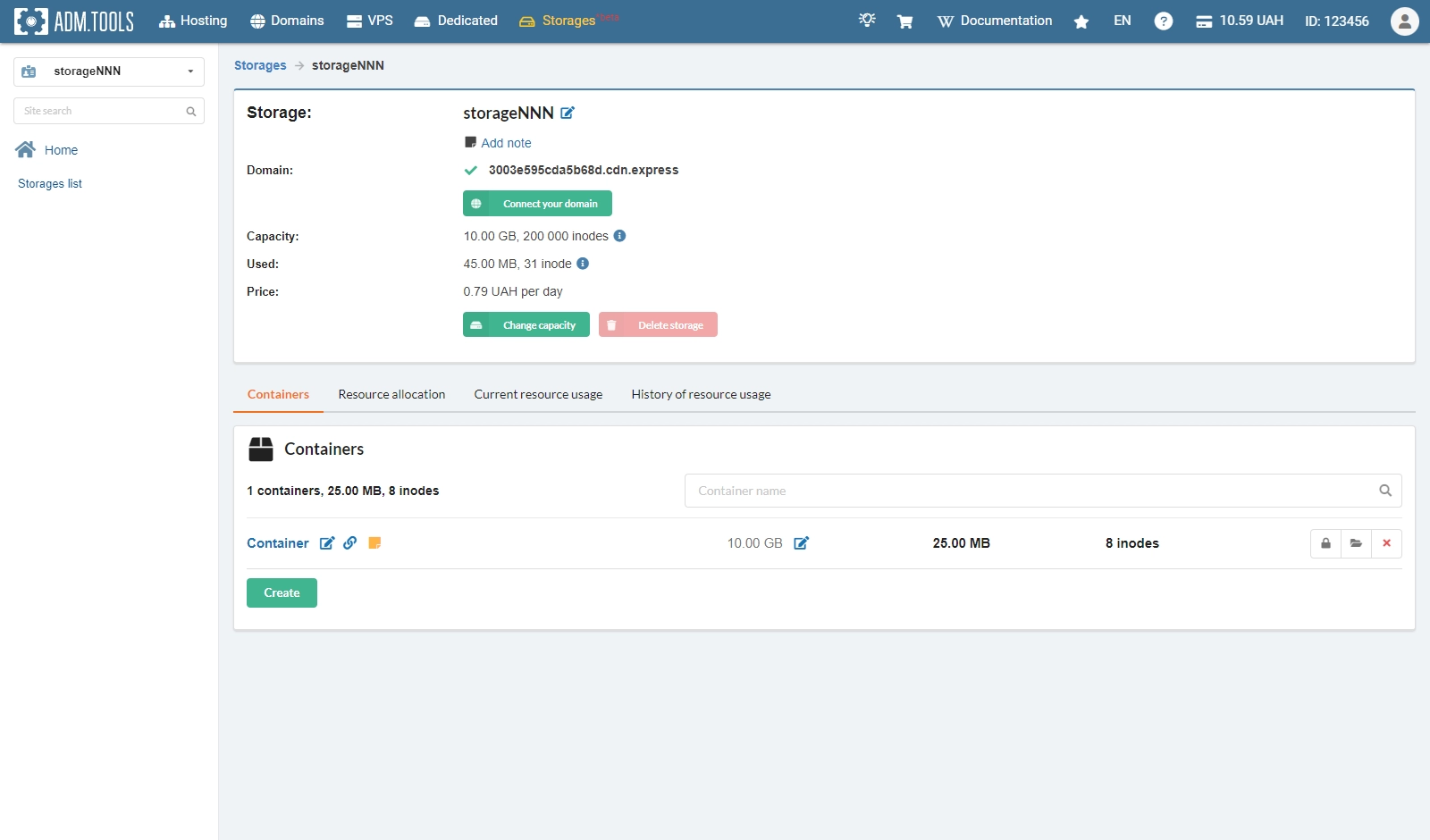
Storage containers