Manage cookies that are used for advertising, such as ad personalization, remarketing, and ad effectiveness analysis.
Hosting Plans for the Moodle CMS
NVMe disk space
Apache, OpenLiteSpeed
MySQL 8.4 / 5.7
*
Sites
Memory limit (RAM)
Server location
30-day moneyback
Quality
Ready-to-use solution for web studios and large projects
30 GB
1536 MB


What are the benefits of our Moodle hosting?
Automatic install
Install Moodle and other popular CMS platforms with just a few clicks.
DDoS protection
Effective protection means that the website continues to function during an attack.
Site builder
A completely free WordPress based website builder. Build and customize your website without programming knowledge.
Virus protection
Find viruses on disk and in account memory, preventing them from spamming and spreading further.
High-speed network connection
All servers have a high-speed network connection at the speed of 10 Gbit/s.
Backup
Automatic backups of all sites, as well as the ability to create manual backups.
Modern equipment
All hosting servers are located on modern servers with NVMe disks and AMD EPYC processors.
SSH and VNC console
For convenience, a WebSSH console is available that allows you to connect to the server via SSH through your browser.
Hosting for Moodle
Moodle-based educational platforms place high demands on server resources and require a task scheduler. Our hosting supports all the technologies necessary for Moodle to function, including the latest versions of PHP, high-performance databases, and the ability to run cron jobs. Our plans also allow you to store large volumes of educational materials and course files. We have implemented a user-friendly interface for managing Cron jobs, which is critical for delivering educational materials and updating courses. High RAM limits and the ability to use OPcache allow the system to run smoothly even when a large group of students is taking tests simultaneously. Full support for the necessary GD and ImageMagick graphics libraries ensures the correct display of educational content and media files, while a secure HTTPS connection guarantees the confidentiality of student data.
For easy setup, the Moodle learning management system can be automatically installed on any hosting plan using the CMS auto-installer in the hosting control panel. This allows you to quickly get the system up and running without having to manually configure the database or server.
Everything you need to know
Our website features a knowledge base to help you manage your site.
The documentation on our wiki describes all the features of the hosting service and this CMS.
Our technical support team is available to assist you 24 hours a day.
Moodle CMS Wiki DocumentationHow do I choose a hosting provider for Moodle?
When choosing a hosting provider, it’s important to consider speed, the type of storage (NVMe), the availability of backups, and customer support. For Moodle sites, it’s also important to ensure the server is optimized for the CMS.
Is this hosting suitable for Moodle?
Yes, the hosting service is optimized for Moodle and ensures the stable operation of educational platforms and online courses.
Can Moodle be installed automatically?
Yes, you can install Moodle through the control panel and quickly get your learning system up and running.
Is this hosting suitable for a large number of students?
Yes, the hosting service is designed to handle high traffic and a large number of users.
Is it possible to migrate Moodle from another hosting provider?
Yes, you can migrate the platform yourself or contact support. The migration is performed without any data loss.
Is there a trial period?
Yes, you can test the hosting service before paying to evaluate its speed, the ease of use of the control panel, and how the website performs.
Are there any backups?
Yes, regular backups are performed, which allows the platform to be restored if necessary.
Do I need to configure the server manually?
No, the server is already configured to work with Moodle and is ready to use immediately after installation.
Hosting control panel
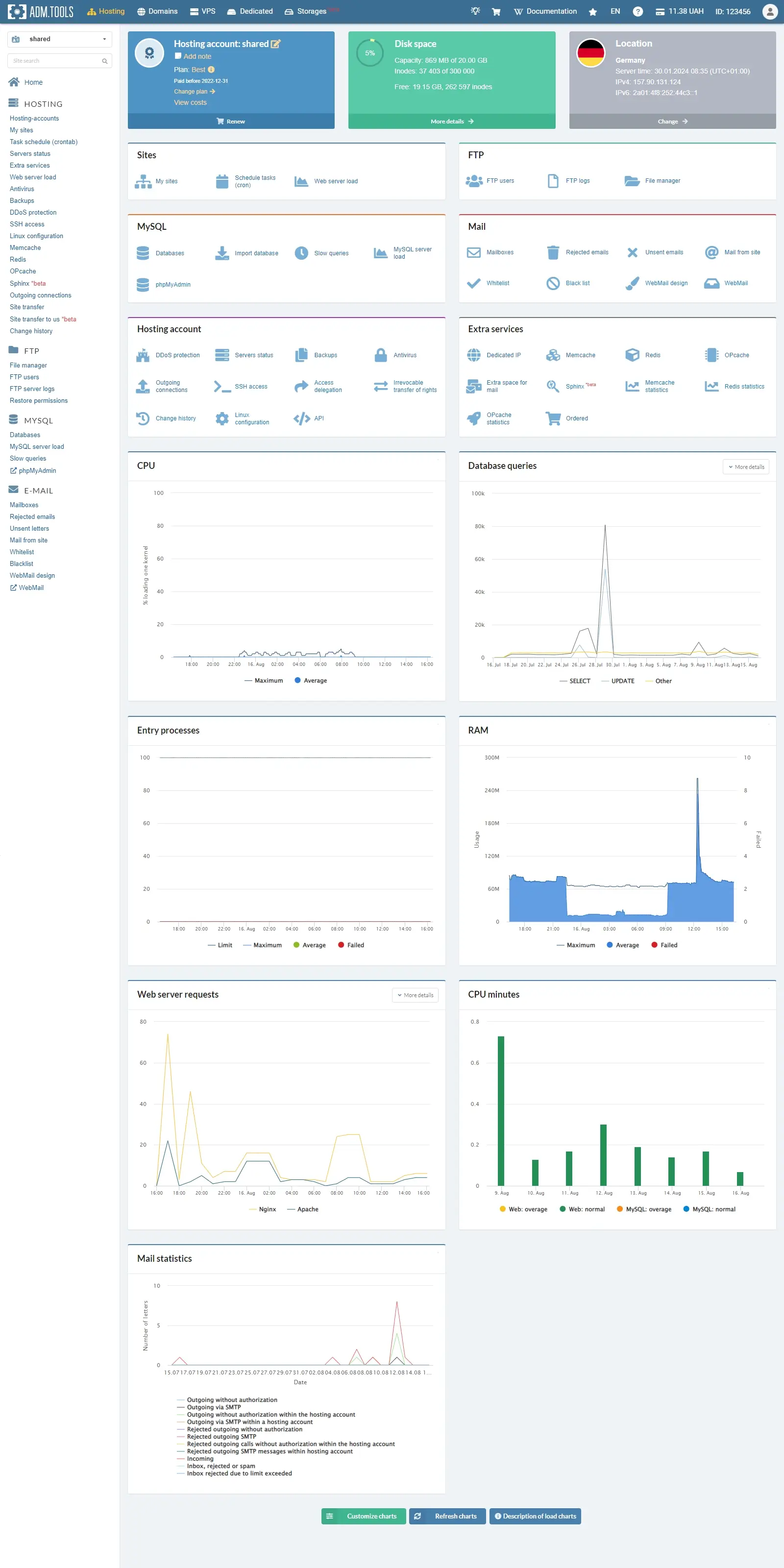
Hosting
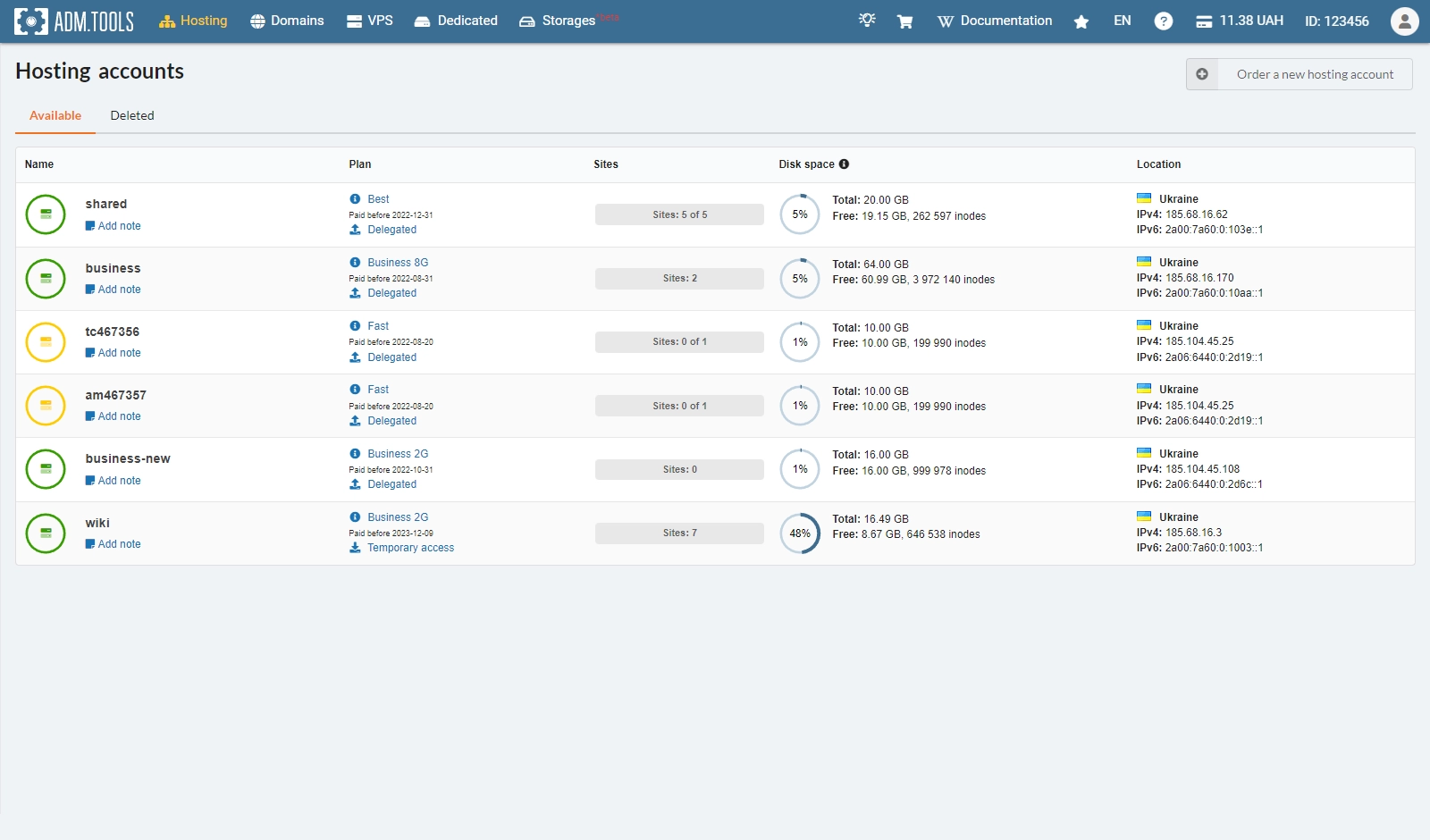
Hosting accounts
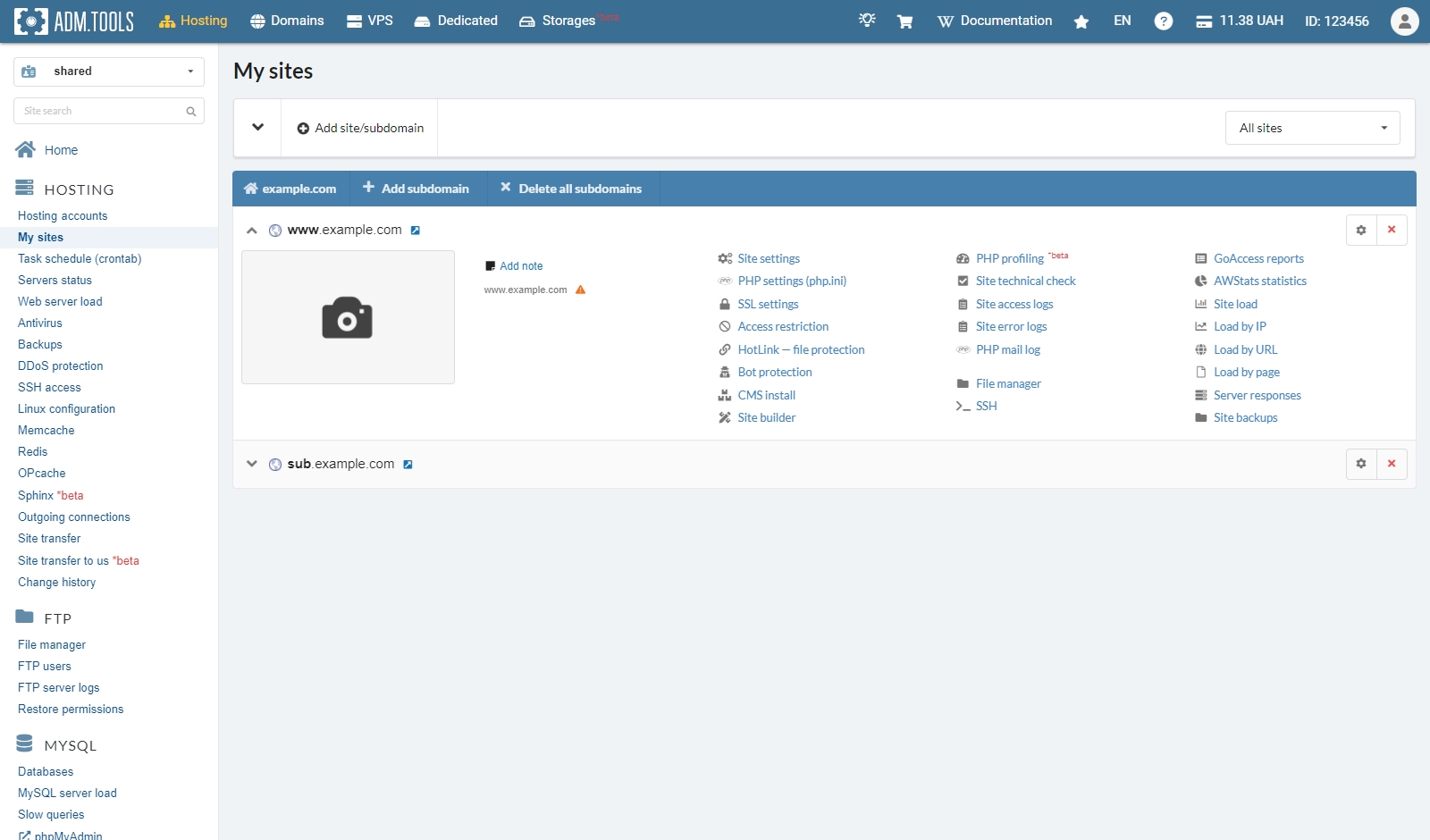
Sites
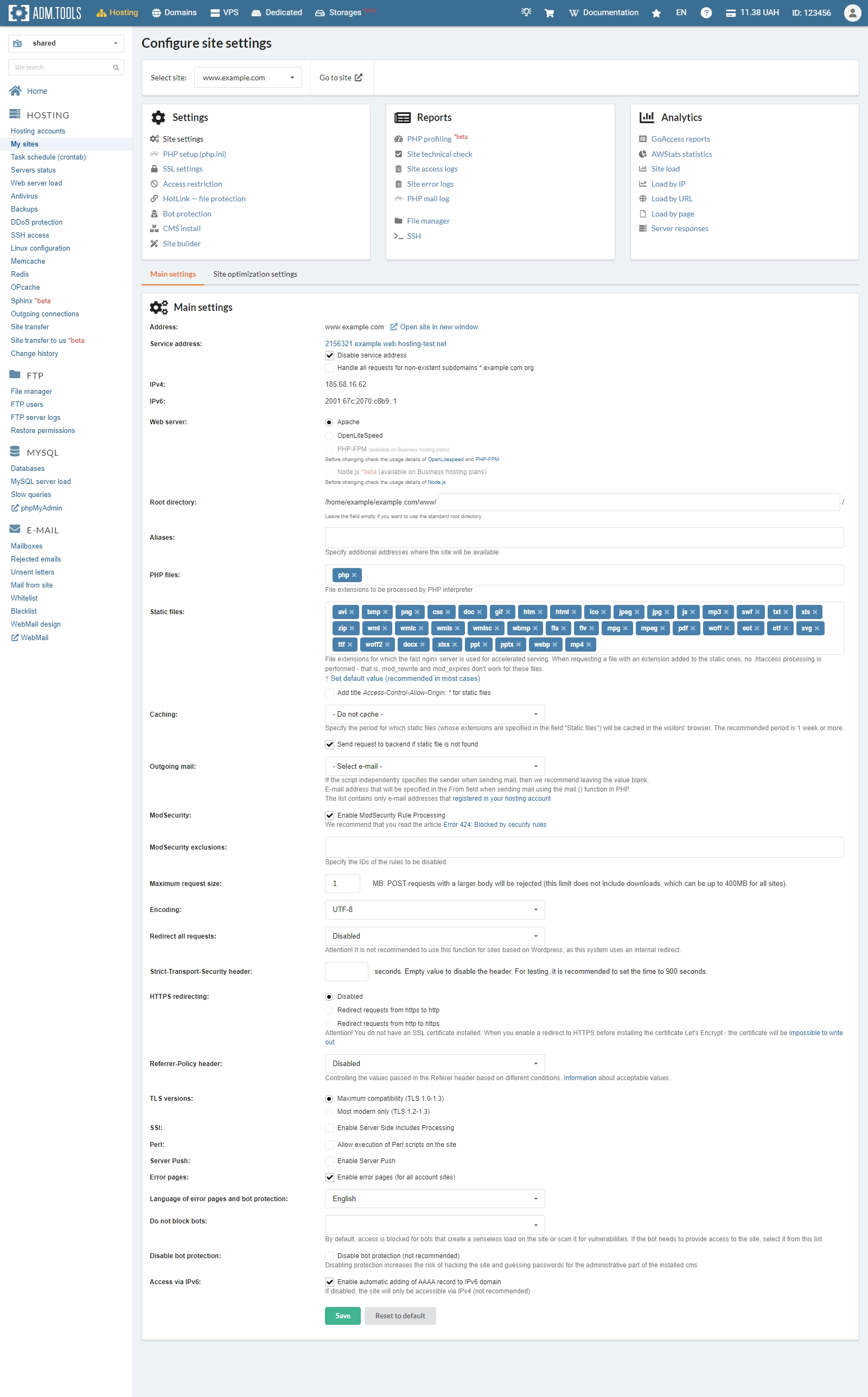
Site settings
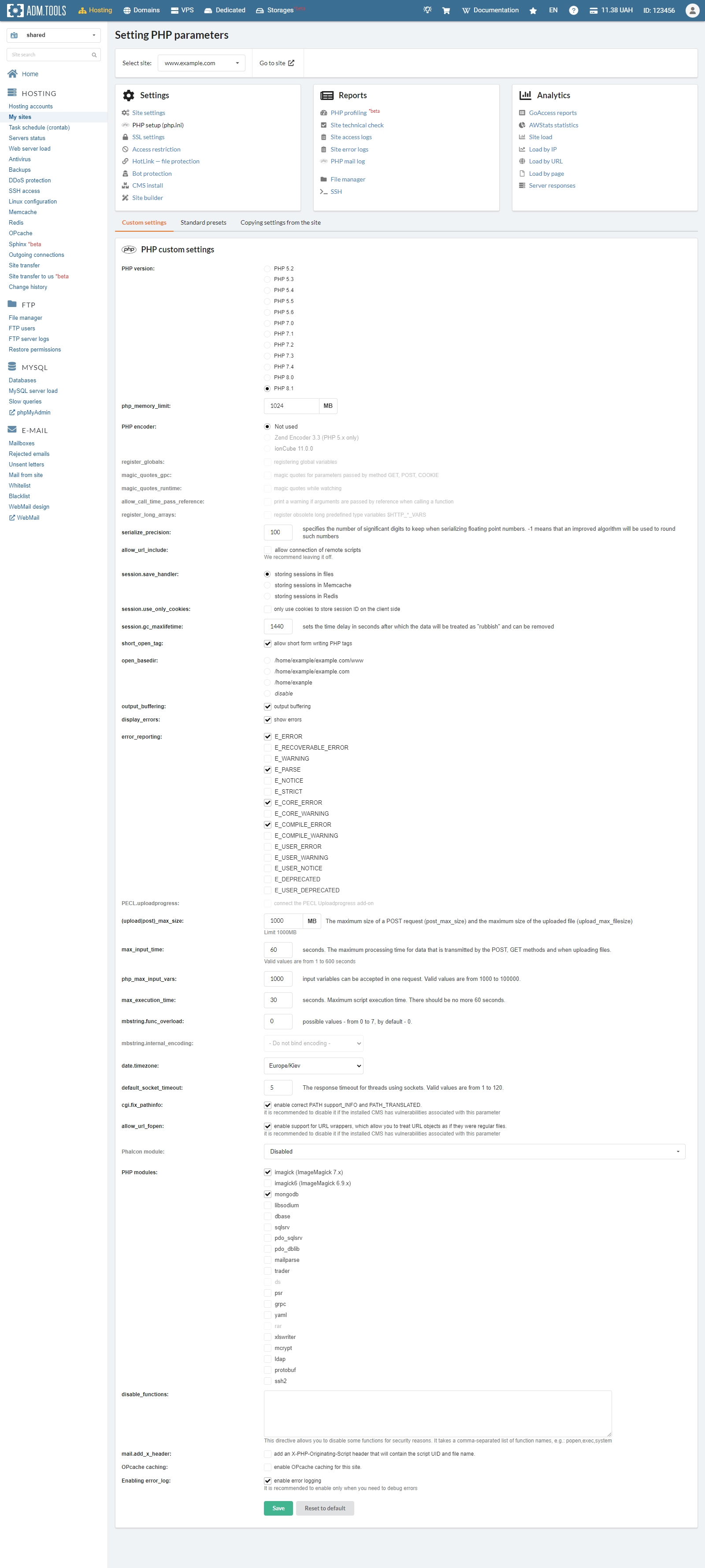
PHP setup
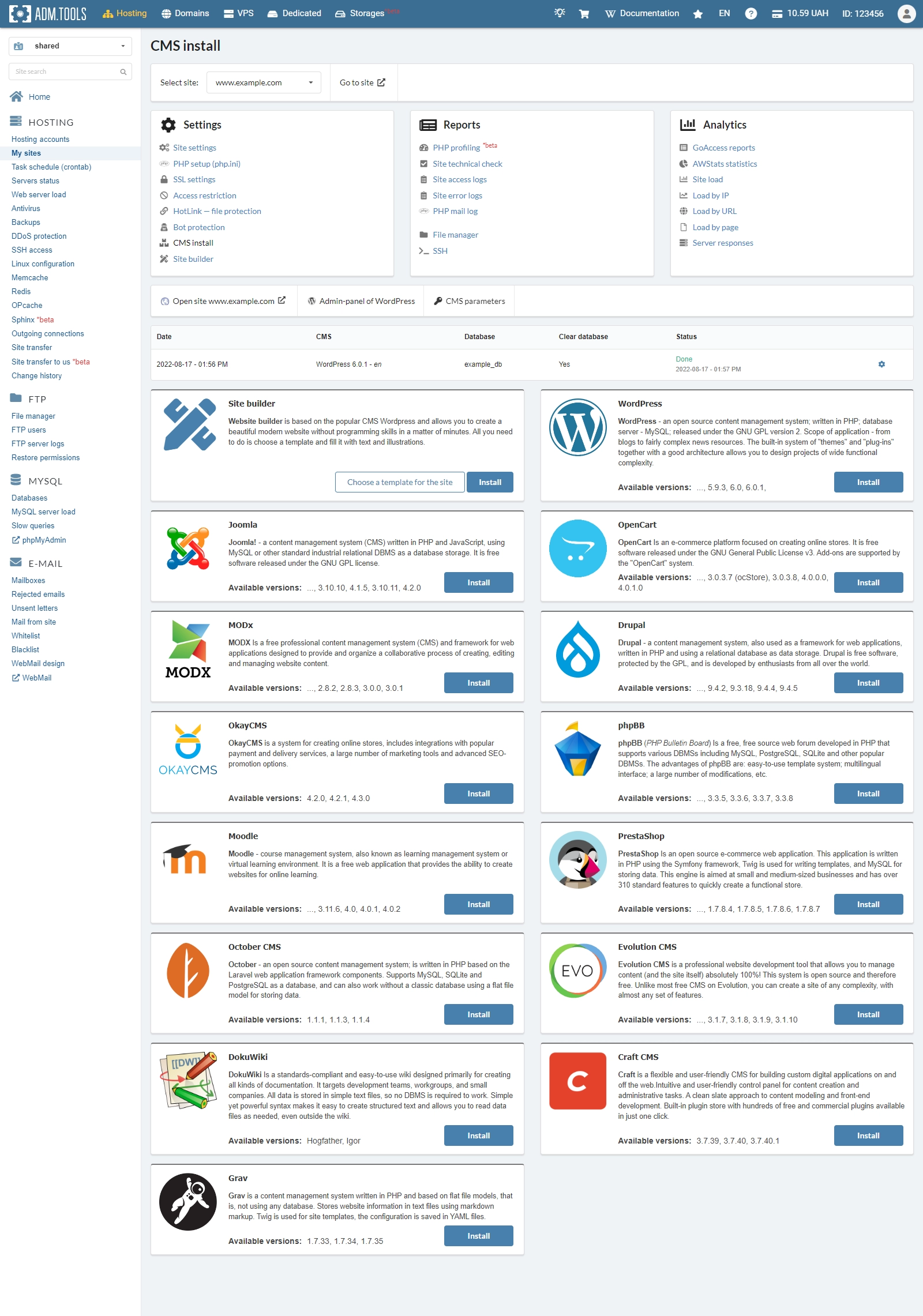
CMS install
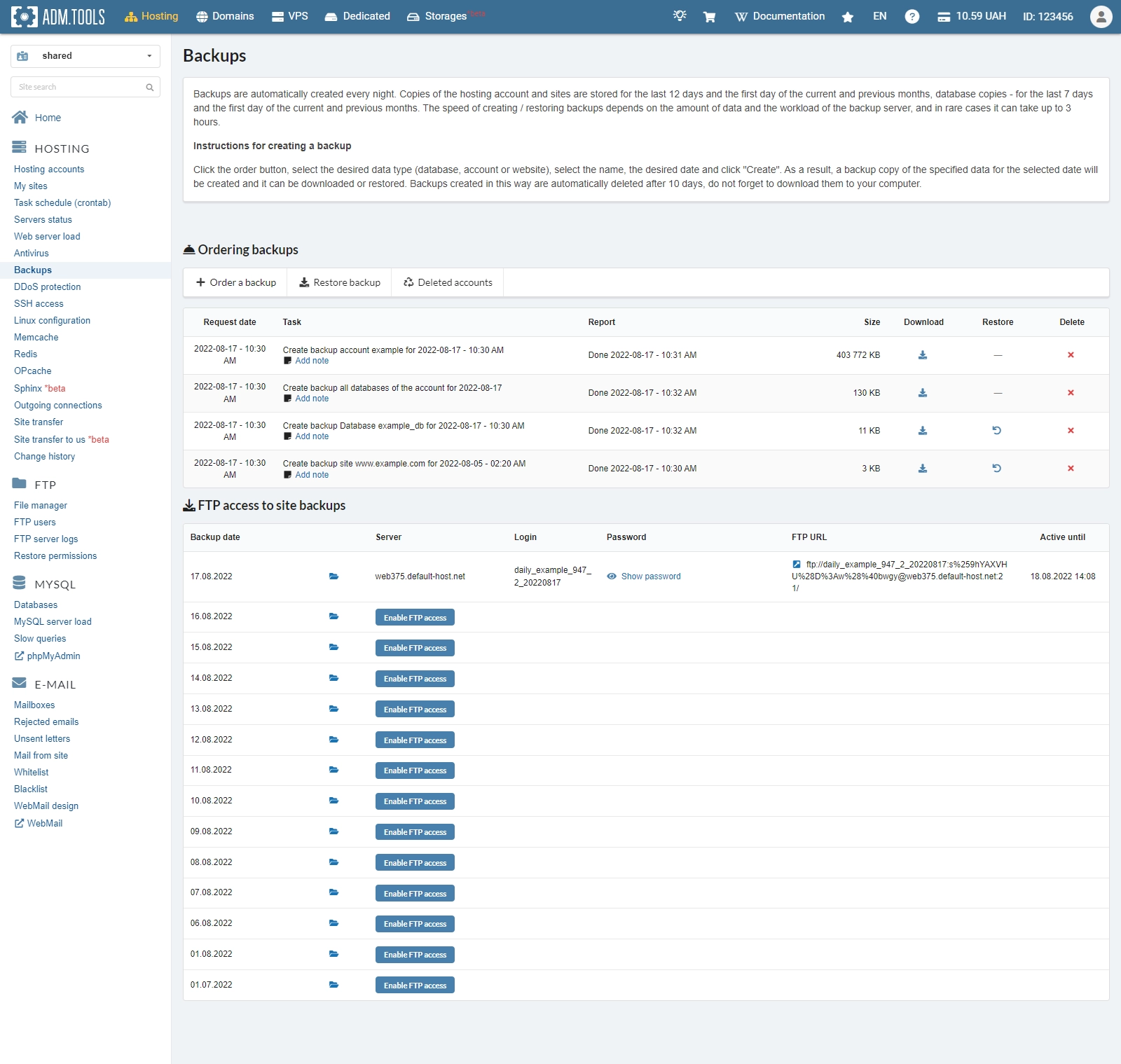
Backup
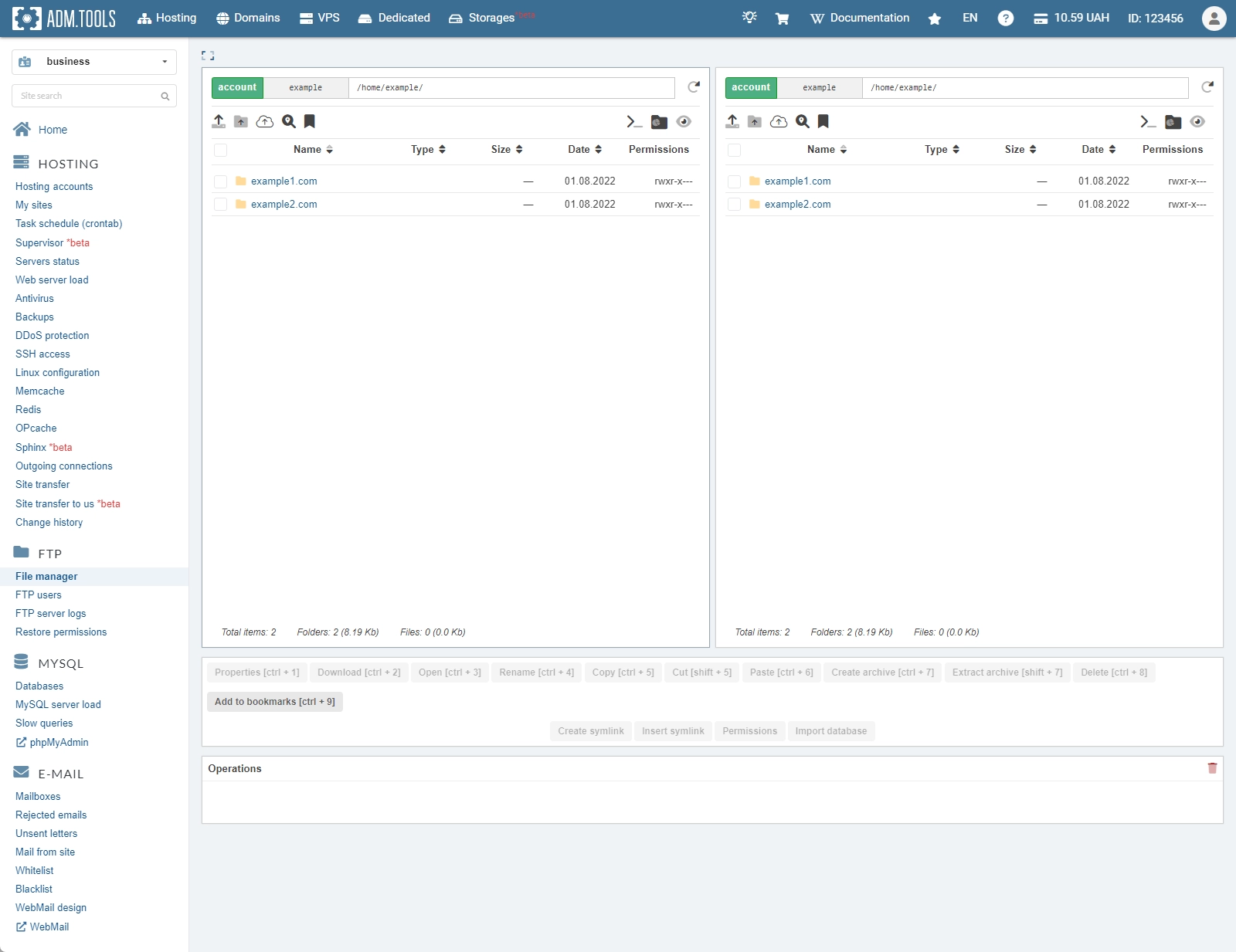
File manager
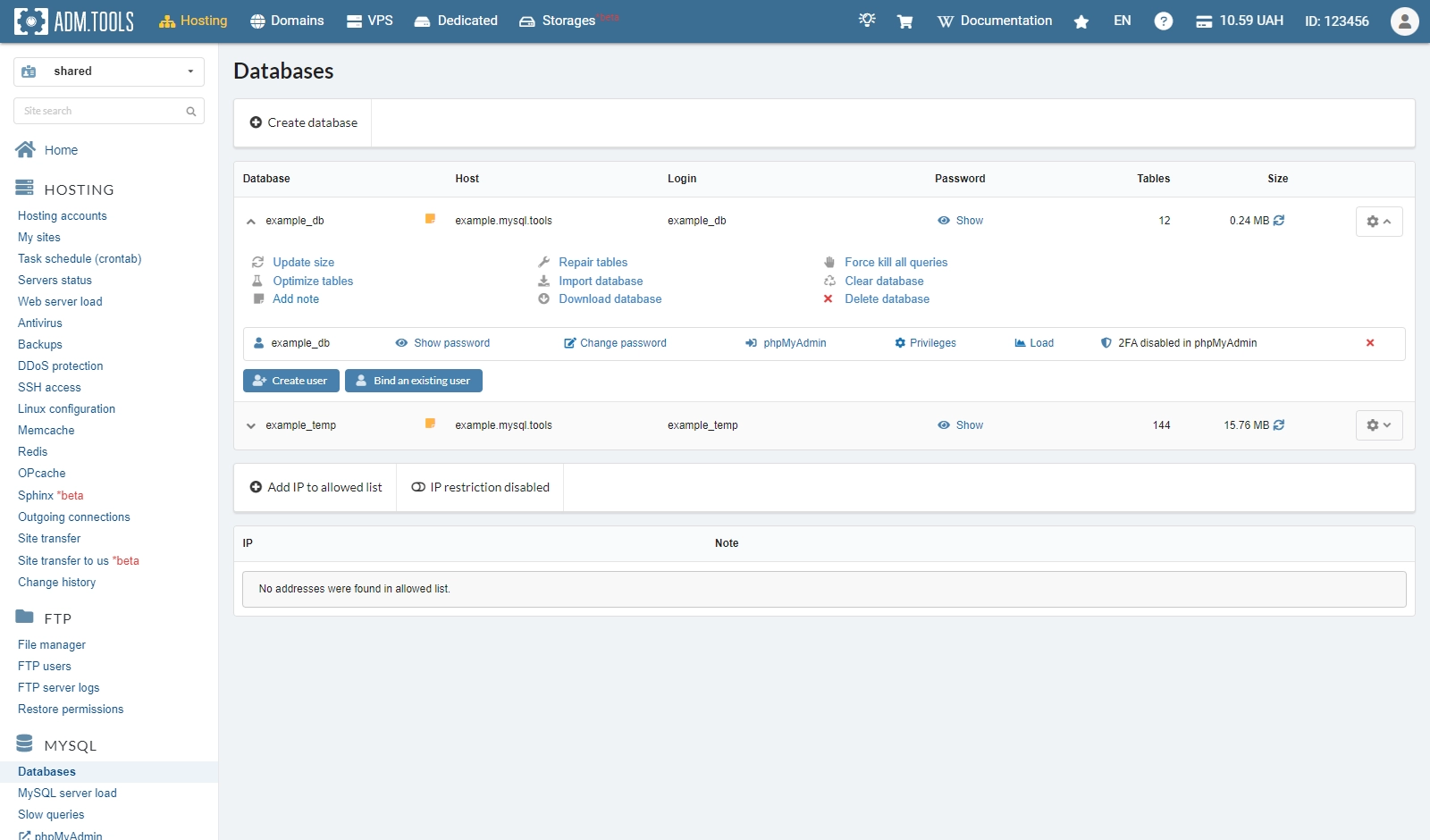
MySQL
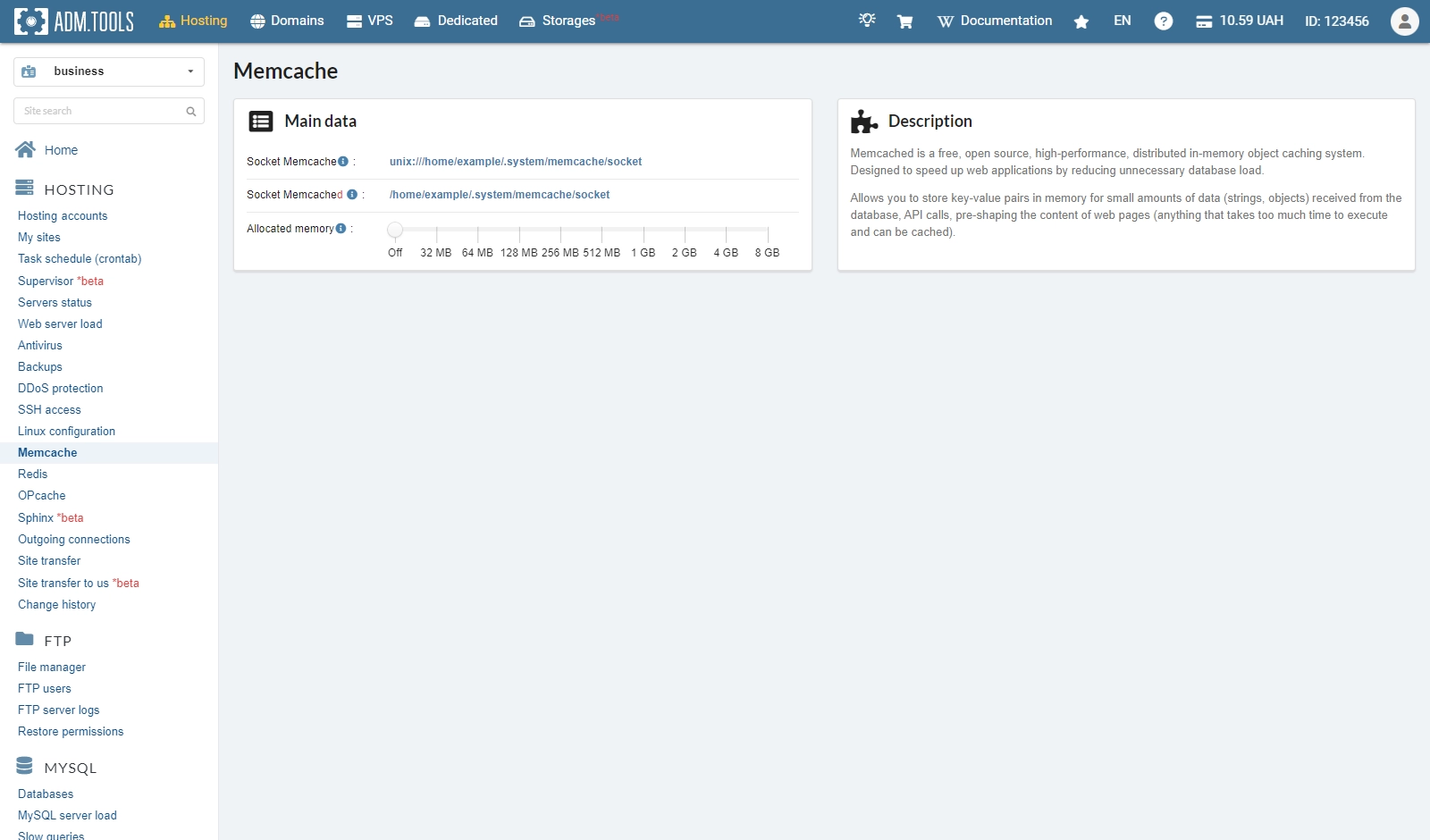
Memcache
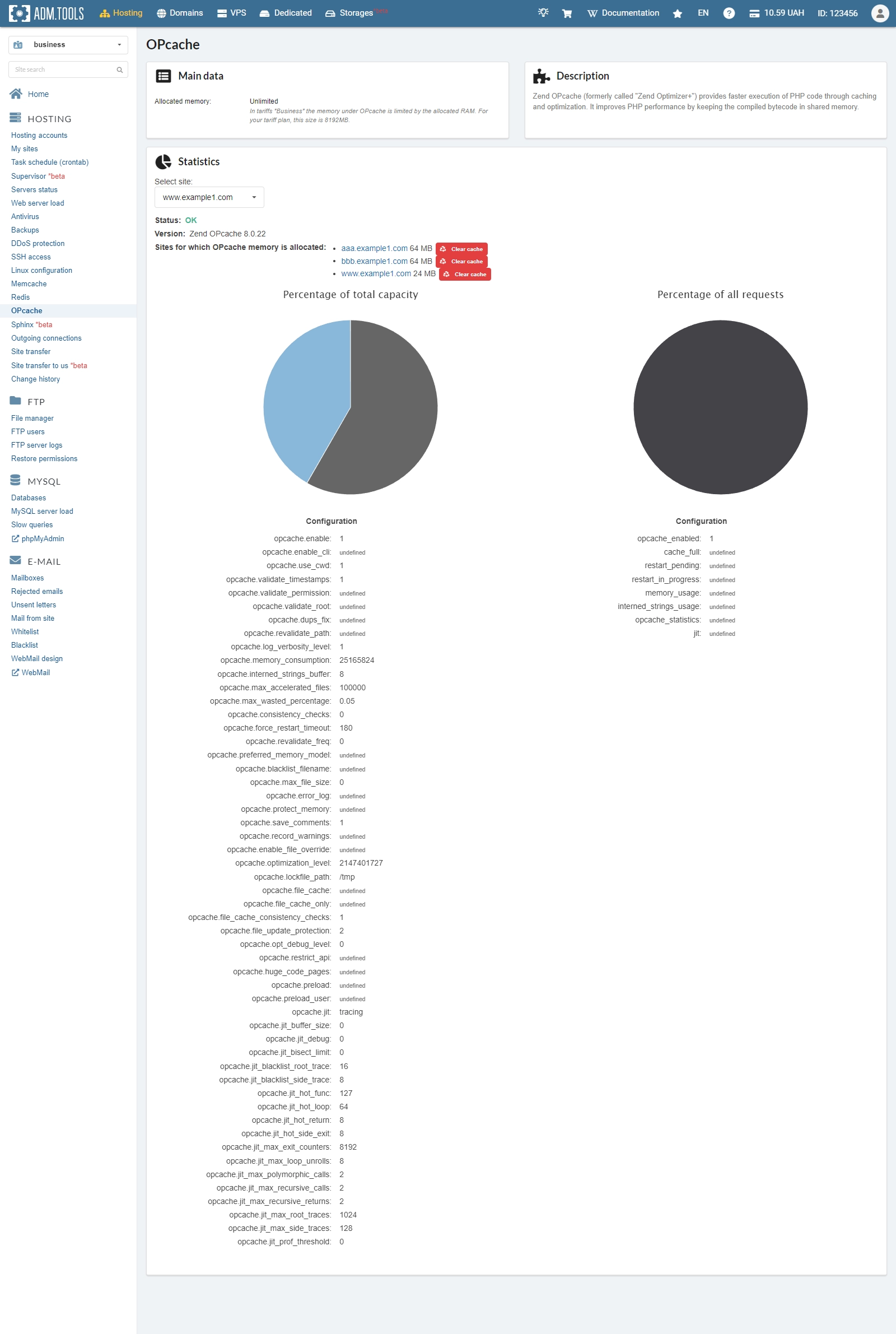
OPcache
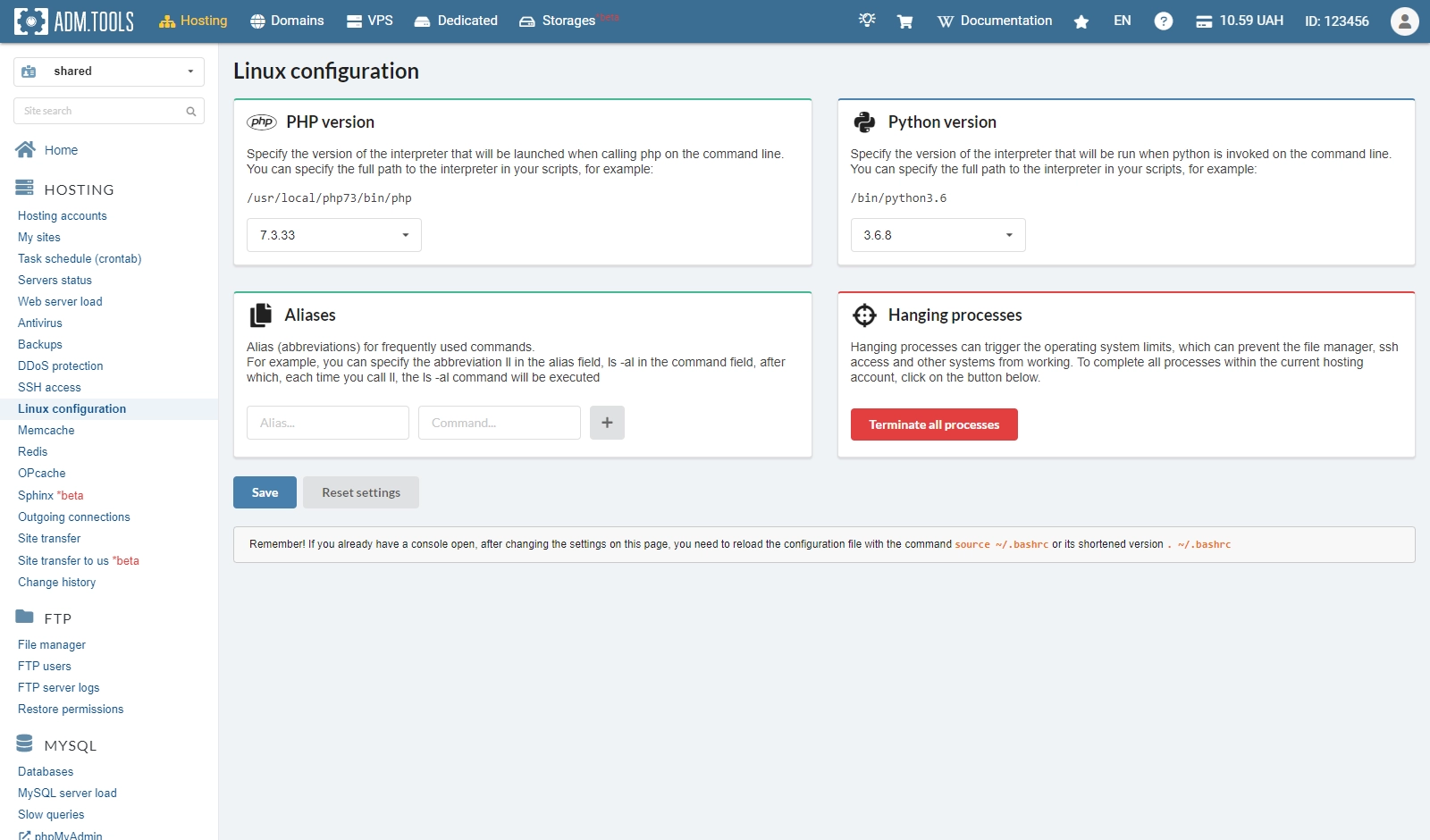
Linux configuration
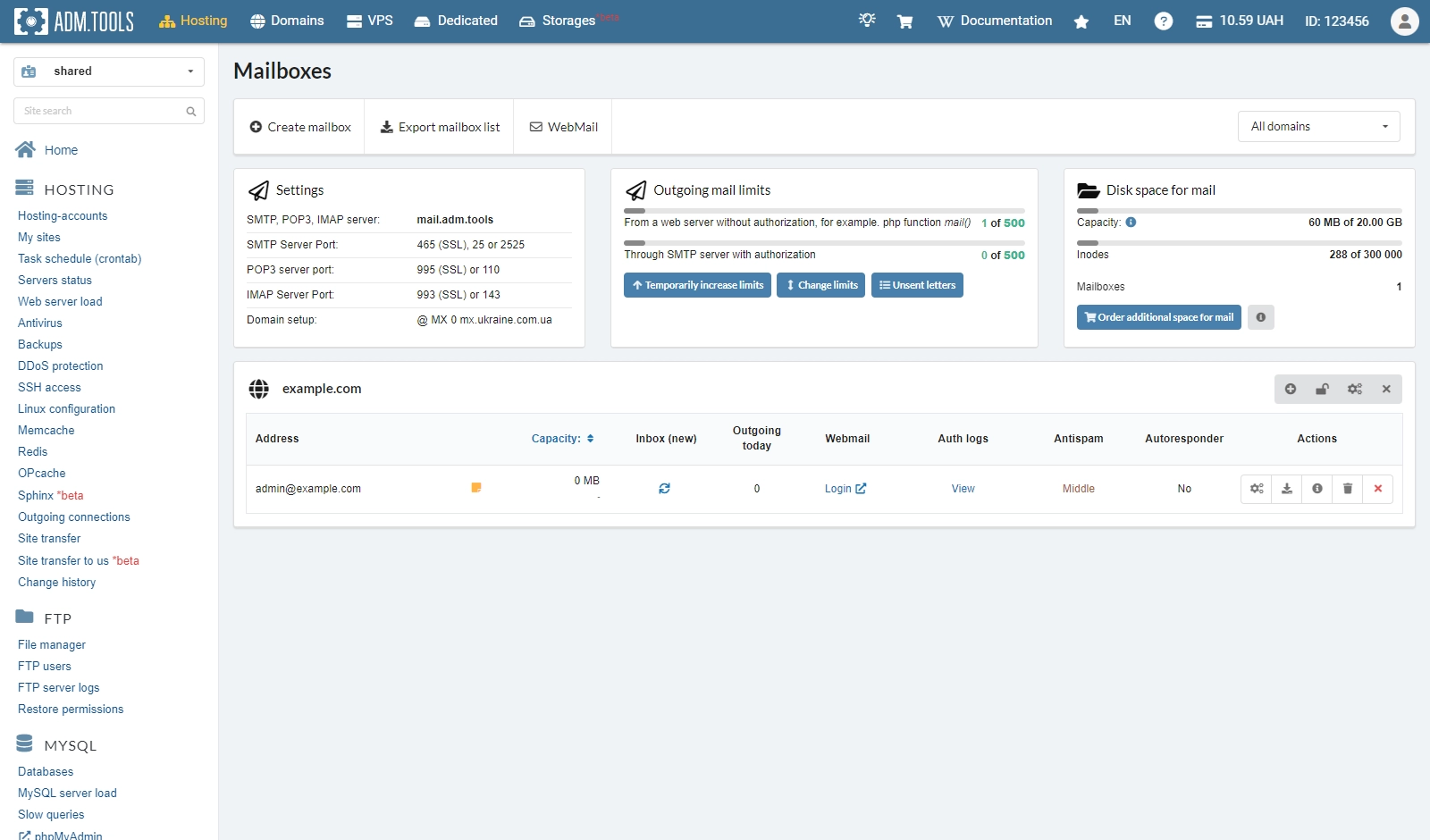
Mailboxes
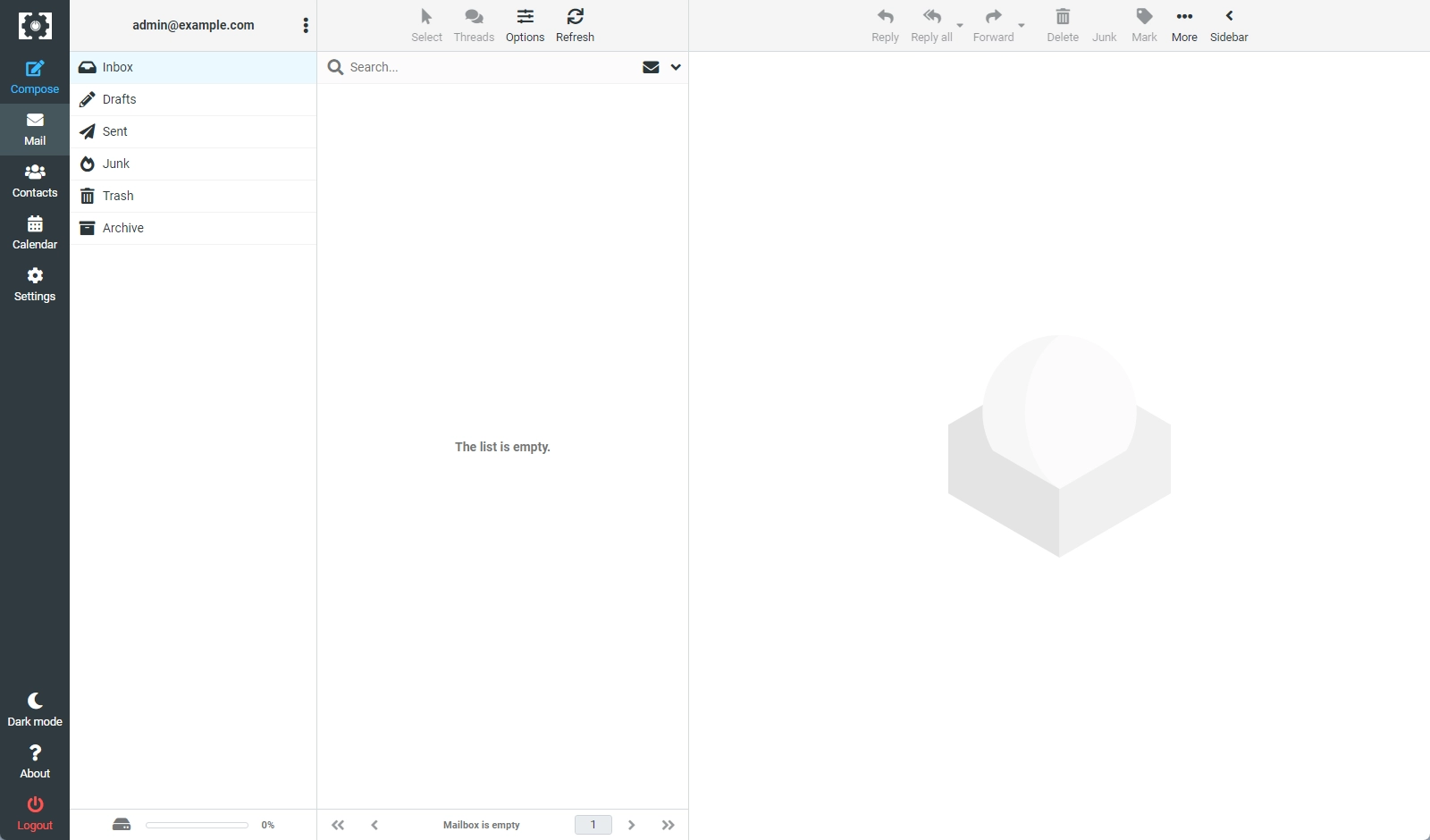
Webmail
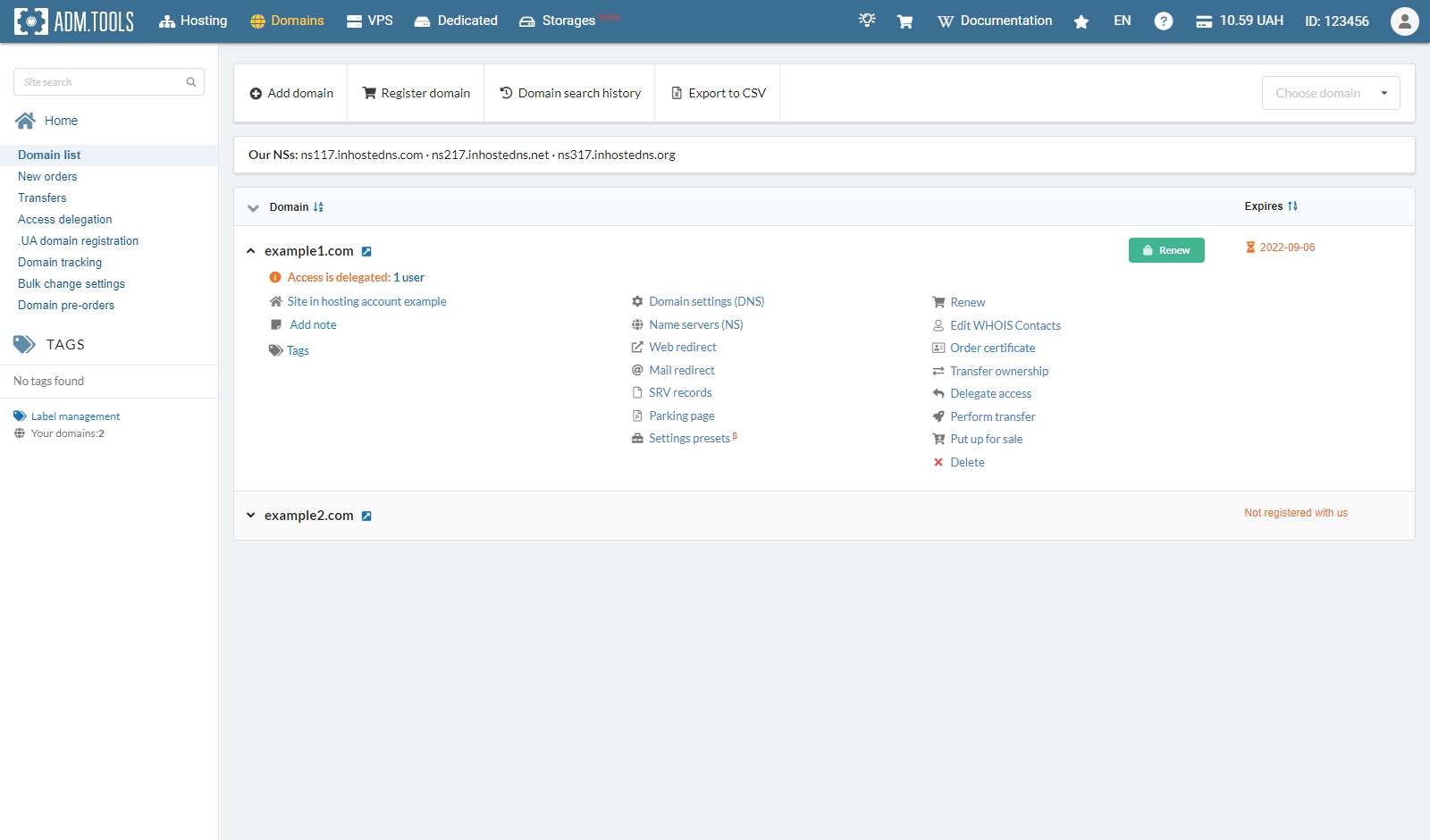
Domains
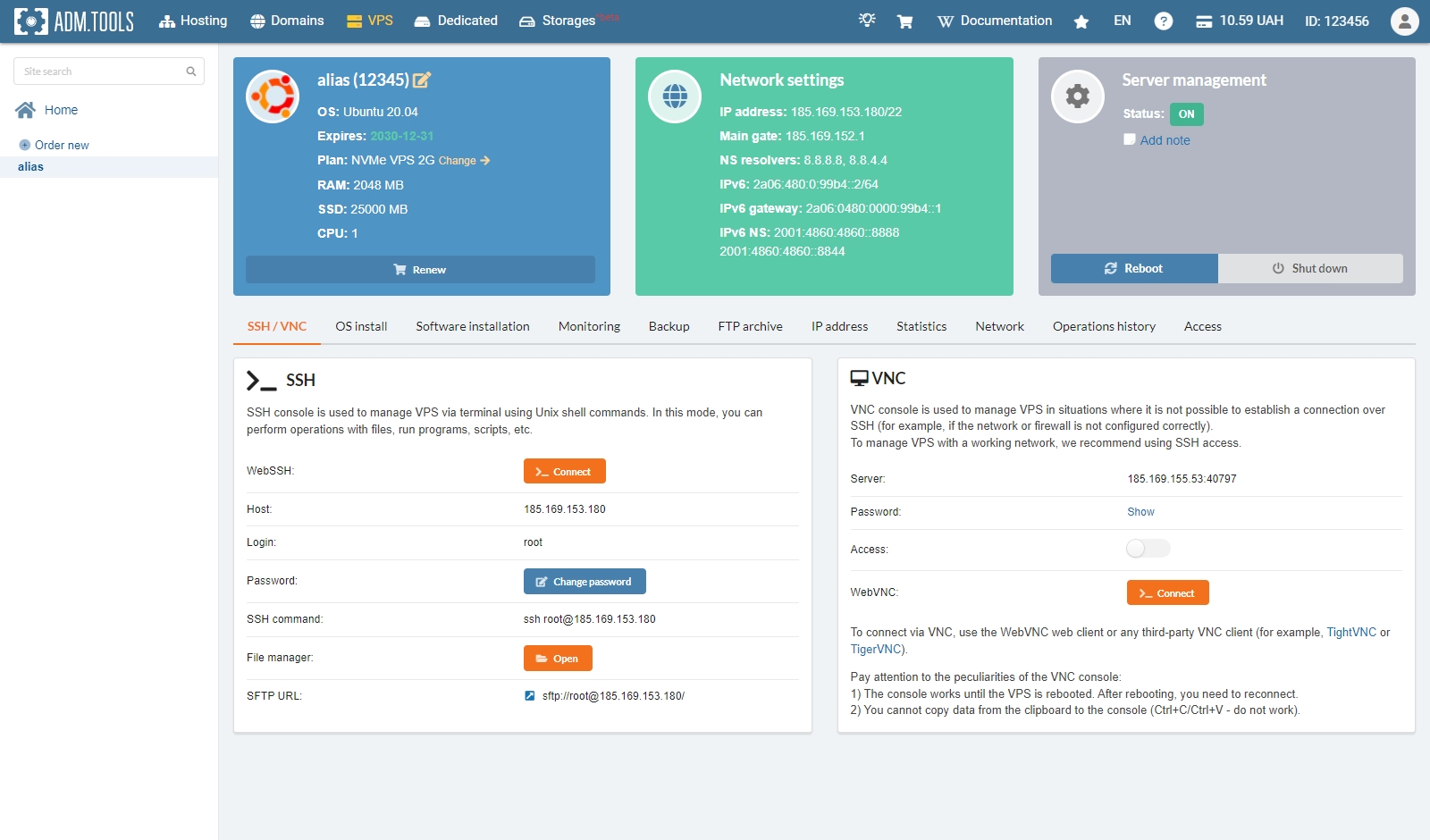
VPS
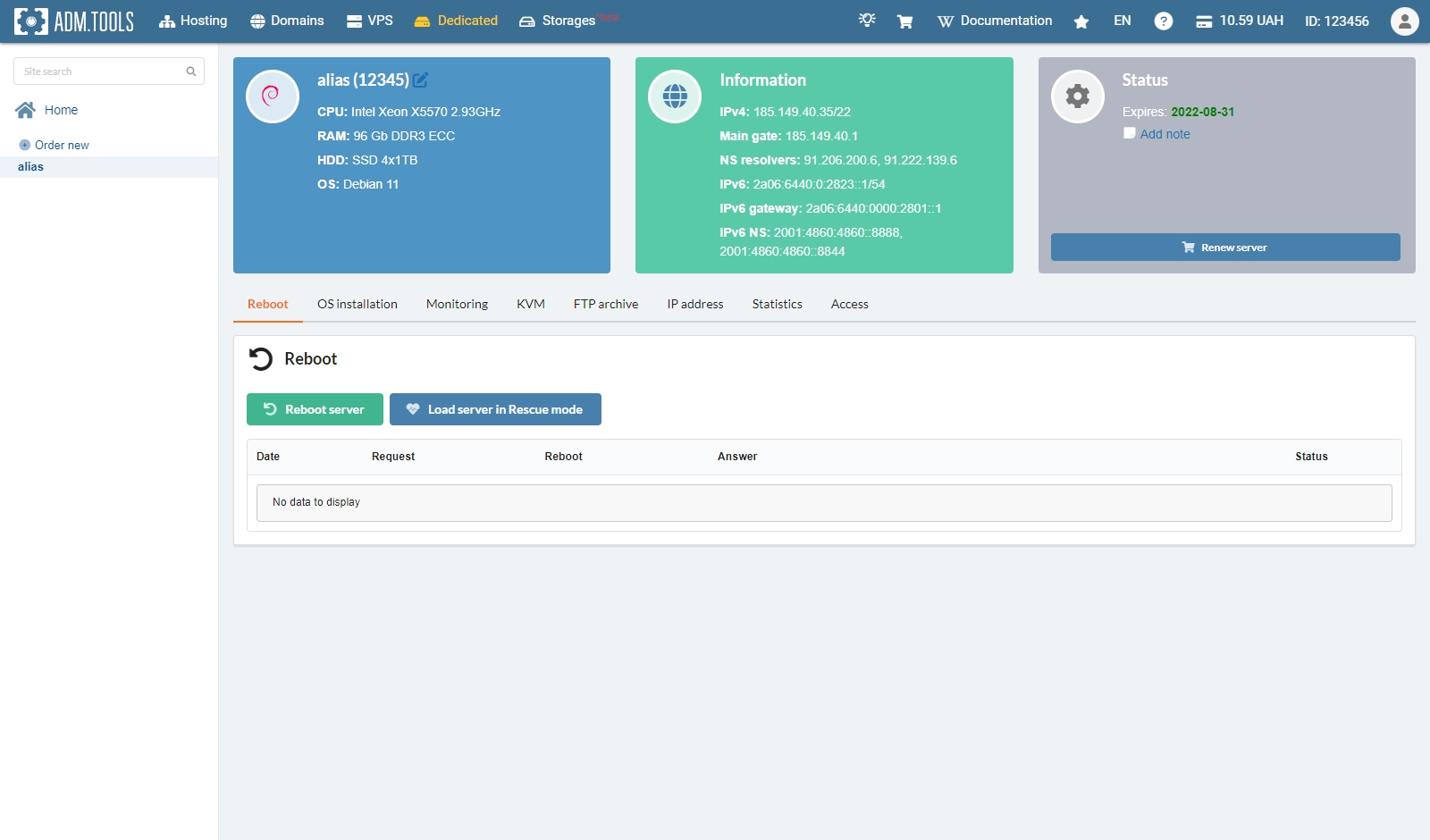
Dedicated
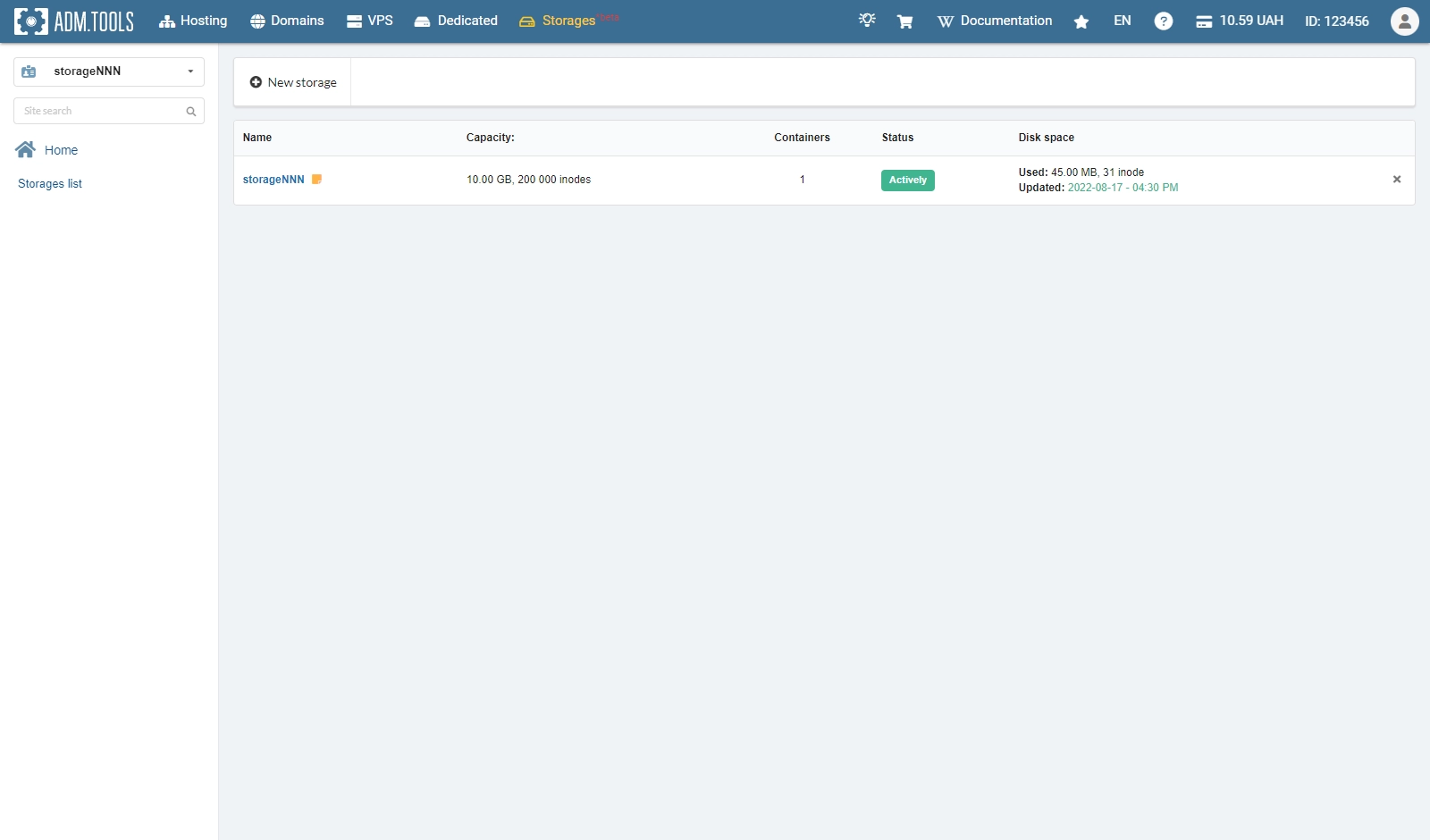
Storage
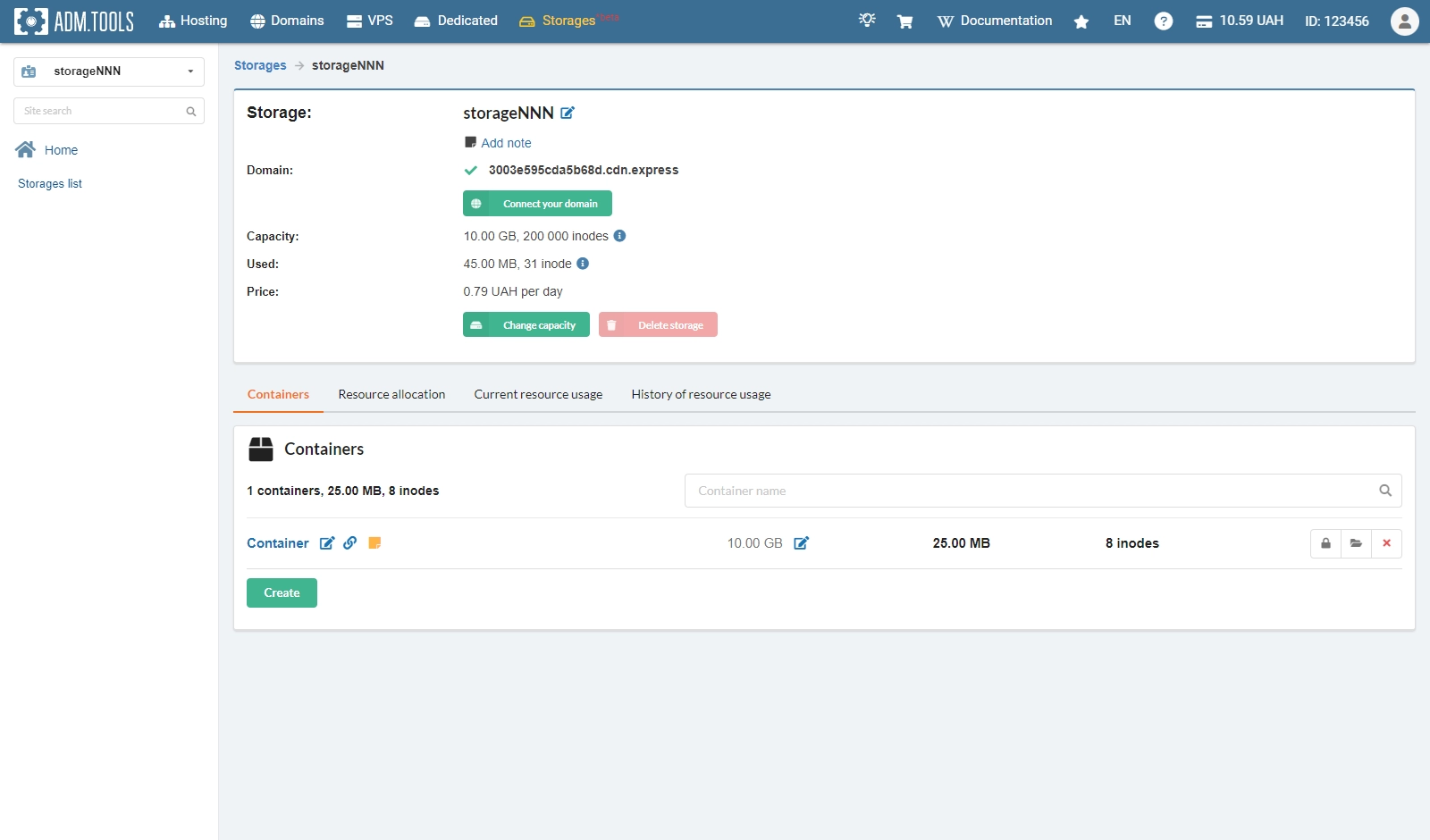
Storage containers