Manage cookies that are used for advertising, such as ad personalization, remarketing, and ad effectiveness analysis.
8.8.8. OpenSearch users
Users are managed in the "OpenSearch" section on the "Users" tab: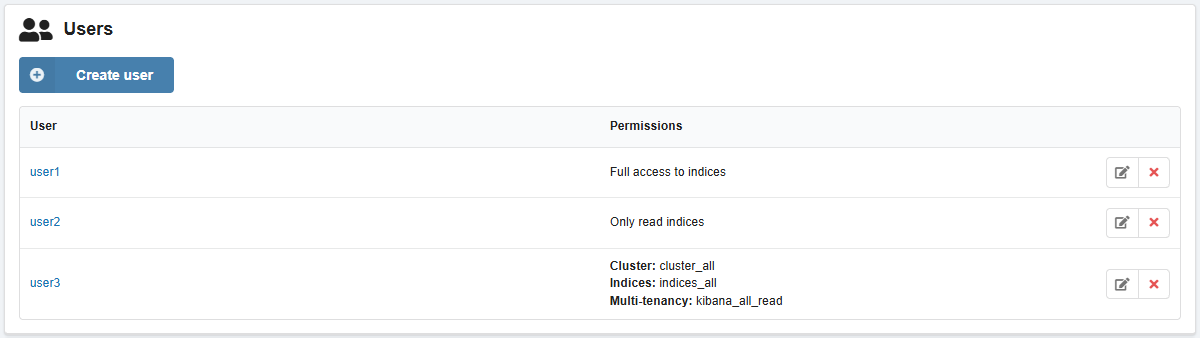
Permissions
- "Full access to indices".
- "Only read indices".
- "Custom permissions" — fine-tuning permissions by group:
- Group "Cluster" — cluster permissions (for more details, see official documentation).
- Group "Indices" — indices permissions (for more details, see official documentation).
- Group "Multi-tenancy" — permissions to access Kibana and manage tenant access.
Create
- On the "Users" tab, click "Create user".
- Enter login and password, permissions, and click "Create".
Change password and permissions
Attention!
User passwords are not stored publicly on the hosting. If you lose your password, you can only set a new one.- On the "Users" tab, click "Edit user" in the row with the user.
- Specify a new password or permissions and click "Save".
Delete
On the "Users" tab, in the user row, click ❌ and confirm the operation.