Manage cookies that are used for advertising, such as ad personalization, remarketing, and ad effectiveness analysis.
4.3.6.2. Set up Spark mail client (Windows)
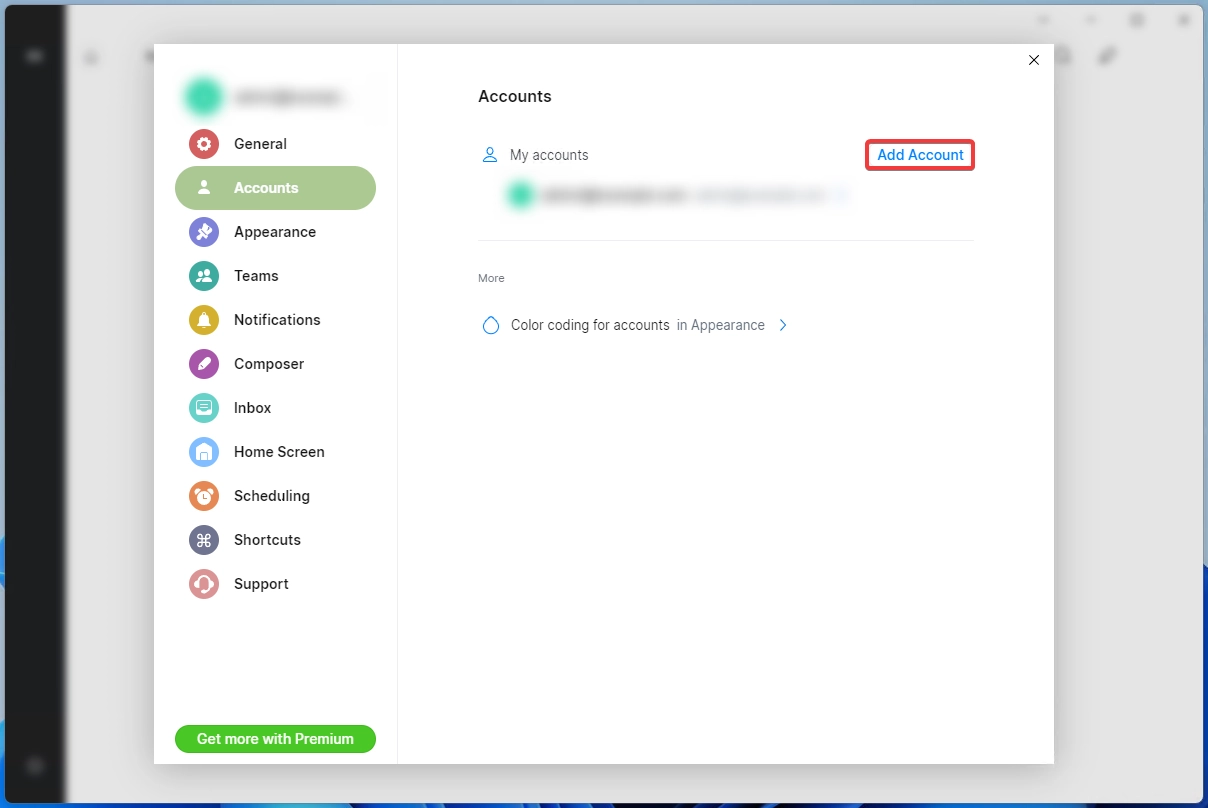
- If you are launching Spark for the first time, skip this step. Open Spark settings and click "Add Account" in "Accounts" section:
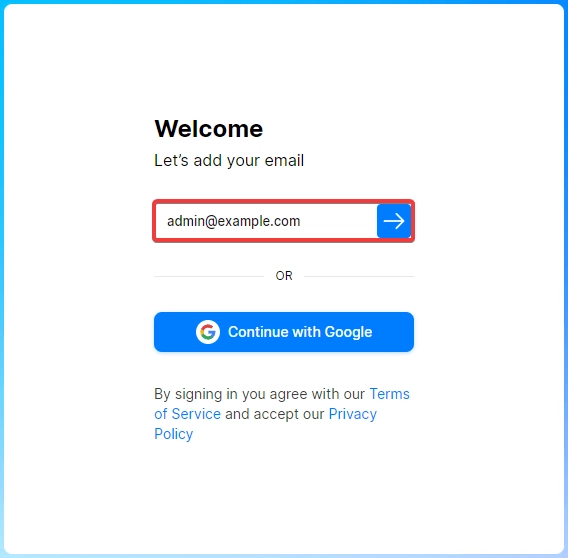
- Enter full name of mailbox and click arrow button:
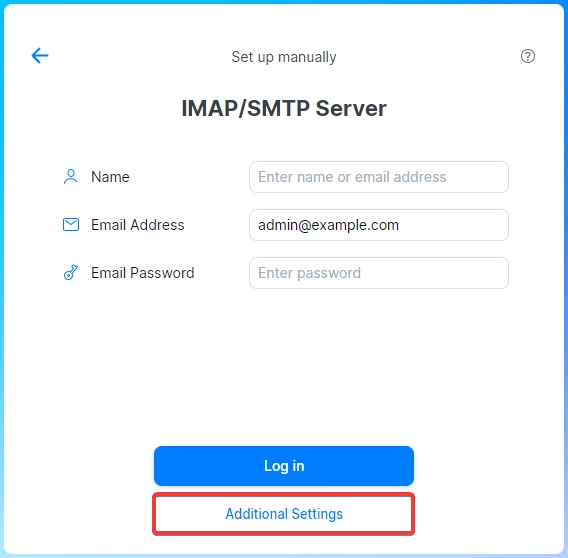
- Click "Additional settings":
- Specify incoming email (IMAP) settings:
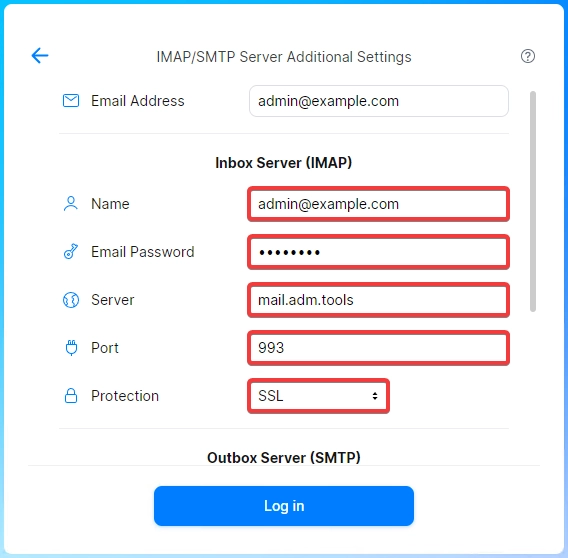
- "Name" — mailbox name.
- "Email password" — mailbox password.
- "Server" —
mail.adm.tools. - "Port" —
993. - "Protection" — "SSL".
- Specify outgoing email (SMTP) settings and click "Log in":
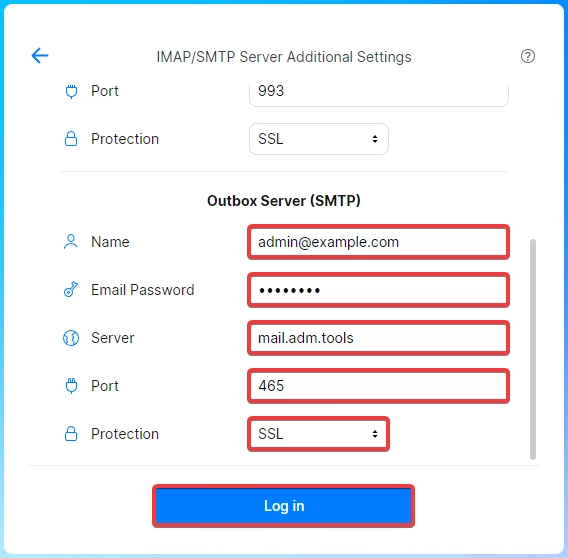
- "Name" — mailbox name.
- "Email password" — mailbox password.
- "Server" —
mail.adm.tools. - "Port" —
465. - "Protection" — "SSL".
- Wait for your account verification to complete and check email operation.
(1)