Manage cookies that are used for advertising, such as ad personalization, remarketing, and ad effectiveness analysis.
4.3.4.3. Set up Outlook mail client (macOS)
- Launch the Outlook app for Mac.
- In the top menu, select "Tools → Accounts":

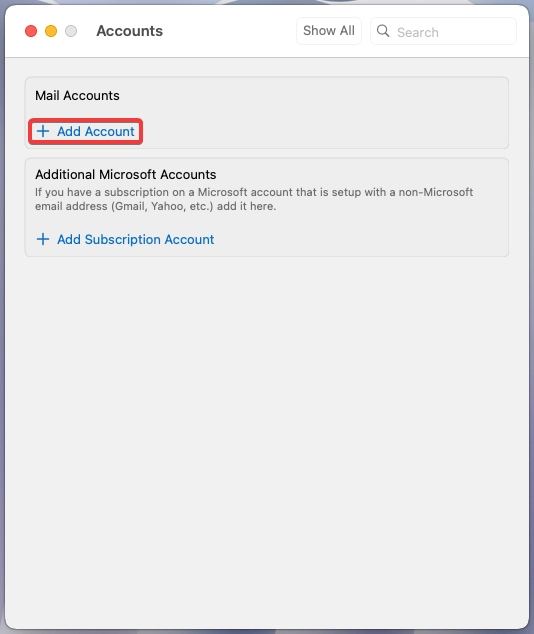
- In the "Mail accounts" section, click "Add Account":
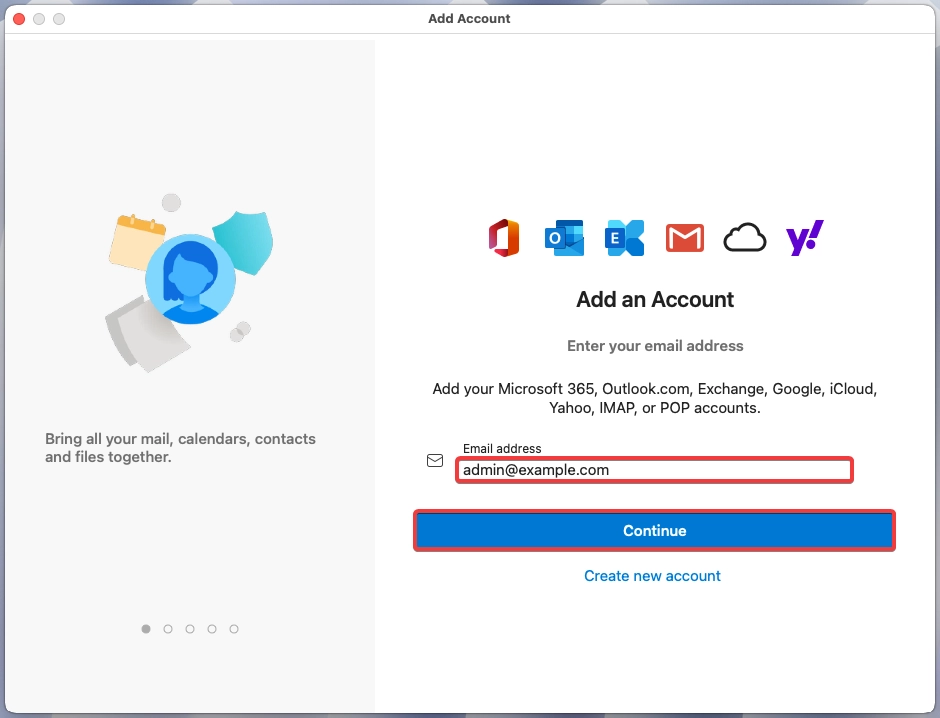
- Enter the full name of the mailbox and click "Continue":
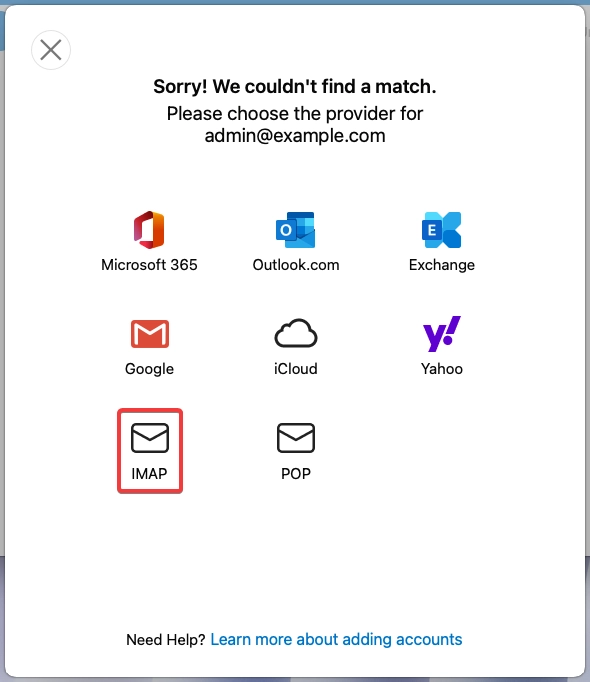
- Click "IMAP":
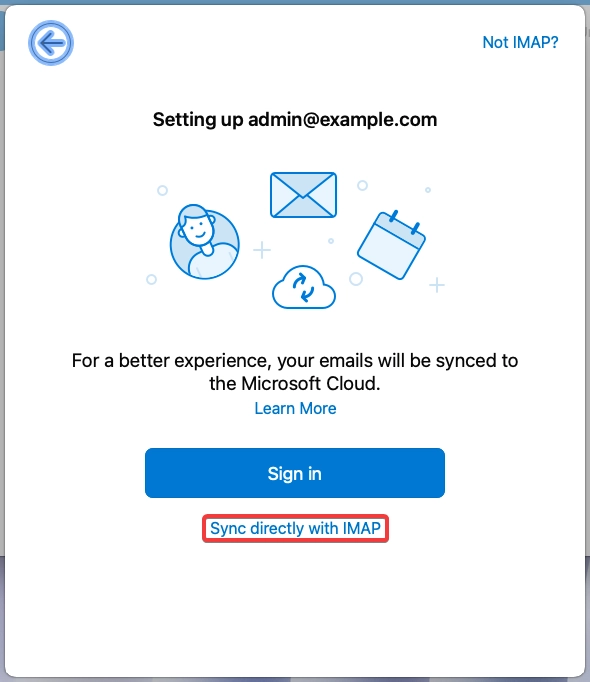
- Click "Sync direct with IMAP":
- Specify your mailbox connection settings and click "Add Account":
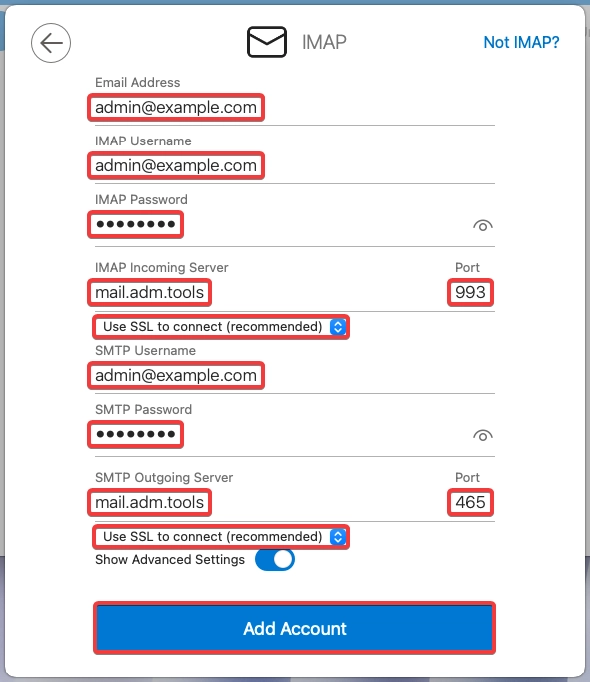
- "Email Address" — full name of the mailbox.
- "IMAP Username" — full name of the mailbox.
- "IMAP Password" — password of the mailbox.
- "IMAP Incoming Server" —
mail.adm.tools. - "Port" —
993. - Select "Use SSL to connect (recommended)".
- "SMTP Username" — full name of the mailbox.
- "SMTP password" — password of the mailbox.
- "SMTP Outgoing Server" —
mail.adm.tools. - "Port" —
465. - Select "Use SSL to connect (recommended)".
- Click "Done".
- Check the mail operation.