Manage cookies that are used for advertising, such as ad personalization, remarketing, and ad effectiveness analysis.
8.4.8. ClickHouse databases
Database are managed in the "ClickHouse" section on the "Databases" tab: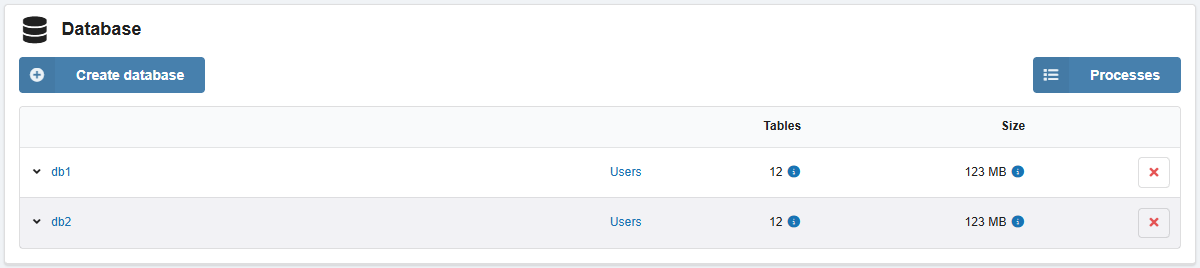
Create
For databases, the Atomic engine is used, which supports non-blocking
DROP TABLE and RENAME TABLE queries, as well as atomic EXCHANGE TABLES queries.
- Click "Create database".
- Fill out the form and click "Create":
- "Database name" — name of new database.
- "Engine" — database engine.
- "Create a user with the same name and full access to the database":
- Enabled — a user with the same name and full privileges will be immediately bound to the database.
- Disabled — users will need to be created and bound manually.
- After creating the database, a window will appear with connection data:
- Hosts and ports for protocols that are enabled in the ports settings.
- Database name.
- Database username.
- Database user password.
Delete
Users are not deleted and will simply be unbound from the database.
In the row with the database, click ❌ and confirm the operation.