Manage cookies that are used for advertising, such as ad personalization, remarketing, and ad effectiveness analysis.
2.14.20. Link to CMS admin panel
Attention!
When auto-installing CMS is successful, the link in the settings is cleared and the admin panel will open at the standard address for this CMS.
In the "My sites" section, a link can be displayed for quick access to the site's admin panel: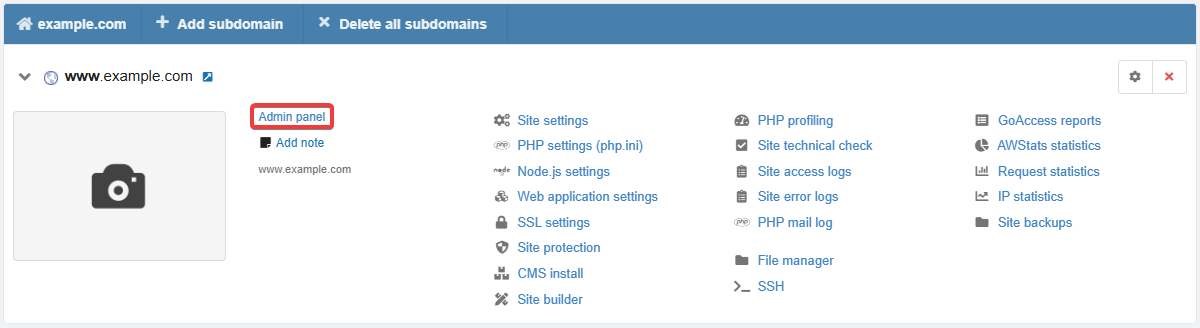
The link is configured in the "Site settings" section:
When the link is displayed and what address it opens:
- There is no CMS on the site, there is no link in the settings — the link is not displayed.
- The site has a CMS, there is no link in the settings — the link with the CMS name is displayed, which opens the standard address for this CMS.
- The site has a CMS, a custom link is specified in the settings — the link with the CMS name is displayed, which opens the address from the settings.
- There is no CMS on the site, a custom link is specified in the settings — the link without the CMS name is displayed, which opens the address from the settings.
Therefore, if necessary, you can configure your own link to the site's admin panel. This may be relevant in the following situations: you want to use a non-standard address yourself, the address is generated randomly at the time of CMS installation (for example, as in PrestaShop), or our system did not have time or was unable to determine the installed CMS.
Comments