Manage cookies that are used for advertising, such as ad personalization, remarketing, and ad effectiveness analysis.
2.5.4. Restore permissions for files and directories
Important points:
- The execute flag (X) set on files for a user or group is not reset when access permissions are restored.
- To configure access permissions for individual files and directories, use the file manager, any FTP client, or the console.
By default, all files and directories on our server have the necessary permissions, but some CMS may change these permissions at their discretion during operation. If you find yourself unable to delete a file or directory via FTP or view its contents, this may be because the necessary permissions have not been set for it.
To restore the default permissions for all files and directories in your hosting account, follow these steps:
- Open the "Hosting" section.
- In the sidebar, in the "FTP" block, click "Restore permissions" and confirm the operation by clicking the button in the window:
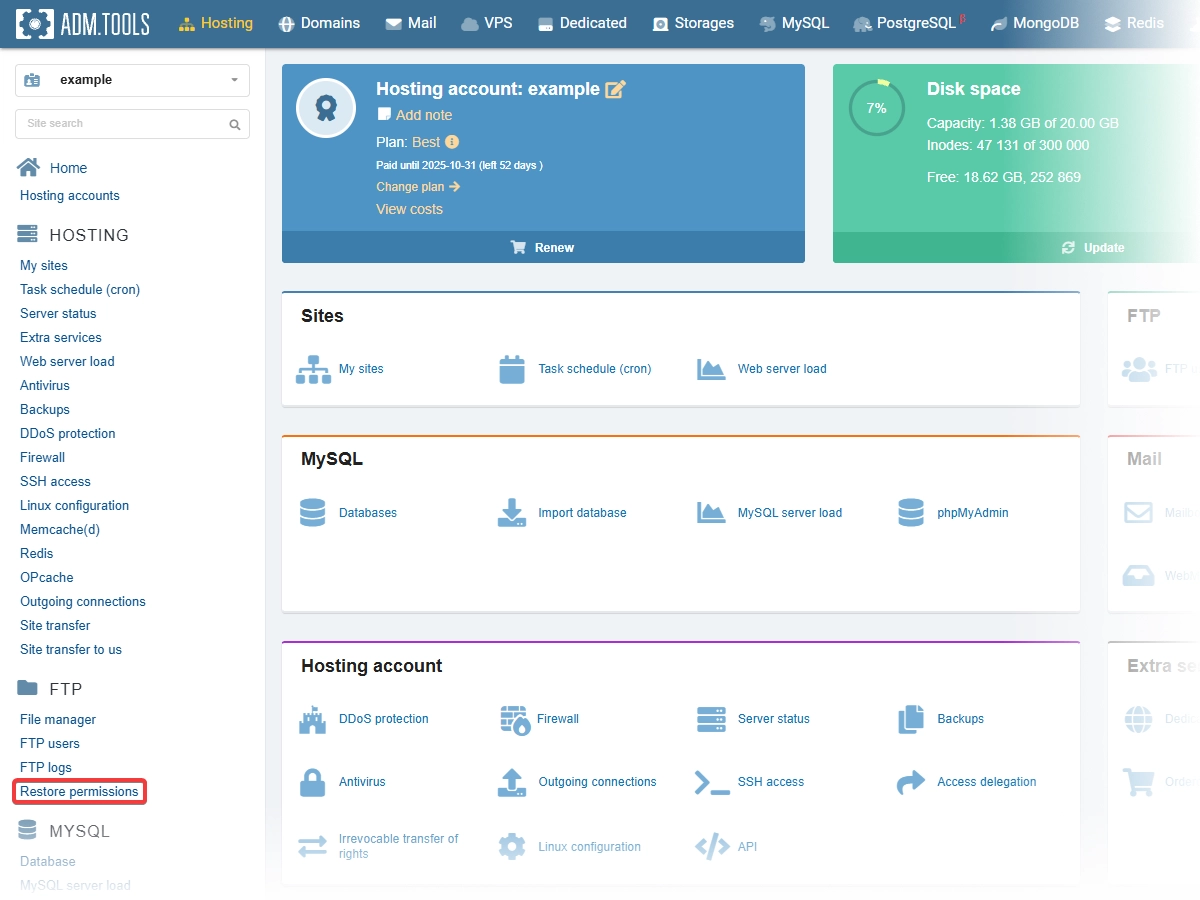
- Wait a few minutes.
(2)