Manage cookies that are used for advertising, such as ad personalization, remarketing, and ad effectiveness analysis.
8.2.8. MySQL databases
Databases are managed in the "MySQL" section on the "Databases" tab: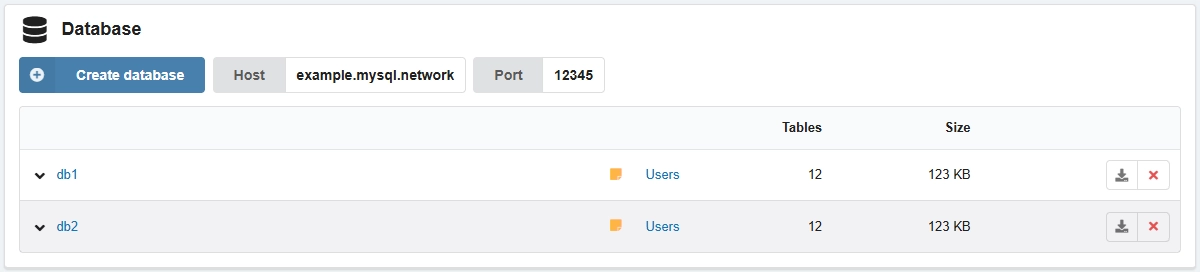
Create
- In the list of databases, click "Create database".
- Fill out the form and click "Create":
- "Database name" — name of new database.
- "Encoding" — database encoding (by default
utf8mb4_general_ci). - "Create a user with the same name and full access to the database":
- Enabled — a user with the same name and full privileges will be immediately bound to the database.
- Disabled — users will need to be created and bound manually.
Delete
Bound users will be automatically unbound from the database.
In the row with the database, click ❌ and confirm the operation.