Manage cookies that are used for advertising, such as ad personalization, remarketing, and ad effectiveness analysis.
8.2.15. MySQL replication
Important points:
- Replication requires binary logs to work, so enabling replication will increase the amount of used disk space.
- To enable replication, both instances (source and replica) must be owned by the current account.
- When replication is enabled and the last replica is deleted, the source instance reboots to enable and disable binary logs.
- Once replication is configured for a replica, it is impossible to change the data source or cancel replication.
- When transferring ownership, the original instance with all replicas will be transferred.
Configure
- Open the "MySQL" section, in the side menu select the instance to be replicated, and switch to the "Replication" tab.
- Select the instance to replicate, specify the replication delay in seconds, and click "Save":
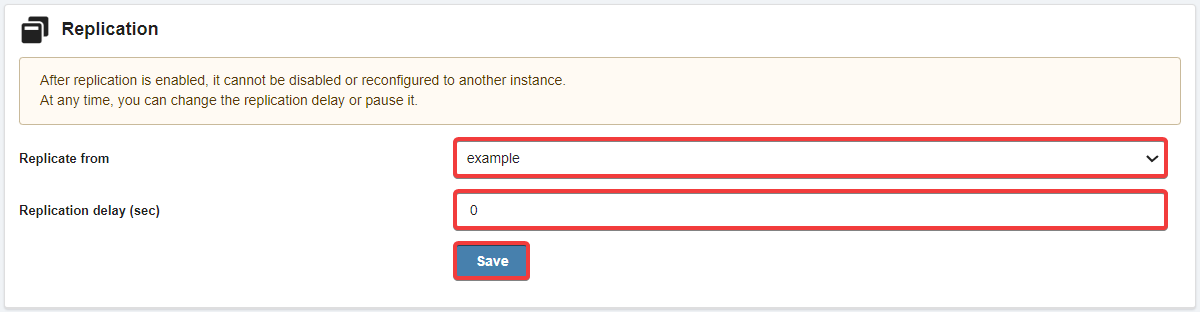
As a result, the data will be replicated between instances with the specified delay and both instances will contain the same data.