Manage cookies that are used for advertising, such as ad personalization, remarketing, and ad effectiveness analysis.
4.3.1.2.4. Import and export calendar events in WebMail.Online
flowchart LR
subgraph "📥 Import"
ics1@{ shape: rounded, label: "📄 iCalendar (ICS)" }
wmc@{ shape: rounded, label: "📧 WebMail classic" }
end
wmo@{ shape: circle, label: "📧 WebMail.Online" }
subgraph "📤 Export"
ics2@{ shape: rounded, label: "📄 iCalendar (ICS)" }
end
ics1 & wmc-->wmo
wmo-->ics2
Format
The iCalendar (ICS) format is used to import and export calendar events. Files in this format are regular text files with the .ics extension, which contain separate vEvent records with information about each event — name, start and end date and time, description, etc. The format is suitable for transferring events between calendars in WebMail.Online, Google, Proton, and other services and mail clients.
Import
Only events created for the same mailbox via the WebMail classic interface can be imported from WebMail classic.
- Open the "Calendar" section.
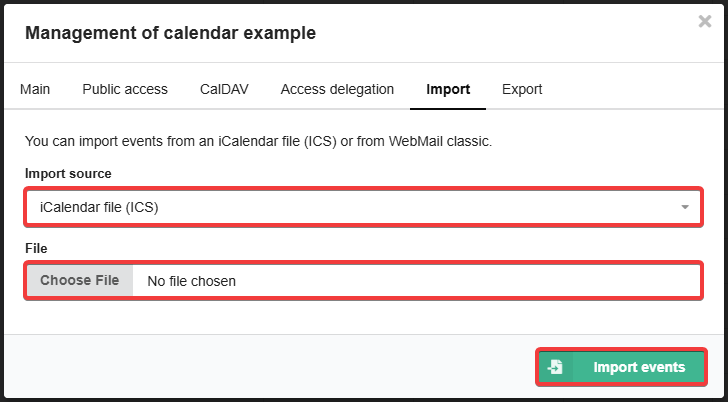
- Open calendar settings and switch to the "Import" tab.
- Select the import source (ICS file or WebMail classic calendar) and click "Import events":
Export
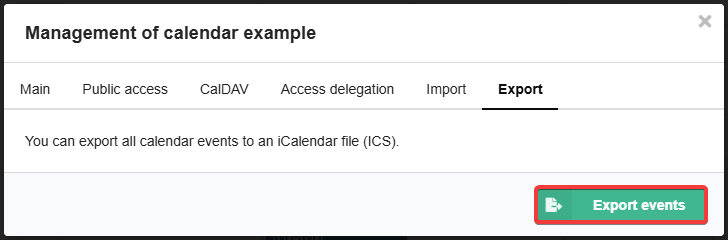
In the "Calendar" section, open calendar settings, switch to the "Export" tab, and click "Export events":