Manage cookies that are used for advertising, such as ad personalization, remarketing, and ad effectiveness analysis.
4.1.5. Change corporate mail plans
Space for mail
Important points:
- The mail domain must be paid for.
- The balance must have enough funds to pay for at least 2 days of service.
- You cannot select a plan with less space than is currently used. To change the plan, delete the excess mail and wait for the system to update the space available.
For hosting account mail, the available options for changing the space see in the Space for mail article.
- In the "Space for mail" block, click "Change size":
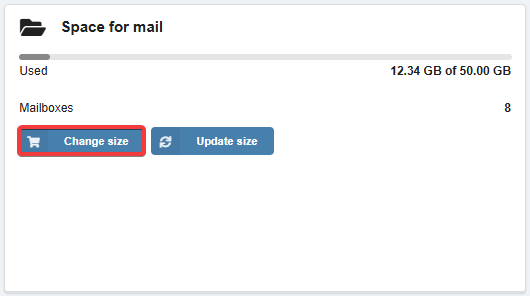
- In the row with the desired space, click "Order".
Email sending limits per day
Important points:
- The balance must have enough funds to pay for at least 2 days of service.
- You cannot choose a plan with limits less than the amount of emails sent during the current day. To change the plan, wait until the next day and do not send more emails than will be in the new plan.
For hosting account mail, the available options for changing the limits see in the Email sending limits per day article.
- In the "Email sending limits per day" box, click "Change limits":
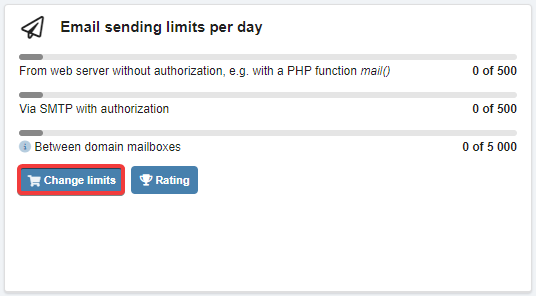
- In the row with the desired limits, click "Order".
(1)