Manage cookies that are used for advertising, such as ad personalization, remarketing, and ad effectiveness analysis.
4.3.2.8. Create HTML emails in WebMail classic
To change the markup type used for composing messages in WebMail classic, do the following:
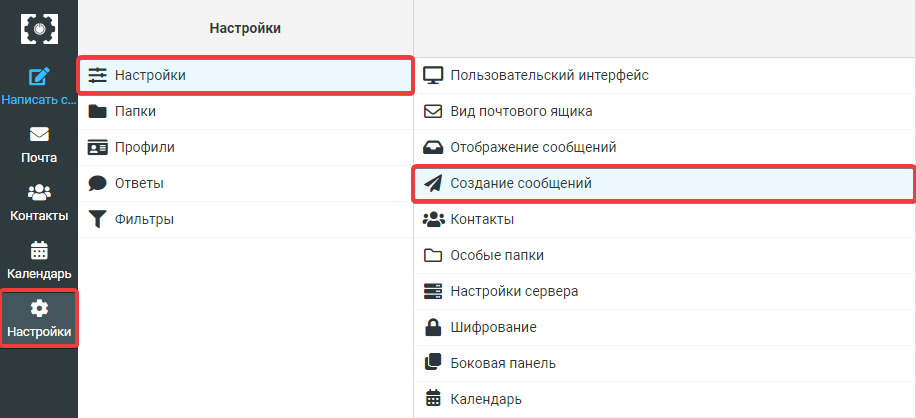
- In WebMail classic, open the "Settings → Message composition" section:
- Select appropriate option in the "Create messages in HTML" field and click "Save":
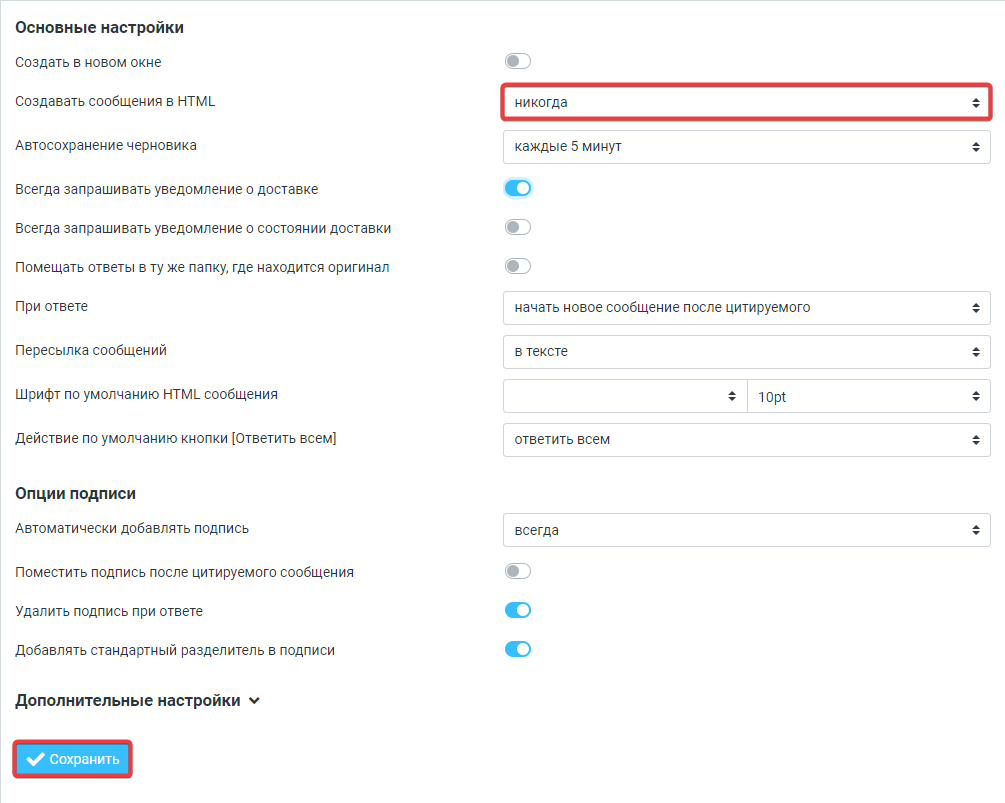 Available options:
- never
- only in response to message in HTML
- when forwarding or replying to HTML message
- always
- always, except when the response is composed as plain text
(1)