Manage cookies that are used for advertising, such as ad personalization, remarketing, and ad effectiveness analysis.
4.3.2.9. Configure signature in WebMail classic
Create signature
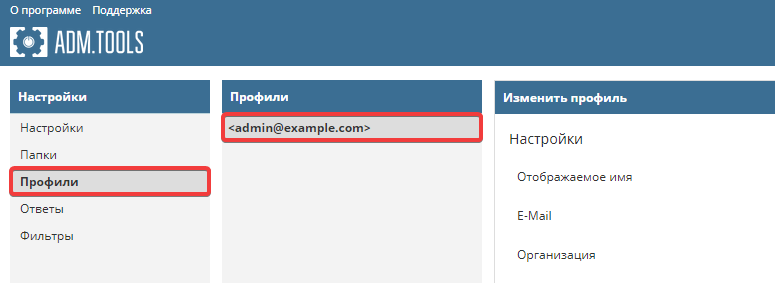
- Go to WebMail settings:

- Click "Profiles" and select your mailbox:
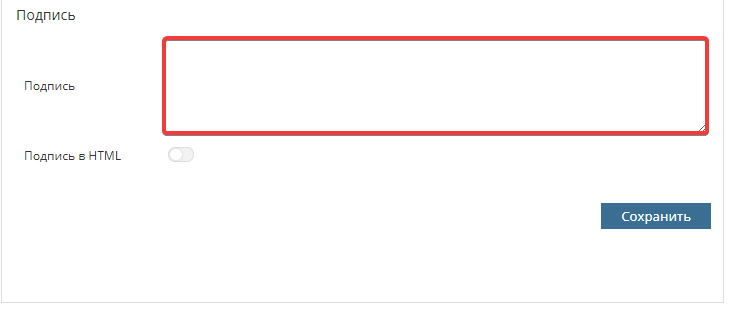
- Specify the label in the required format:
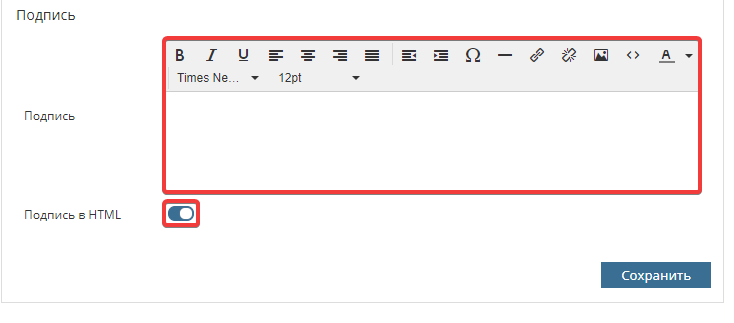 To insert an image or ready-made HTML code, use corresponding buttons: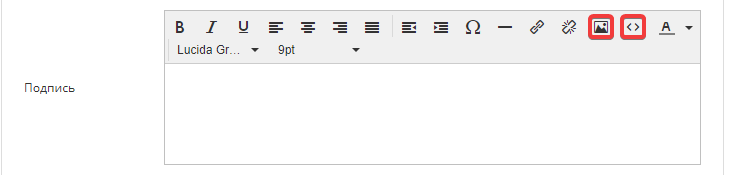
- Save the changes.
Add signature to email
Manual
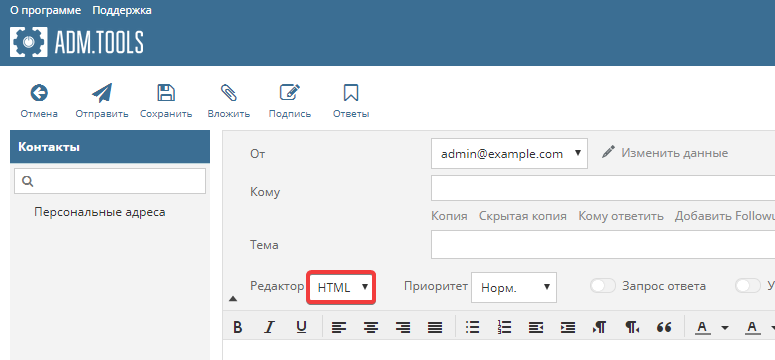
- If the signature is in HTML format, make sure that HTML mode is set for the editor:
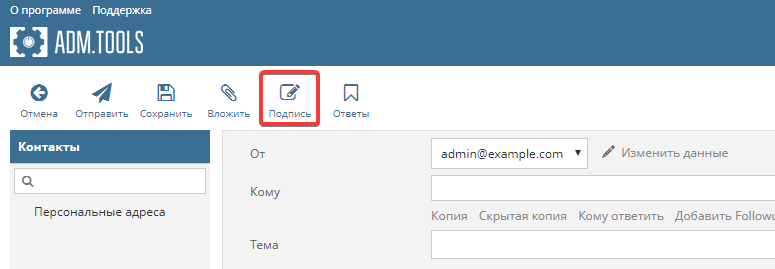
- Click "Signature":
Automatically
- Go to WebMail settings:
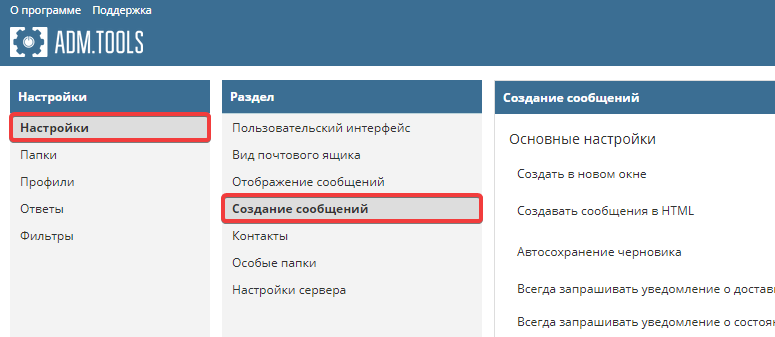
- Click "Settings → Message creation":
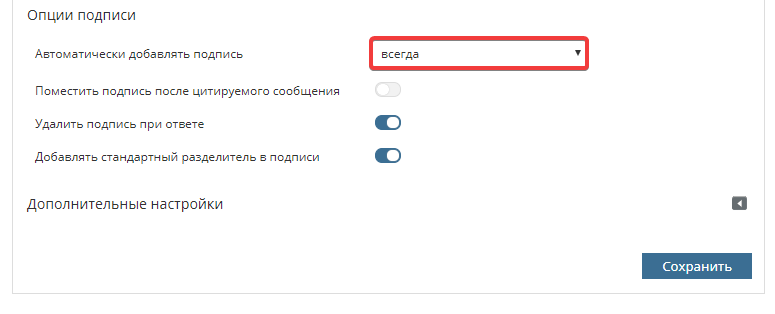
- Next to "Automatically add a caption" select when to add signature:
- If the signature is in HTML format, so that you do not have to manually switch the mode in the editor each time you write emails, next to "Create messages in HTML" select when HTML mode must be enabled:
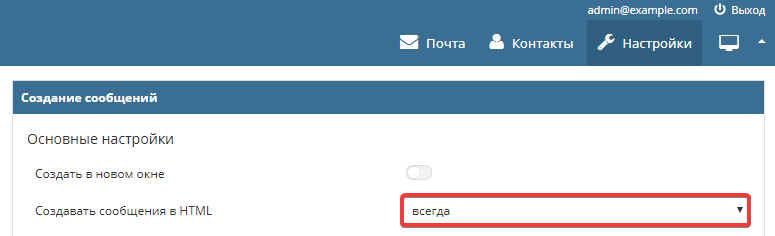
- Save the changes.
Comments
Що стосується декількох варіантів підписів — ви можете створити кілька профілів і під час надсилання листа вибирати варіант з потрібним підписом.
Якщо ж мова про аватарки поштових скриньок, то у webmail classic їх можна використовувати лише після додавання скриньки до контактів та прикріплення зображення як логотипа. Автоматичне відображення логотипів ( https://www.ukraine.com.ua/wiki/mail/other/avatar/ ) реалізоване у webmail.online — це сучасний поштовий клієнт, який активно підтримується та оновлюється нашими розробниками.