Manage cookies that are used for advertising, such as ad personalization, remarketing, and ad effectiveness analysis.
4.2.9. Configure incoming mail processing for non-existent addresses
For messages that are sent to non-existent mailboxes in the mail domain, you can select the processing method.
- Open the "Mailboxes" section.
- At the top of the page, click "Settings".
- Select the processing method and save the changes:
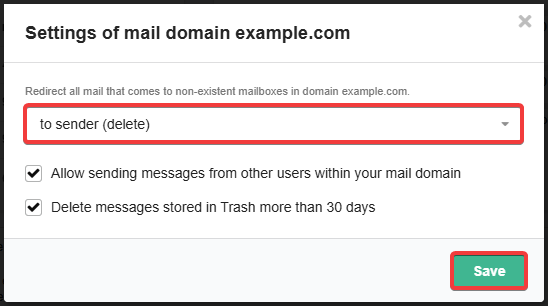
- "to sender (delete)" — return messages to sender with error "user unknown" and delete them (default method).
- If a mailbox is selected — deliver messages to this mailbox.