Manage cookies that are used for advertising, such as ad personalization, remarketing, and ad effectiveness analysis.
1.14. Time zone
The time zone is configured in the "Personal data" section on the "Basic info" tab: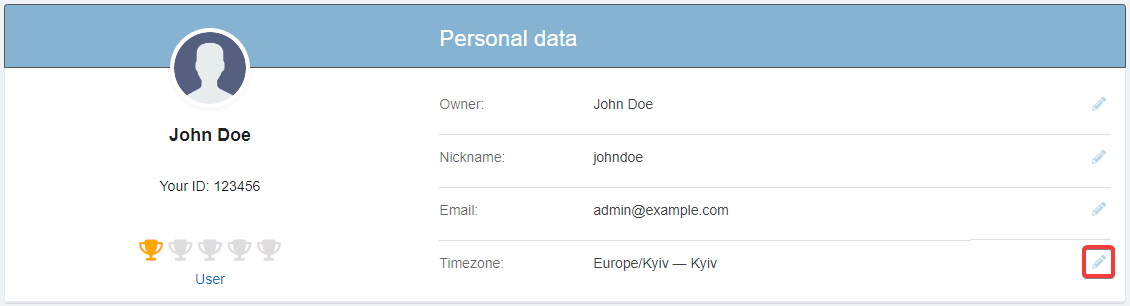
Selected time zone:
- Affects:
- To display time in all sections of the control panel, except for cron tasks and pages with logs. When hovering over the time in any section, a tooltip with the set time zone is displayed.
- Does not affect:
- Time in the logs — the server timezone is always used for them.
- Date and time in the accounting documents.
- Time in other locations that are not associated with the control panel.