Manage cookies that are used for advertising, such as ad personalization, remarketing, and ad effectiveness analysis.
3.12. DNS error
It often happens that after registering a domain, changing its address records or NS, an old site page or DNS error is displayed in the browser when you try to open your site: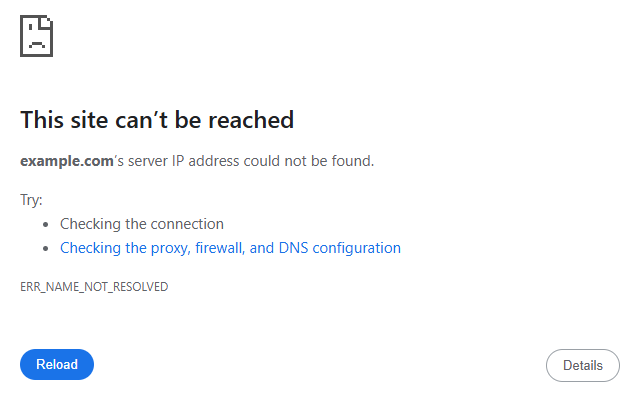
Local cache
Possible methods of solving the problem:
ISP cache
If you are using your ISP's DNS servers, the reason may be that they have not had time to update DNS cache. This can be checked in the following ways:
- Open your site via any online proxy service, e.g. ProxySite.com or ProxyOrb.
- Use the ping command.
If the site opens via an online proxy or the IP address in the command output does not match the main IP address of your hosting account server or is not returned at all, then the theory about outdated information on the provider's servers is correct.
Possible methods of solving the problem:
- (Recommended) Set Cloudflare/Google public DNS in the network connection settings on your device.
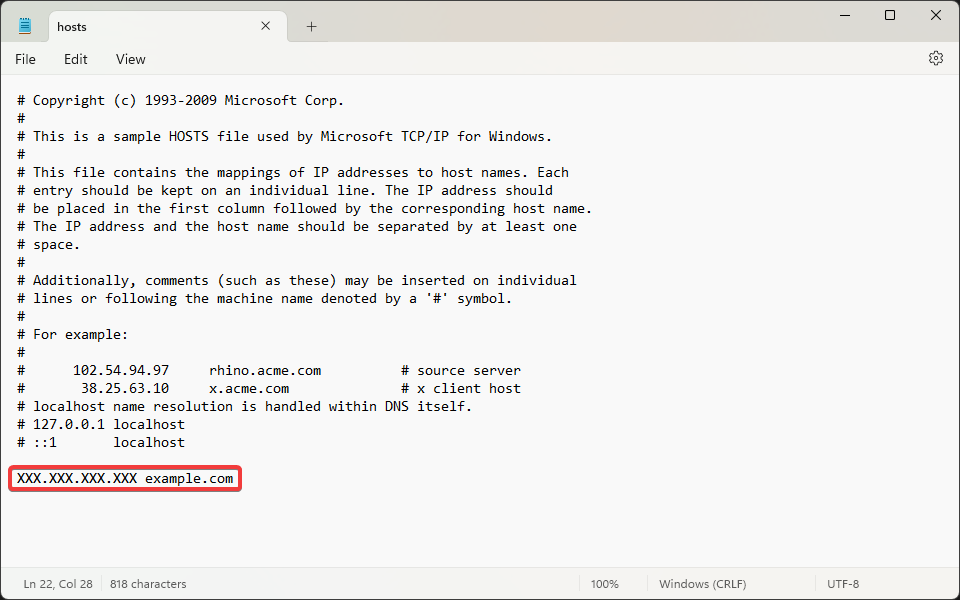
- If you do not want to change your network connection settings, you can specify the main IP address of your hosting account server in the hosts system file:
- Run Notepad with administrator privileges.
- Open the
c:Windows/System32/drivers/etc/hostsfile in Notepad (you can specify the path in the "File name" field). - Add a line with the main IP address of your hosting account server and the name of your domain separated by a space:
(2)