Manage cookies that are used for advertising, such as ad personalization, remarketing, and ad effectiveness analysis.
2.4.1.3.1. AWStats statistics
Attention!
As of November 2025, development and support for AWStats have officially discontinued and the project has been declared obsolete (see GitHub). No further updates or bug fixes will be released for it. The AWStats developers recommend switching to other, more modern tools. As an alternative to AWStats, "GoAccess reports" is available on the hosting.Work with AWStats statistics is performed in the "AWStats statistics" section.
Enable
To start collecting statistics, click "Enable statistics collection":
After enabling, wait at least 4 hours for the initial statistics to be collected.
View
To view the collected statistics, click "Go to AWStats statistics":
Statistics
The upper block displays the date and time of the last statistics update, and allows you to select the reporting period (month and year):
Summary
The "Summary" section contains a block with summary information for the selected reporting period:
- "Unique visitors" — number of unique IP addresses from which requests were made to the site during the selected period.
- "Number of visits" — total number of visits to the site during the selected period. A visit is a unique user's access to various pages of the site within an hour (all pages viewed by the user within an hour are counted as one visit).
- "Pages" — number of pages viewed by users (requests for HTML and PHP files). Requests for separately downloadable files, such as images, are not counted.
- "Hits" — number of all requests to pages and files on the site.
- "Bandwidth" — total amount of data (in bytes) transferred to visitors.
When
The "When" section consists of several blocks displaying data for different time periods using the same parameters as in the "Summary" section.
The "Monthly history" block displays information by month of the year: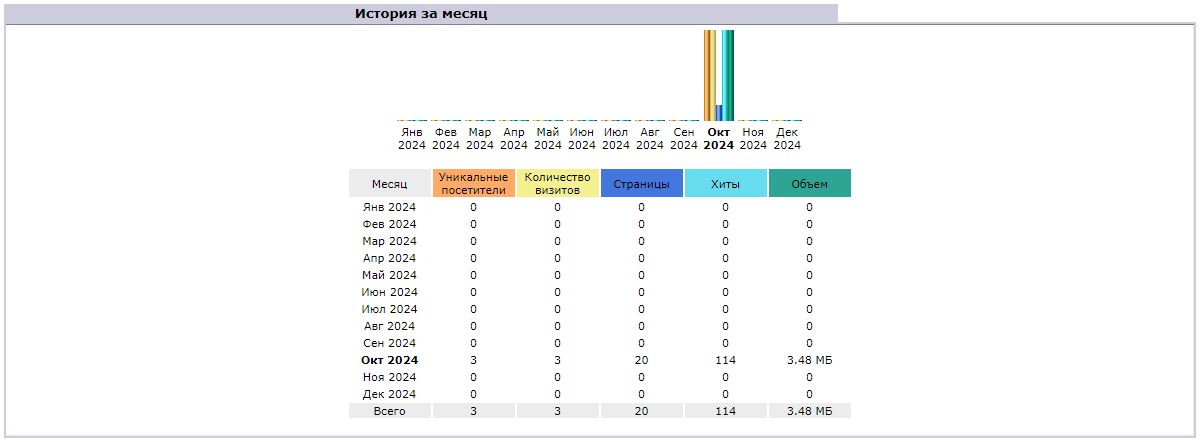
The "Day of month" block displays information by day of the month: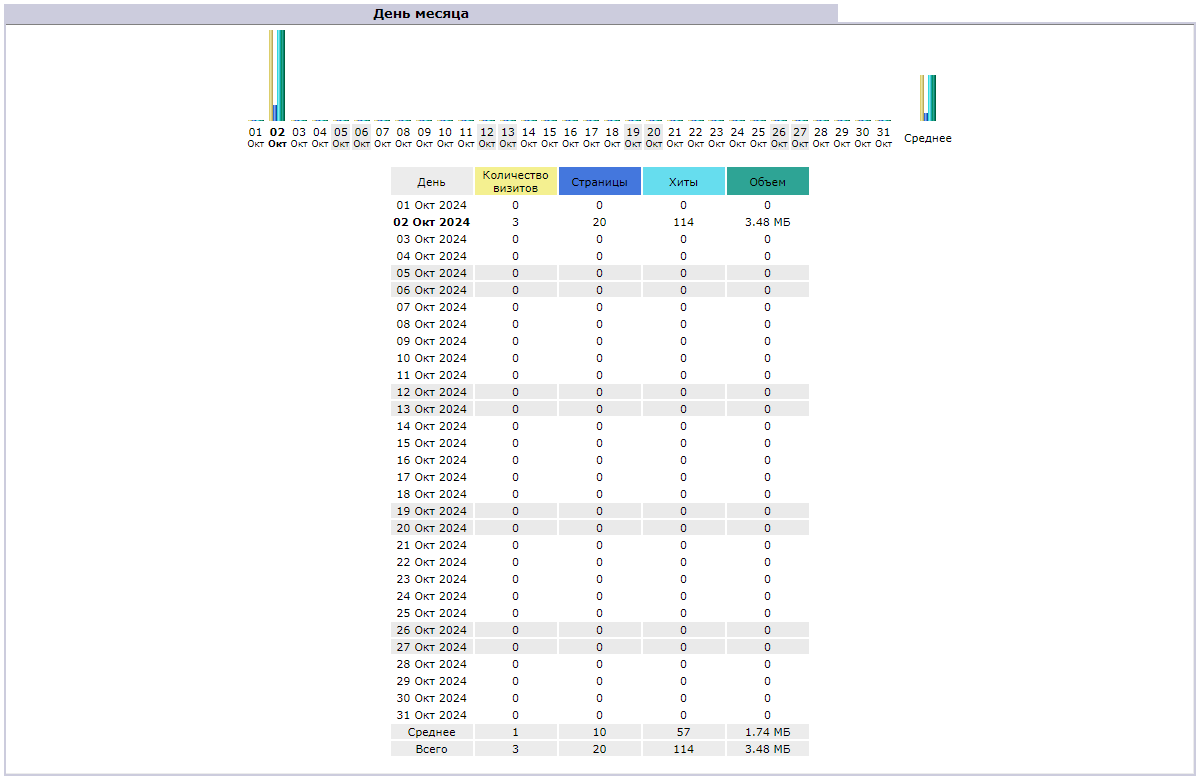
The "Days of week" block displays average values for each day of the week for the selected reporting period: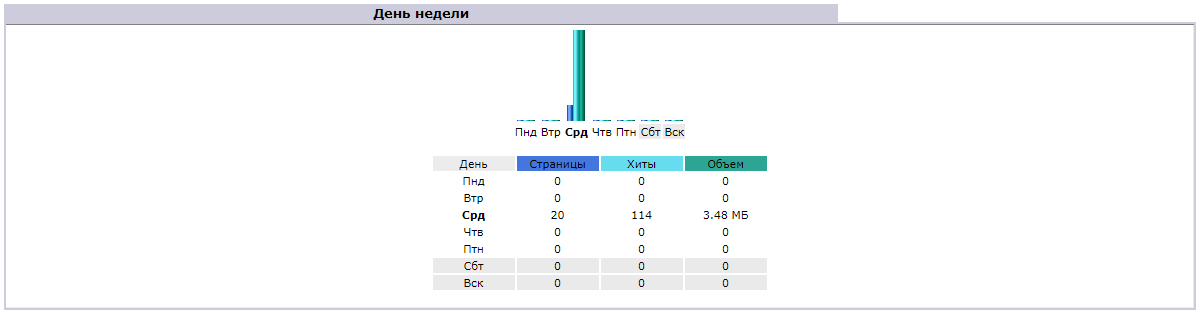
The "Hours" block displays average values for each hour of the day for the selected reporting period: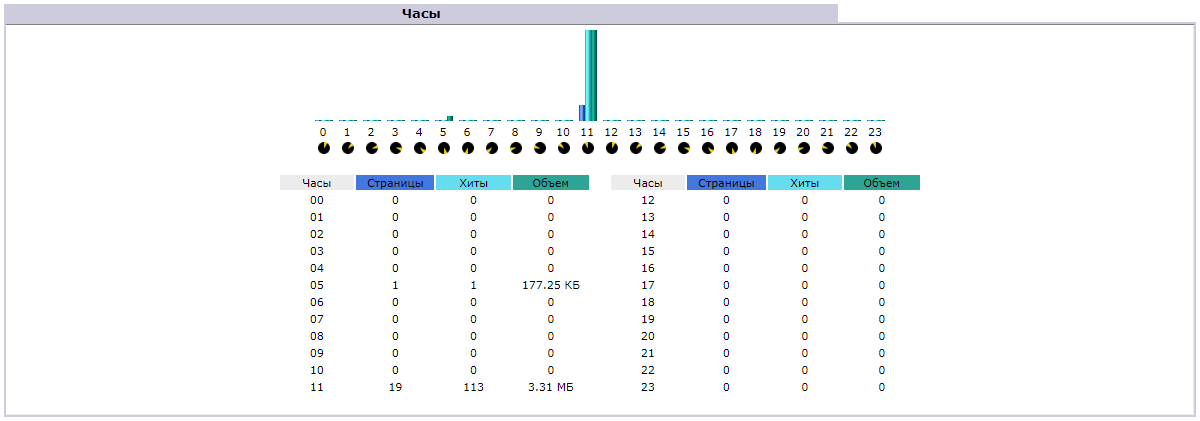
Who
The "Countries" block displays information about the countries from which users visit your site:
The "Hosts" block displays a list of IP addresses from which requests were made to the site:
The "Robots/Spiders visitors" block displays a list of robots and spiders that have indexed the site:
Navigation
The "Visit duration" block displays the number of visits by duration: The duration may be marked as "Unknown" if the visit was not completed by the time the statistics were last updated or if the visit began during the last hour of the last day of the month (technical limitation of AWStats).
The "File type" block displays the file types that are most frequently requested:
The "Downloads" block displays a list of files downloaded from the site:
The "Pages-URL" block displays the most frequently viewed pages: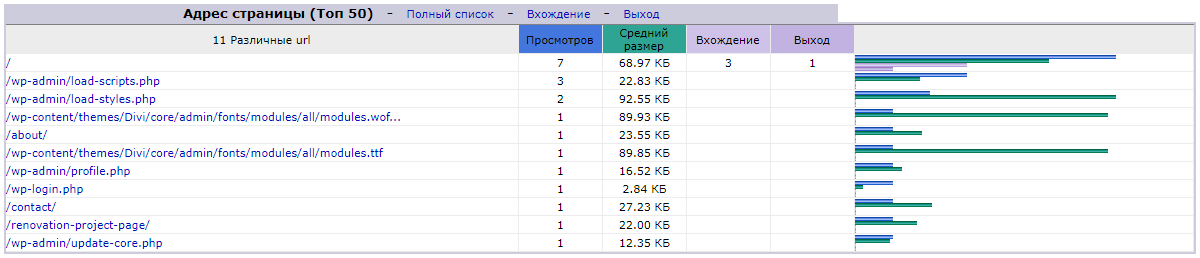
The "Operating Systems" block displays information about visitors' operating systems:
The "Browsers" block displays information about the browsers used by visitors:
Referrers
The "Connection to site from" block displays information about the paths used to access the site (direct links, links from search engines, links from other sites):
The "Search Keyphrases" and "Search Keywords" blocks display information about the key phrases and words used to find the site in search engines:
Attention!
AWStats takes data for reports on search keywords and phrases from the Referer header. However, many years ago, major search engines such as Google configured their security policies so that information would not be transferred to third-party sites. As a result, statistics systems do not see the necessary data and these reports will always be empty.Others
The "Miscellaneous" block displays data that does not belong to any of the above categories (for example, information about technologies supported by visitors' browsers and plugins used in them):
The "HTTP Status codes" block displays information about server responses to visitor requests:
Disable
To disable statistics collection, click "Disable statistics collection":
Error "Couldn't open config file"

(3)