Manage cookies that are used for advertising, such as ad personalization, remarketing, and ad effectiveness analysis.
2.4.1.23. Site backups
Attention!
This method only restores files, replacing the current contents of the site directory with data from the copy for the selected date. Databases must be restored separately.
The "Site backups" button in the "My sites" section is for quickly restoring the contents of the site's root directory from the account's automatic backup: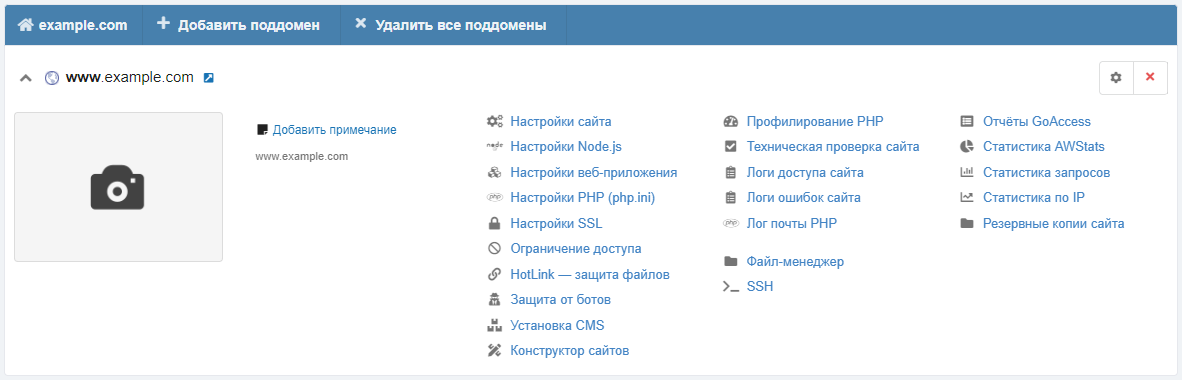
Clicking the button opens the file manager, where one of the panels will be connected to the last backup of the account and the site's root directory will be opened in it. After that, you can copy the necessary files or directories from the backup.