Manage cookies that are used for advertising, such as ad personalization, remarketing, and ad effectiveness analysis.
10.1.2. Invoice list
Important points:
- Unpaid invoices are automatically canceled after 1 month.
- The list shows invoices for the last 3 years.
The list of created invoices can be found in the "Invoices" section: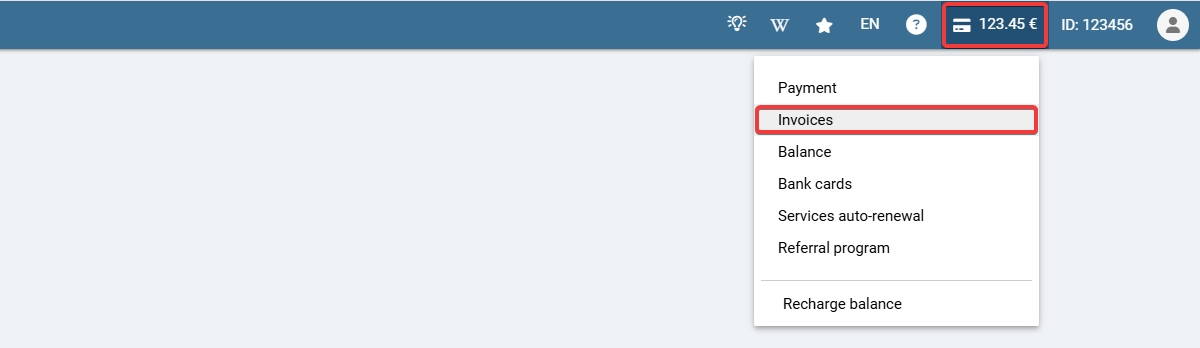
The list itself looks like this:
- "Invoice" — invoice number and date of creation.
- "Purpose" — service name, period, and payment amount; additionally, for paid invoices — a link to download the invoice in PDF format and information about the use of a promo code (if used).
- "Amount" — payment amount.
- "Payment" — depends on the payment status of the invoice:
- "Pay" — payment to us has not yet been received.
- ✅ — payment successfully credited.
- "Cancel" — delete the invoice (only for unpaid invoices).
(4)
Comments
Якщо у вас виникають труднощі, будь ласка, зверніться до технічної підтримки та опишіть вашу проблему https://www.ukraine.com.ua/uk/wiki/support/chat/
Для сплати рахунку перейшли на сторінку рахунків, описану в інструкції, натиснули "Оплатити" та обрати можна тільки спосіб оплати для фізосіб. Це якийсь збій в програмі?