Manage cookies that are used for advertising, such as ad personalization, remarketing, and ad effectiveness analysis.
10.22. Pay for invoice via Privat24 app
Attention!
The payment method described is only available to individuals and FOP. However, accounting documents will not be provided to FOP.- Create an invoice for the desired service.
- Go to the payment page of the created invoice (for example, by clicking "Pay" in the invoice list).
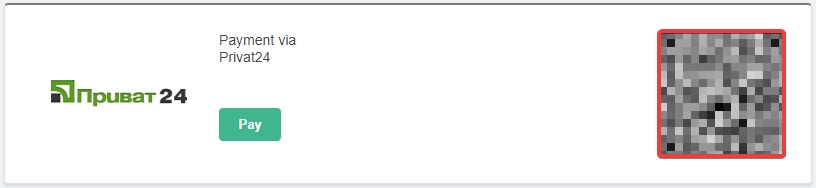
- On the payment method selection page, in the "Payment via Privat24" section, scan the QR code using the Privat24 app:
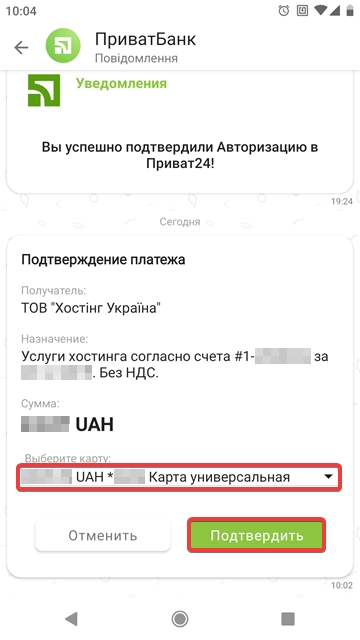
- In the payment confirmation notification, select the card you want to use to pay the invoice and click "Confirm":