Manage cookies that are used for advertising, such as ad personalization, remarketing, and ad effectiveness analysis.
10.4.1.7. Download/print document from Vchasno
Attention!
To register in the Vchasno service, you must confirm your identity with EDS, the Diia service, or MobileID.- Log in to your account in the Vchasno service.
- Open the desired document from the list of documents:

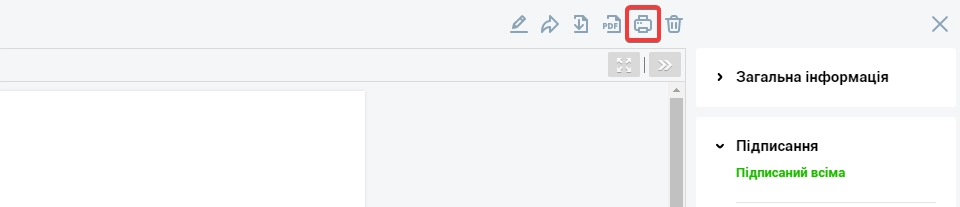
- Use the appropriate button (when using any of the buttons, the document will display a stamp and information about who signed the document and when):