Manage cookies that are used for advertising, such as ad personalization, remarketing, and ad effectiveness analysis.
10.5.2. Temporarily enable domain
Tech support cannot additionally prolong domains.
Important points:
- Temporary enabling does not extend the domain registration period, but only makes the domain active for 5 days.
- Temporary enabling is available to the service owner and users with delegated access with any account types.
- Temporary enable button:
- Becomes available not earlier than 1 day before the domain expires.
- Becomes unavailable after 14 days from the date of domain expiration.
- Temporary enabling can be used only once after each domain expiration.
- Temporary inclusion is not available for domains in .CRIMEA.UA, .YALTA.UA, .SEBASTOPOL.UA, .CO.UA, .BIZ.UA, .RU and .SU zones.
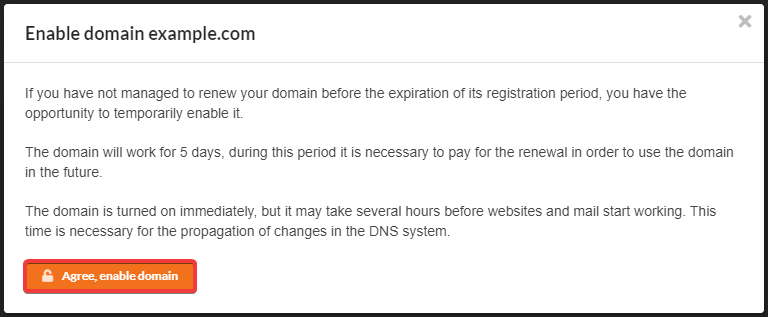
For most of the domains that are served by us, the option of temporary enabling for 5 days after their expiration date is available. No additional costs will be incurred in doing so.

- In the Telergam bot menu, select "Billing → Active services → Domain → select the domain → Renewal on credit".
- Confirm the operation with the button in the window that appears.
- Wait for the DNS cache to refresh (usually a few hours, maximum 24).