Manage cookies that are used for advertising, such as ad personalization, remarketing, and ad effectiveness analysis.
10.4.2.5. Sign received document in Paperless
- Sign in to your account on the Paperless site.
- Open the received document:
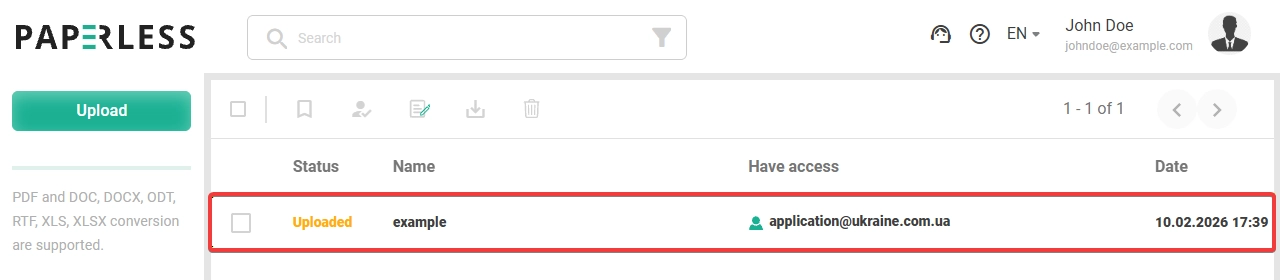
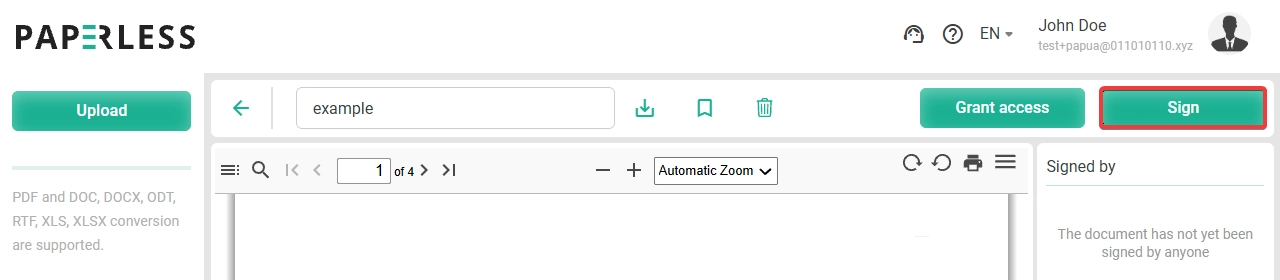
- Sign the document:
- Click the sign button:
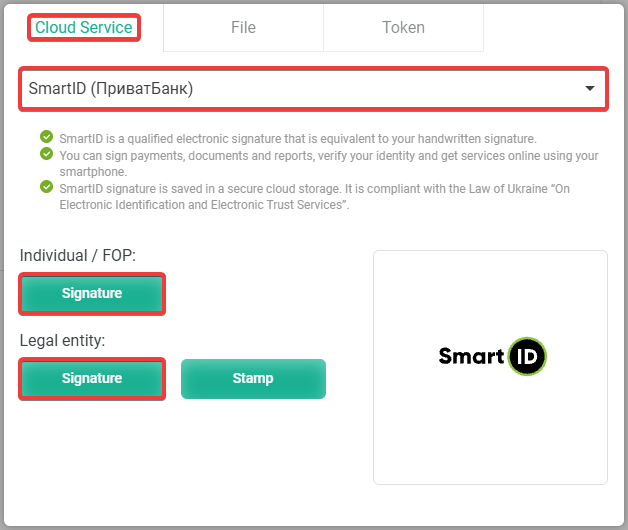
- Use a cloud signature, file key, or token:Select the service with your cloud signature and sign the document:
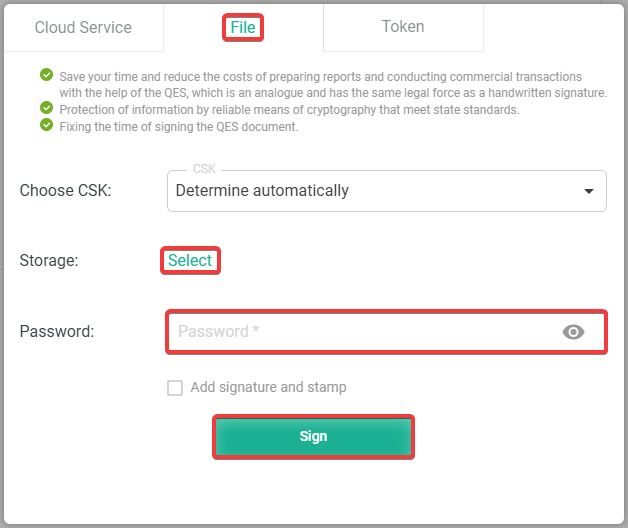
 Select the file key, enter the password, and sign the document:
 Use the token and sign the document: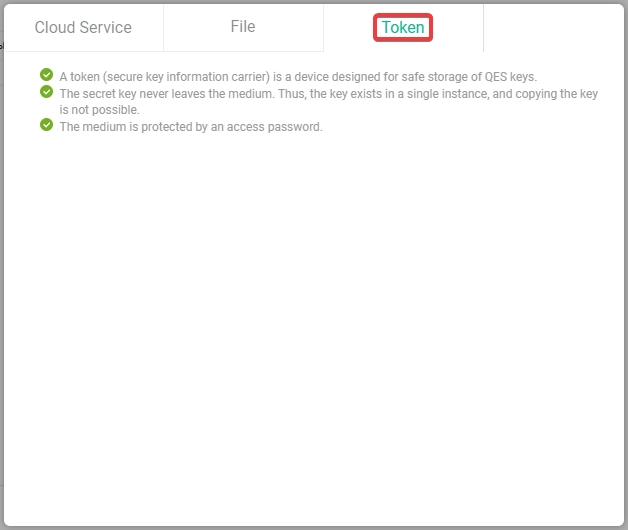
- After signing, information will appear stating that the document has been signed:
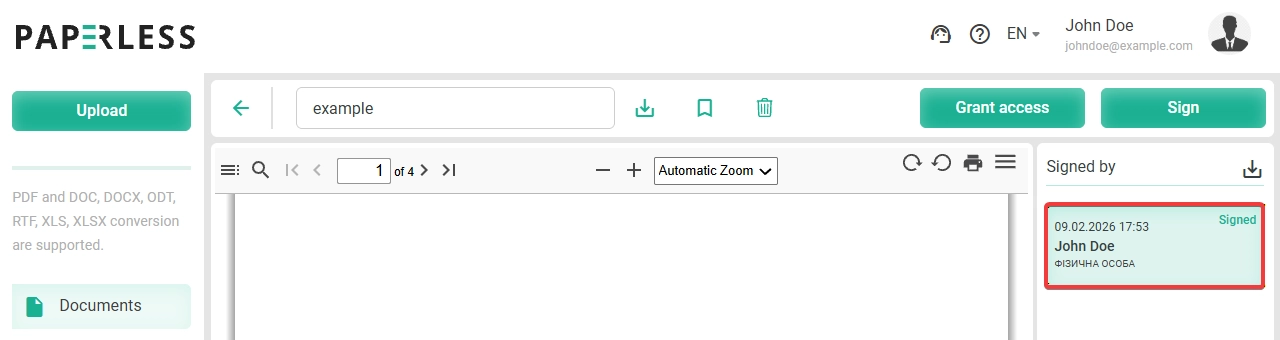
- Wait for the results of the document review (usually within a few minutes after signing).