Manage cookies that are used for advertising, such as ad personalization, remarketing, and ad effectiveness analysis.
3.1.1.5. Import DNS records
Notes:
- Import is available only for domains on third-party NS. When using our NS button is not displayed.
- Popular subdomain names and subdomains that were explicitly specified in the import form are scanned.
- Imported records are added as new records and do not replace existing records. Completely identical records are ignored.
- Open the "Domain settings (DNS)" section.
- At the top of the page, click "Import records".
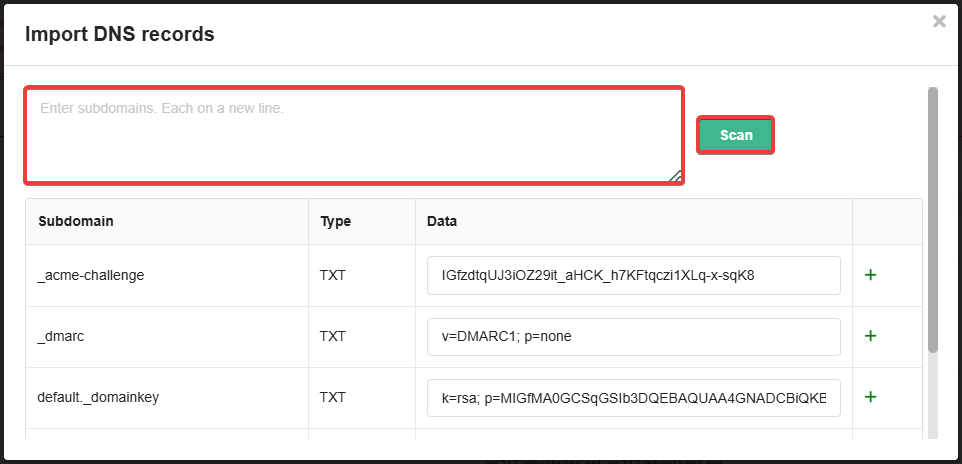
- In the import form, enter the names of the subdomains (without the main domain, each on a new line) and click "Scan":
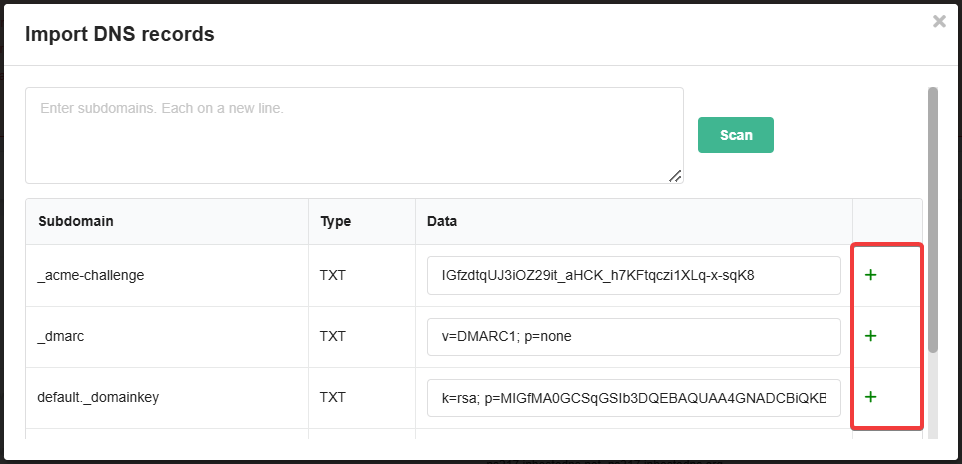
- In the rows with the records you want to add, click ➕: